"I have the motivation, but I can't keep focused." "Before I knew it I was on social media again." The Pomodoro Technique — 25 minutes of focused work followed by a 5-minute break — fixes most of that. It's a simple time-management method used by students and professionals around the world.
This guide picks six Pomodoro timer apps for iPhone and groups them by type so you can find the one that fits your style — minimalists, gamification fans, and people who want their timer tied to their task list. Every app here is available on the US App Store.
Table of Contents
- What the Pomodoro Technique Is
- Why Use a Pomodoro App on iPhone
- How to Pick a Pomodoro App for iPhone
- 6 Pomodoro Timer Apps for iPhone
- Tips to Get the Most Out of It
- Wrap-Up
What the Pomodoro Technique Is
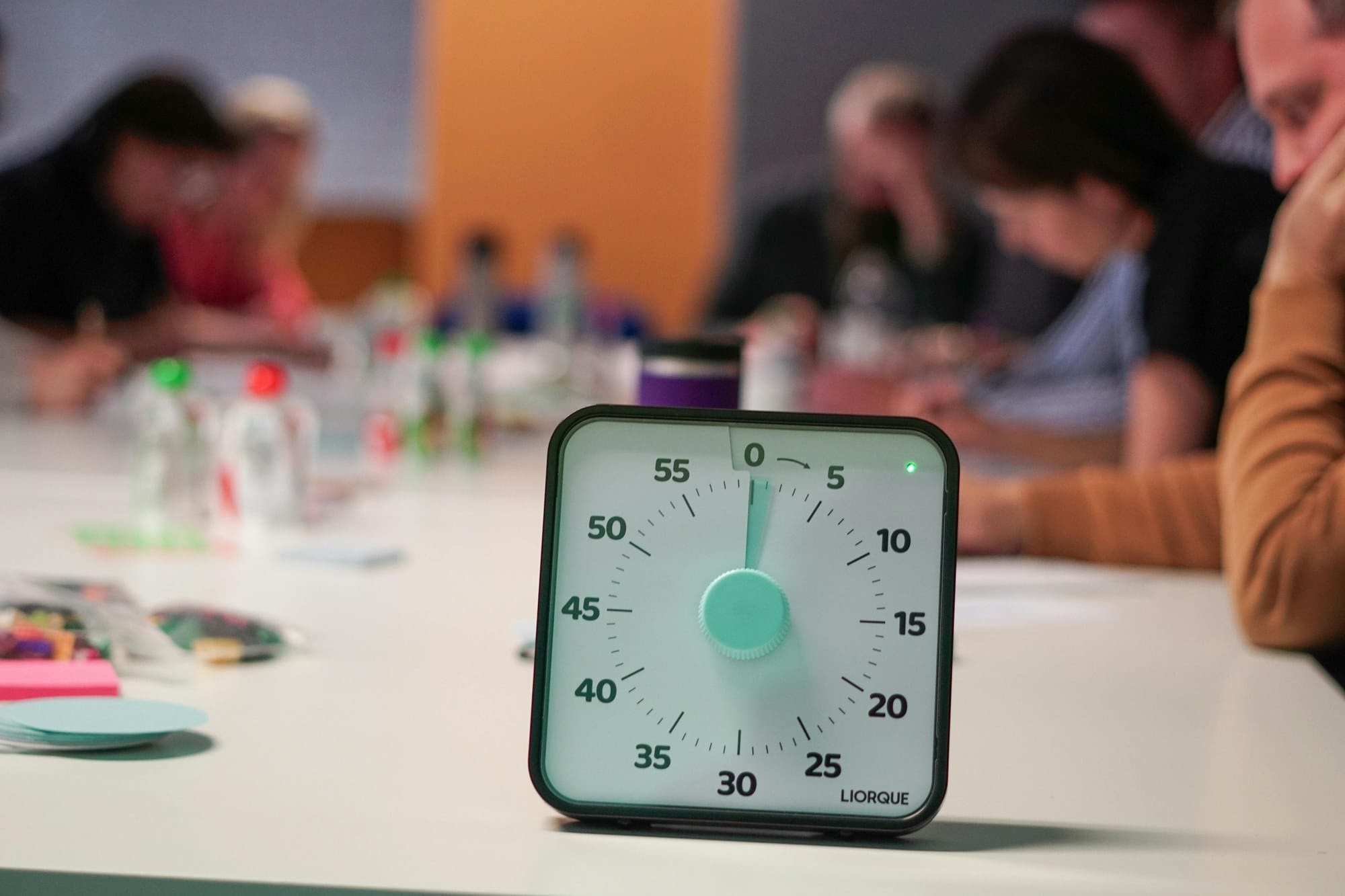
The Pomodoro Technique was developed in the late 1980s by Francesco Cirillo. "Pomodoro" is Italian for "tomato" — Cirillo named the method after the tomato-shaped kitchen timer he used as a student.
The basic cycle looks like this:
- Focus on a single task for 25 minutes (one Pomodoro).
- Take a 5-minute break.
- After four cycles, take a longer break of 15–30 minutes.
That simple rhythm strikes a balance between sustained focus and rest, so you can keep productivity high without burning out.
The key rule: if a new idea or task pops into your head mid-Pomodoro, jot it on a note and stay on the current task. When the timer rings, you actually stop and rest.
Why Use a Pomodoro App on iPhone
You can practice the Pomodoro Technique with a kitchen timer or the built-in Clock app, but a dedicated iPhone app adds real benefits:
- The 25-minute focus and 5-minute break cycle progresses automatically, so you don't fiddle with the timer.
- You can log the task and the number of Pomodoros, then review later.
- You can silence notifications during a session, or block tempting apps.
- Statistics charts show your total focused time and daily completions.
- Pairing with focus sounds (white noise, café ambience) deepens immersion.
If you pick an app that integrates with your task manager, you can track everything end-to-end — pick today's tasks, then see how many Pomodoros each one actually consumed.
How to Pick a Pomodoro App for iPhone
Most Pomodoro apps are free, and the lineup is varied. Use these four axes to narrow it down:
Minimalist vs Full-Featured
If a plain timer is all you need, Be Focused or Focus Keeper are great. If you want task management, statistics, and habit tracking too, Focus To-Do is in the full-featured camp.
Free vs Paid (One-time vs Subscription)
A lot of free apps are perfectly usable, but removing ads or unlocking advanced statistics often costs a few dollars. Forest uses a one-time purchase model, which is appealing if you don't like subscriptions.
Gamification to Keep You Going
If you tend to give up working alone, an app with game-like rewards helps. Forest (you grow a tree) and Bear Focus Timer (a polar bear cheers you on) make it easier to stick with it.
Task-Manager Integration
If you want planning and tracking inside one app, Focus To-Do combines a to-do list with the timer. If you already use a separate task app, pair a minimalist timer like Be Focused with your existing setup.
6 Pomodoro Timer Apps for iPhone
The picks below are grouped by use case, so jump to whichever style matches you best.
Focus To-Do
A defining app that fuses a Pomodoro timer with a to-do list. You write out the tasks for the day, estimate how many Pomodoros each one will take, then run the timer task by task. Planning, execution, and tracking all live in one app.
Per-task focus statistics, projects, habit tracking, long-term goals — pretty much every productivity feature you'd expect is here. The daily, weekly, and monthly reports are clear, so it's easy to understand your focus patterns.
The free tier is genuinely usable. Premium unlocks unlimited themes, a website whitelist for blocking distractions, and detailed statistics.
It's one of the top-rated Pomodoro apps on the App Store and a safe default for most people.

Forest
A focus app that became famous for its "grow a tree" gamification. When you start a session, a sapling appears on screen and grows as the time passes.
If you tap out of the app to check Twitter or a chat thread, your growing tree withers. The dread of killing the tree turns out to be a surprisingly strong motivator. Successful sessions build up a forest over time, and watching the forest grow is its own reward.
It doesn't strictly follow the fixed 25/5 Pomodoro split, but you can set the focus length yourself, so 25 minutes turns Forest into a Pomodoro timer in practice.
The app is sold for a one-time price (no subscription), which fans appreciate. Social features let you focus with friends, and the app also funds real-world tree-planting through a donation program — the world it builds keeps motivation high over the long run.
Be Focused
A lightweight Pomodoro timer for minimalists. No clutter — open it, tap once, and the 25-minute countdown starts.
You can customize the focus length, break length, long-break length, and the number of cycles, so it adapts to whatever rhythm works for you. A built-in lightweight task list lets you see "how many Pomodoros did I spend on this task" after the fact.
The free tier is fully functional. Pro removes ads, adds detailed statistics, and syncs with the Mac app.
A great first pick if you're new to the Pomodoro Technique or you just want the simplest possible timer.
Focus Keeper
A long-running Pomodoro app with deep customization packed behind a simple interface.
You can set the focus length anywhere from 15 to 60 minutes, change the break duration, and decide how many focus blocks make up a session. Multiple visual themes — an analog clock face, a digital display, and minimal UI — let you choose the look you prefer.
Daily and weekly achievement graphs are easy to read, and you can set targets to nudge yourself. Ads do show up, but every meaningful feature is free.
A solid choice if you find that 20 or 30 minutes works better than 25, or if you value a clean visual style.
Bear Focus Timer
A charming Pomodoro app where a polar bear cheers you on. When you flip your iPhone face-down, the bear starts fishing in concentration. Pick the phone back up and the bear scolds you for slacking.
The "flip the phone face-down" gesture builds a physical wall between you and the social-media pull. While you focus, ambient sounds and the bear's fishing animation create a calming, immersive vibe.
It's a one-time purchase with a deliberately small feature set, and it really shines in longer study or reading sessions.
A good pick if you want an app you'll actually keep using, or if you can't stop reaching for your phone.
Tide
A wellness app that combines focus sounds, sleep sounds, and breathing exercises with a built-in Pomodoro timer. Rainfall, café ambience, ocean waves — you can run a focus session with natural soundscapes in the background.
If you can't focus in silence, or the buzz of a café actually helps you, Tide bundles the timer and the background audio into a single app. After a session you can switch to a guided breathing or meditation track to recover.
The free tier is generous; premium unlocks far more soundscapes and themes.
A good pick if you care as much about the quality of your breaks as the quality of your focus.
Tips to Get the Most Out of It
Installing a Pomodoro app alone won't sharpen your focus. Five practical habits that actually move the needle:
Pick One Thing Before You Start
A 25-minute Pomodoro should be spent on a single task — not split across several. Switching costs eat your productivity. Pick the one thing you'll do next, then start the timer.
Combine With iPhone Focus Mode
A Pomodoro app is undermined the moment a chat notification dings. Use iPhone Focus mode (Do Not Disturb) alongside the timer to fully silence notifications for those 25 minutes.
Actually Rest During the 5 Minutes
If you spend the break scrolling social media or doing another work task, your brain doesn't actually recover, and the next session falls apart. Stand up, stretch, drink water, look out the window — anything that takes you away from the screen.
Stash Stray Ideas in a Note
When something unrelated pops up — "Oh, I need to reply to that email" — write it in a notes app and let it wait. You hold your focus, and you don't lose the thought.
Set a Daily Pomodoro Goal
A target like "8 Pomodoros today" (about 3 hours 20 minutes of focused work) gives you a sense of rhythm and progress. Most apps include a daily-completion chart, and seeing it filled in over time is a real motivator.
The Pomodoro Technique pairs especially well with habit-building, so making "I start my first Pomodoro at 9 AM every day" a fixed routine compounds the gains.
Wrap-Up
The six Pomodoro timer apps for iPhone, organized by who they fit:
- Full-featured + task-manager integration: Focus To-Do
- Stick with it through gamification: Forest, Bear Focus Timer
- Minimalist and lightweight: Be Focused, Focus Keeper
- Pomodoro with focus sounds: Tide
Almost all of them have a usable free tier, so the fastest path is to install two or three of the ones that caught your eye and see which rhythm clicks. The Pomodoro Technique itself is just 25 minutes of focus and 5 minutes of rest — the right app for you is the one you keep opening.