
Sending a large file should not require a long setup process. For one-off transfers, a dedicated file transfer service is often simpler than asking someone to join a shared cloud folder.
This guide compares file transfer services that make sense for English-speaking users. The focus is on official sites with clear English interfaces, practical free options, and workflows that are easy to explain to someone receiving the file.
Table of Contents
- How to Choose a Large File Transfer Service
- Best Large File Transfer Services
- Comparison Table
- Tips Before Sending Large Files
- Summary
How to Choose a Large File Transfer Service
The best service depends on file size, privacy needs, and how comfortable the recipient is with download links.
Check the Free Transfer Limit
Some services are built for quick free transfers, while others use the free tier as an entry point to paid storage or team plans. Before uploading a large video, ZIP archive, design file, or folder, check the current free limit on the official site.
The limit is not the only factor. Upload speed, download speed, expiration period, and whether the recipient sees ads or sign-up prompts can matter just as much.
Decide Whether You Need Email Transfer or Link Sharing
There are two common workflows:
- Email transfer: enter the recipient's email address and send the file from the service.
- Link sharing: upload the file, copy the download link, and send it through email, chat, or a project management tool.
Link sharing is usually more flexible because you can send the same link through Slack, Teams, Gmail, or another channel. Email transfer can be convenient when you want the service to notify the recipient directly.
Look at Expiration, Passwords, and Encryption
For work files, use a service that lets you control expiration or add a password when needed. If the file contains private information, avoid posting the download link in a public channel.
For sensitive or long-running collaboration, a cloud storage service may be better than a one-time transfer link. If you want a broader file sync option, see the Dropbox starter guide.
Use Cloud Storage When You Need Ongoing Access
Large file transfer services are best for sending files, not maintaining a shared archive. If the recipient needs to edit the file repeatedly, keep version history, or access the same folder later, use a shared cloud folder instead.
Best Large File Transfer Services
The services below are chosen for English-speaking users who want a practical way to send large files without building a full cloud storage workflow.
WeTransfer
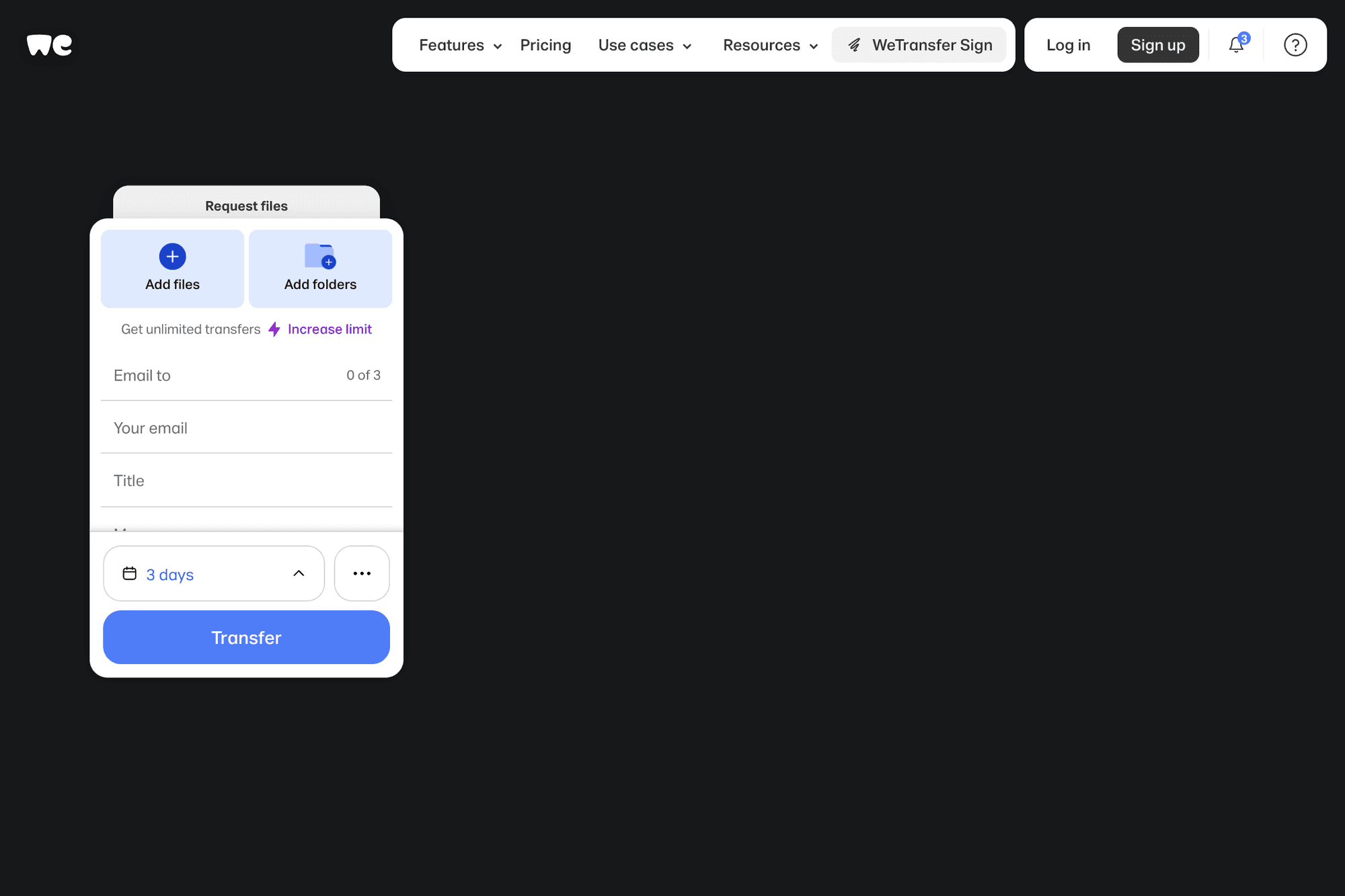
WeTransfer is one of the most recognizable file transfer services. It is a good fit when you want a clean, familiar experience and do not want to explain a complicated download process to the recipient.
The service is especially convenient for creative files, ZIP archives, PDFs, and other one-off transfers. If you often send files to clients or collaborators, the paid plans add more control, branding, storage, and transfer management.
Smash
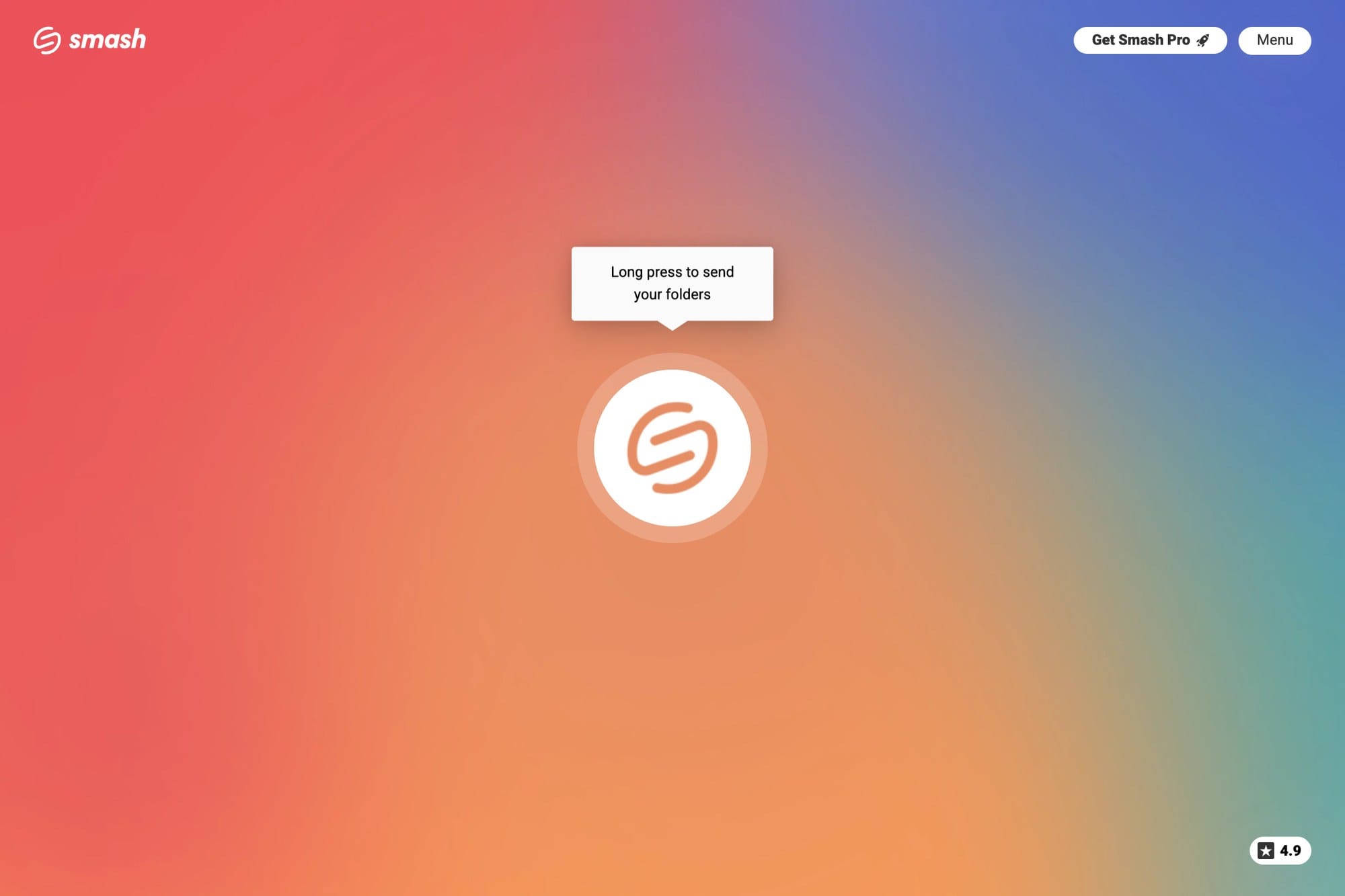
Smash is appealing when the file is too large for typical attachment limits and you want a service built around simple drag-and-drop transfers. Its interface is minimal, and the upload flow is easy to understand.
It is worth checking the official plan details before sending very large files, because priority, availability, and delivery options can depend on the plan. For occasional use, Smash is a strong no-fuss option.
TransferNow
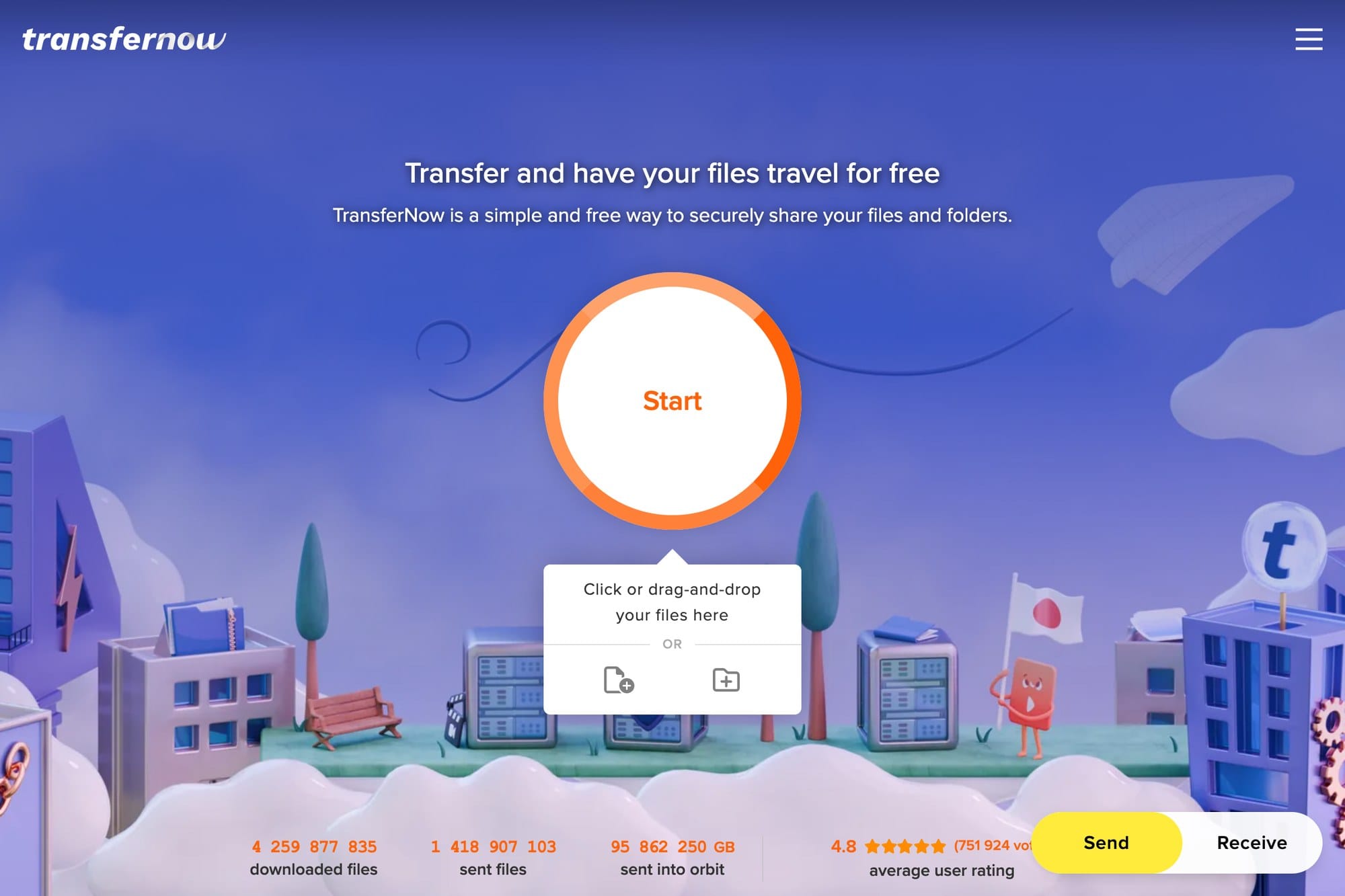
https://www.transfernow.net/en
TransferNow is useful when you want more transfer controls without moving into a full cloud storage product. It supports a straightforward upload workflow and clearly separates free and paid usage.
It is a good candidate for business files when expiration, notifications, or transfer management matter. If you send files to different clients or teams, the extra organization can be helpful.
pCloud Transfer
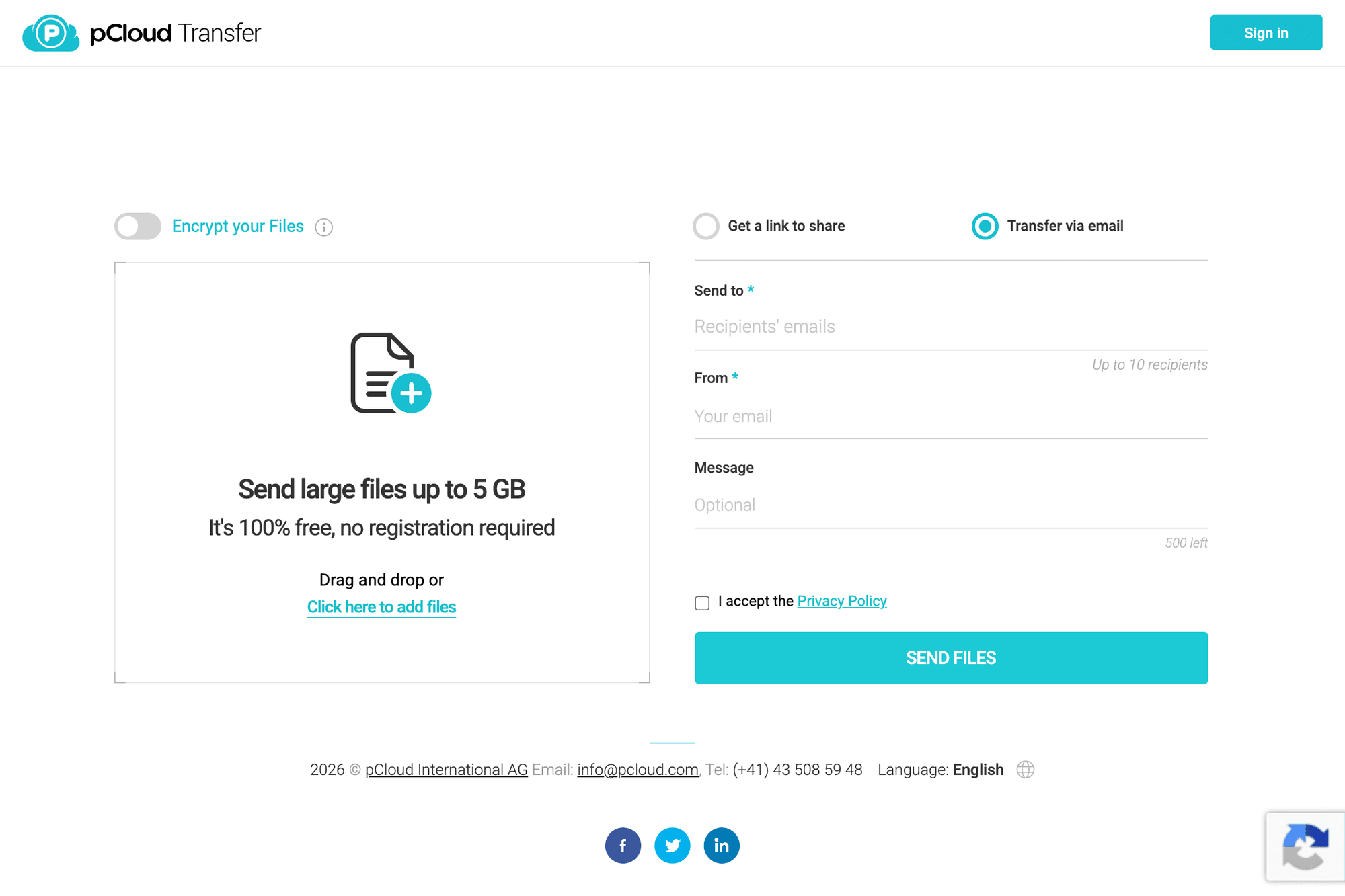
pCloud Transfer is a simple transfer tool from pCloud. It works well when you want to send files without opening a full cloud drive interface.
The service is especially easy to understand for recipients because the sender can share files by email or link. If you already use pCloud storage, this transfer tool fits naturally alongside it.
ToffeeShare
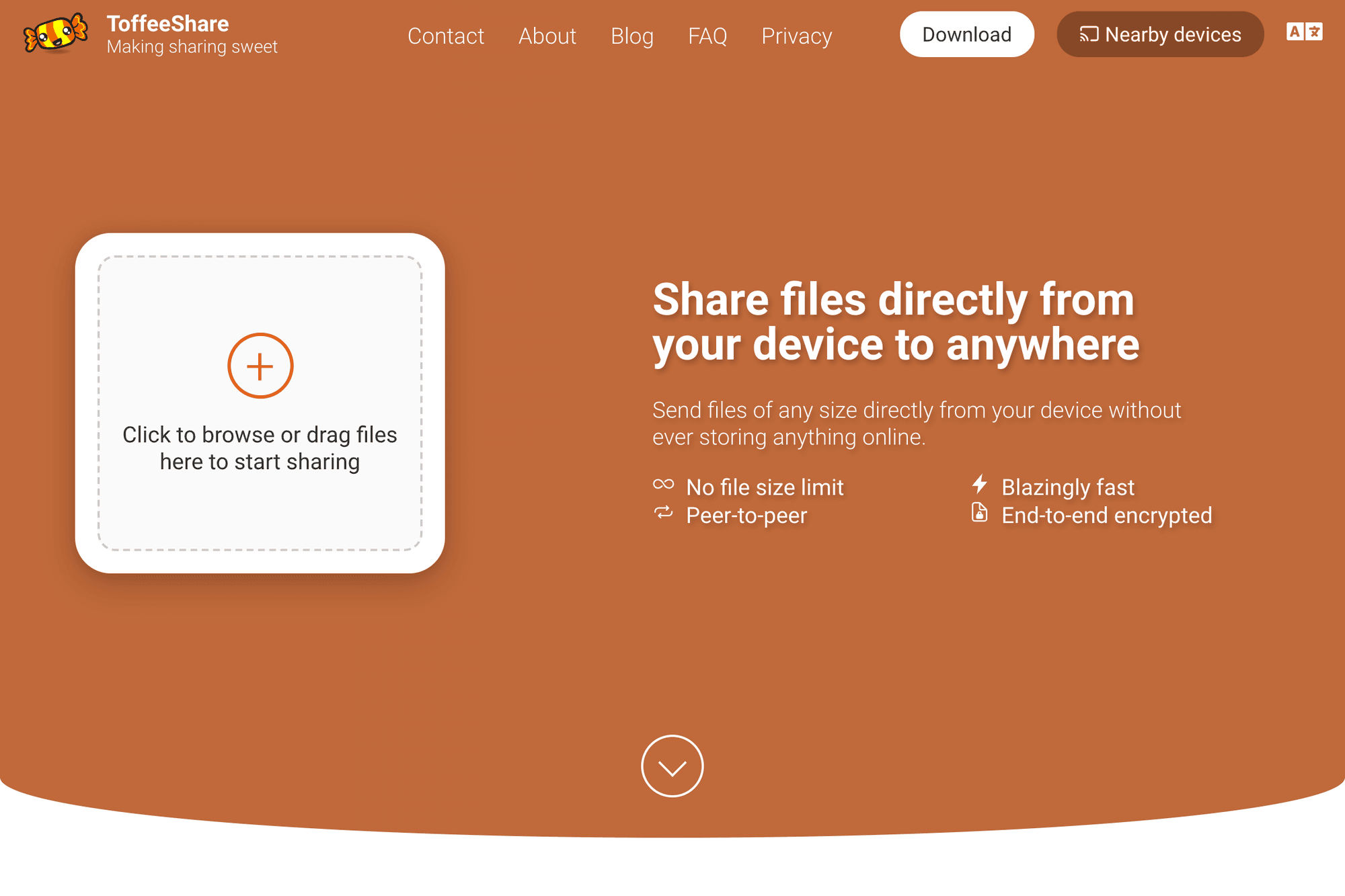
ToffeeShare is different from many upload-and-download services because it focuses on direct peer-to-peer transfer. That makes it attractive when you do not want the file stored on a third-party server after upload.
The trade-off is that both sides need to be available during the transfer. It is a good choice for sending a very large file to one person in real time, but less convenient when the recipient may download it later.
file.io
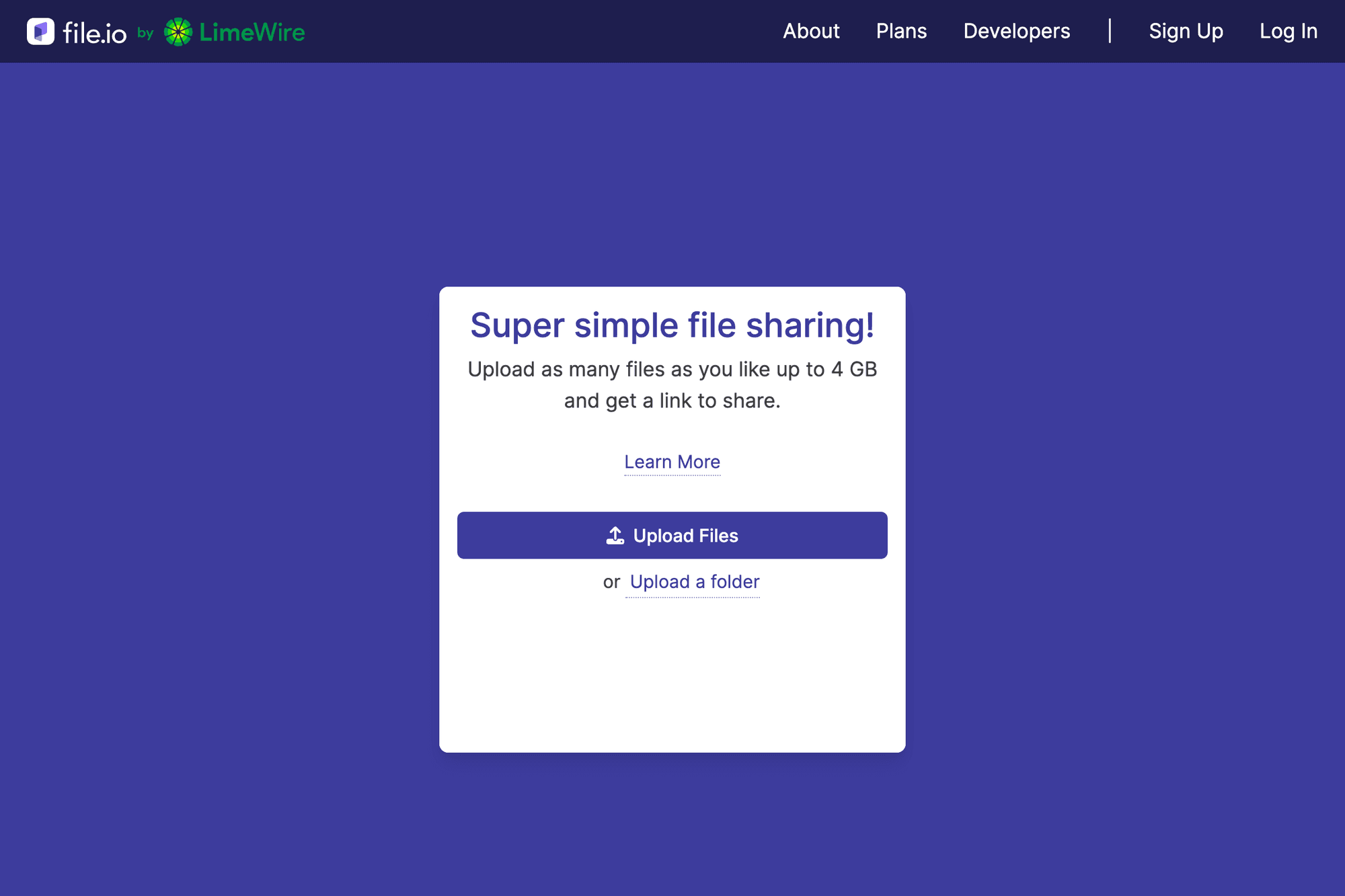
file.io is a simple option for temporary file sharing. It is best for quick transfers when you want to upload a file, generate a link, and avoid a heavier cloud storage workflow.
The official site presents the current free limit clearly, so check it before relying on file.io for very large archives. It is most useful for fast, disposable sharing rather than long-term storage.
SendGB
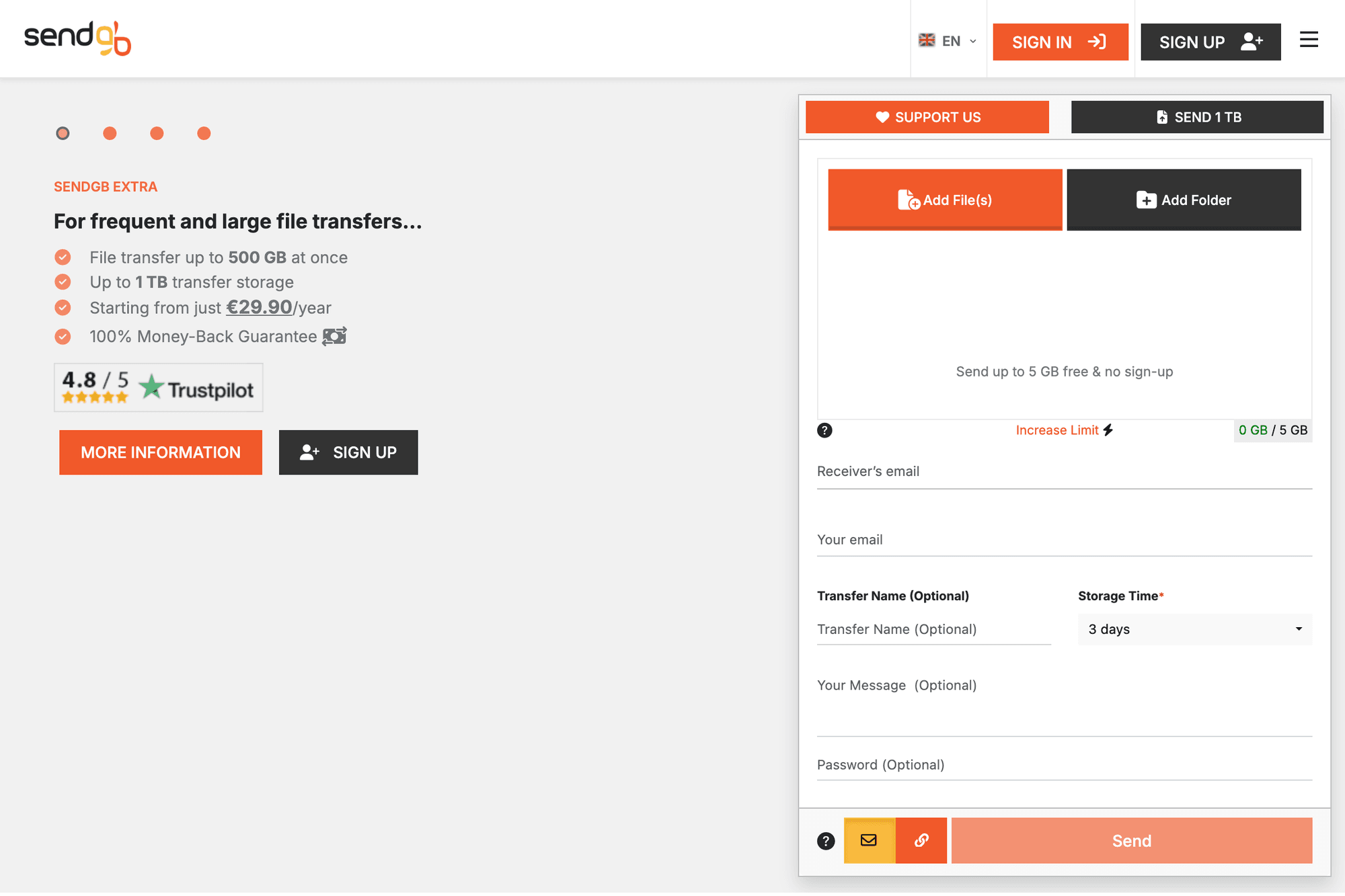
SendGB is a practical service for sending files by email or download link. The interface exposes key options such as storage time and password fields, which makes it easier to control a transfer before sending.
It is a good option when you want a traditional web transfer form with a visible recipient email field, message field, and link option. As with any free transfer service, confirm the current limits on the official site before uploading.
Comparison Table
| Service | Best For | Transfer Style | Notes |
|---|---|---|---|
| WeTransfer | Familiar one-off transfers | Email or link | Clean interface and strong name recognition |
| Smash | Large creative files | Link or email | Good when file size is the main concern |
| TransferNow | More controlled transfers | Link or email | Useful for business transfers and tracking |
| pCloud Transfer | Simple transfers from a cloud brand | Email or link | Works well beside pCloud storage |
| ToffeeShare | Direct peer-to-peer sharing | Real-time link | File is not meant to sit on a transfer server |
| file.io | Temporary file links | Link | Best for quick disposable sharing |
| SendGB | Traditional transfer form | Email or link | Shows recipient, message, password, and storage options clearly |
Tips Before Sending Large Files
Compress Folders First
If you are sending many small files, compress them into a ZIP file first. This keeps the transfer cleaner and reduces the chance that the recipient misses a file.
Avoid Public Channels for Download Links
Treat download links like private information. Send them through a direct message, email, or secure workspace channel instead of posting them somewhere public.
Add a Password When the File Is Sensitive
If a service supports password protection, use it for confidential files. Send the password through a separate channel from the download link.
Check Expiration Before Uploading
Some links expire quickly, while others remain available longer. If the recipient is in a different time zone or may not download immediately, choose a service and setting that gives them enough time.
Summary
For the simplest familiar option, start with WeTransfer. For very large one-off transfers, try Smash or ToffeeShare. For more control, TransferNow, pCloud Transfer, and SendGB are worth checking. For quick temporary links, file.io is a lightweight choice.
The safest habit is to choose the service based on the transfer: one-time client file, temporary download link, real-time peer-to-peer transfer, or ongoing shared storage. That keeps the tool simple and avoids turning every file send into a cloud storage project.