Your iPhone can be a surprisingly good reading device if you choose the right app. Some apps are best for buying ebooks, some are better for audiobooks, and others help you borrow library books or keep track of what you have finished.
This guide focuses on iPhone reading apps that make sense for English-speaking readers. The selection is adjusted from the Japanese article, with US App Store screenshots and app choices that fit the English-language market.
Table of Contents
- How to Choose an iPhone Reading App
- Best Reading Apps for iPhone
- Tips for Reading More on iPhone
- Summary
How to Choose an iPhone Reading App
The best app depends on what "reading" means for you. Buying novels, borrowing library ebooks, listening to audiobooks, and tracking finished books are different jobs.
Decide Whether You Want Ebooks, Audiobooks, or Tracking
Start by separating the app's role:
- Ebook stores: Kindle, Apple Books, Kobo Books, Google Play Books
- Library borrowing: Libby
- Audiobooks: Audible, Apple Books, Kobo Books, Google Play Books
- Reading tracking: Goodreads
Many people use two apps: one for reading and one for tracking.
Check Where Your Books Already Live
If you already buy books from Amazon, Kindle is the natural starting point. If you buy through Apple, Apple Books keeps everything inside your Apple account. If you use Kobo eReaders or Google services, Kobo Books or Google Play Books may be more convenient.
Switching stores is possible, but ebooks are often tied to the store where you bought them. Choose carefully before building a large library.
Think About Library Access
For readers in the US, Canada, the UK, Australia, and many other regions, Libby is one of the most useful iPhone reading apps. It lets you borrow ebooks, audiobooks, and magazines from participating public libraries with a library card.
Availability depends on your local library, so check your library system before relying on it as your main reading source.
Use More Than One App When It Makes Sense
There is no need to force everything into one app. A practical setup might be:
- Kindle for purchased ebooks
- Libby for library borrowing
- Audible for audiobooks
- Goodreads for tracking books
That combination covers most everyday reading habits without making any single app do too much.
Best Reading Apps for iPhone
Here are seven iPhone reading apps worth considering for English-speaking users.
Kindle
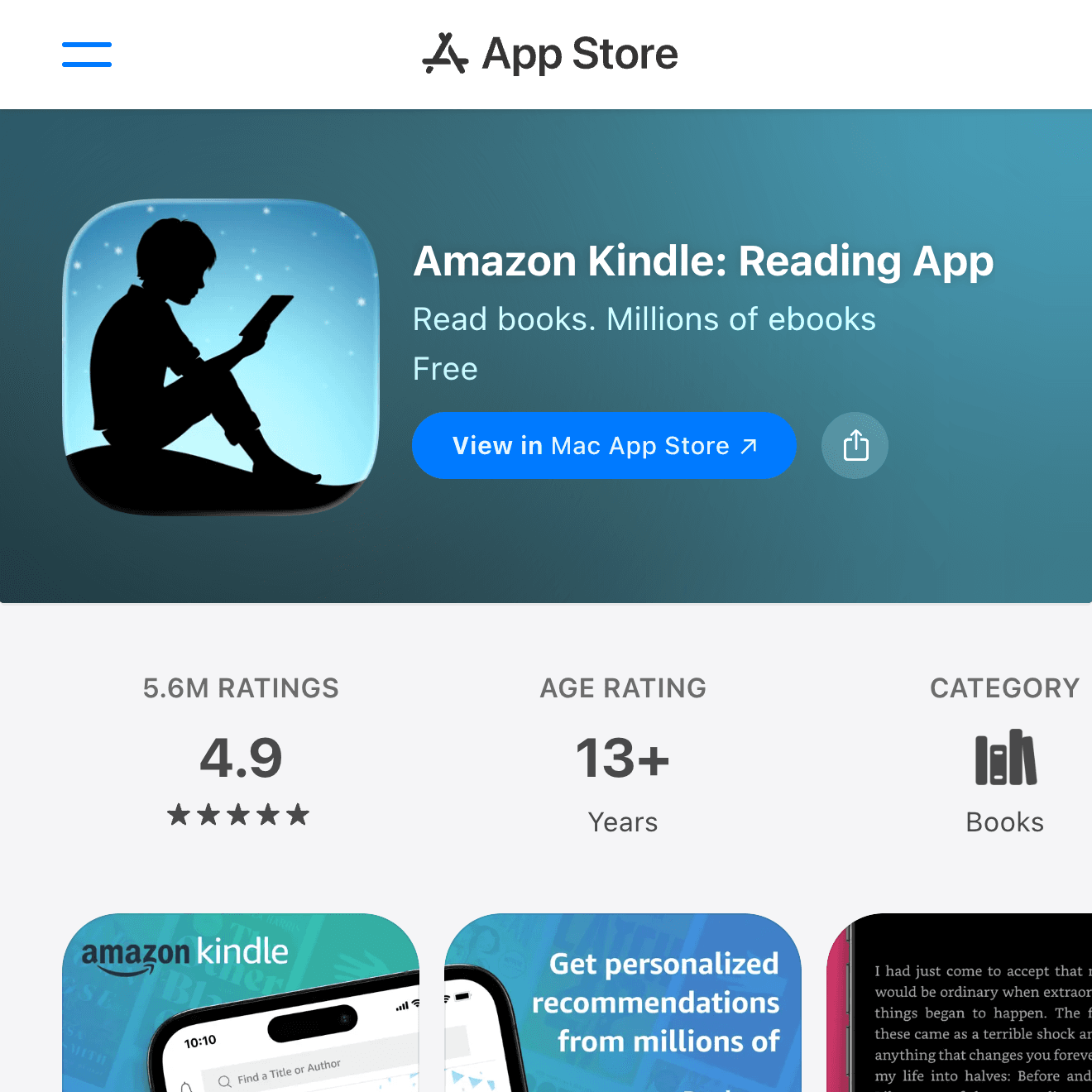

Kindle is the default choice for many readers because Amazon's ebook catalog is huge. It covers novels, nonfiction, business books, comics, textbooks, and self-published titles.
The iPhone app is good for everyday reading: font size, spacing, themes, highlights, notes, and reading position sync are all straightforward. Kindle Unlimited can be useful if the books you want are included, but check the catalog before subscribing.
Choose Kindle if you already buy books from Amazon or want the broadest ebook catalog.
Apple Books
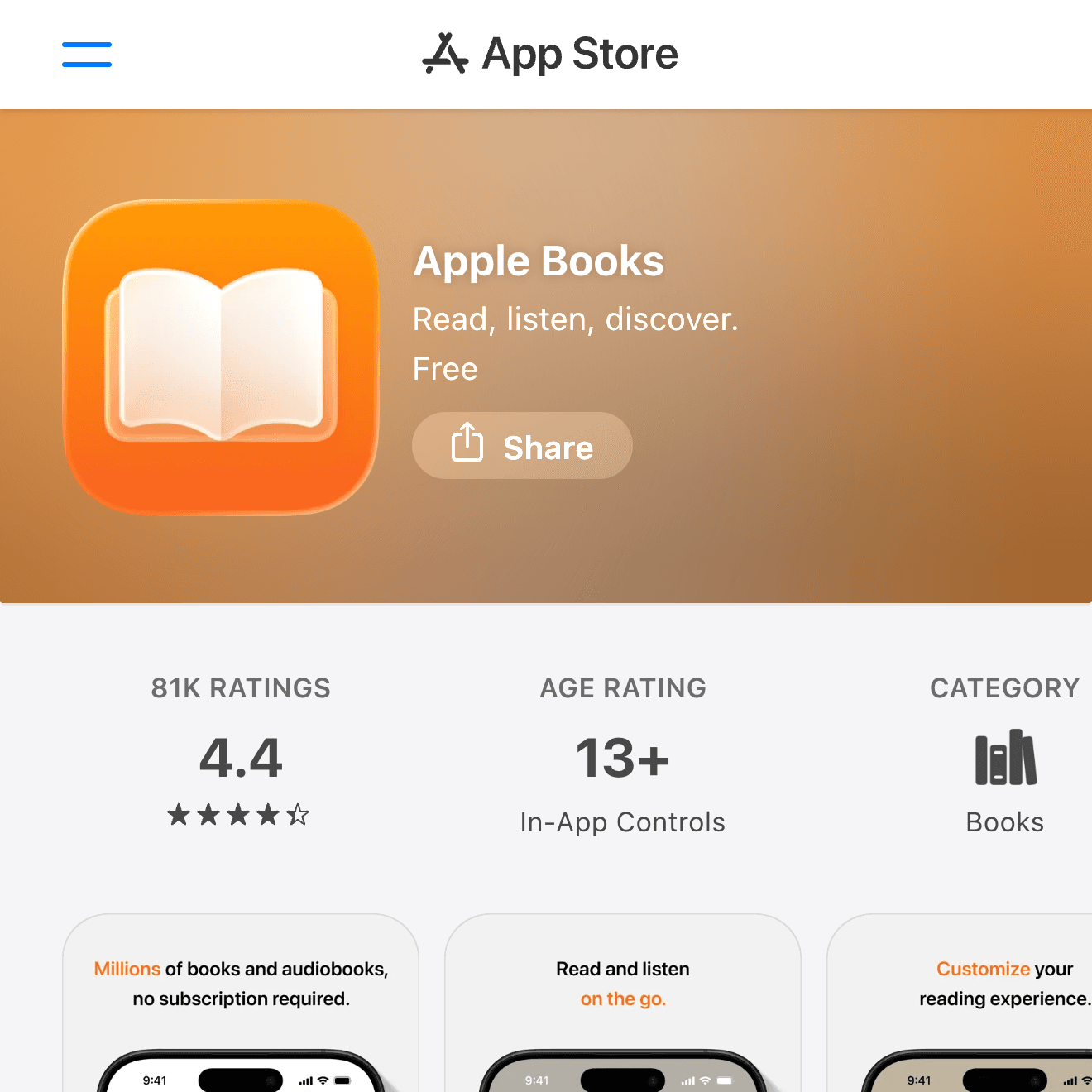
Apple Books is the simplest option if you want a reading app that feels native to the iPhone. It works with your Apple Account and is a comfortable place to buy ebooks and audiobooks without creating another store account.
It also handles PDFs and EPUB files well, which makes it useful for manuals, documents, and independent ebooks. The catalog is not always as deep as Kindle, but the reading experience is clean.
Choose Apple Books if you prefer staying inside the Apple ecosystem.
Kobo Books
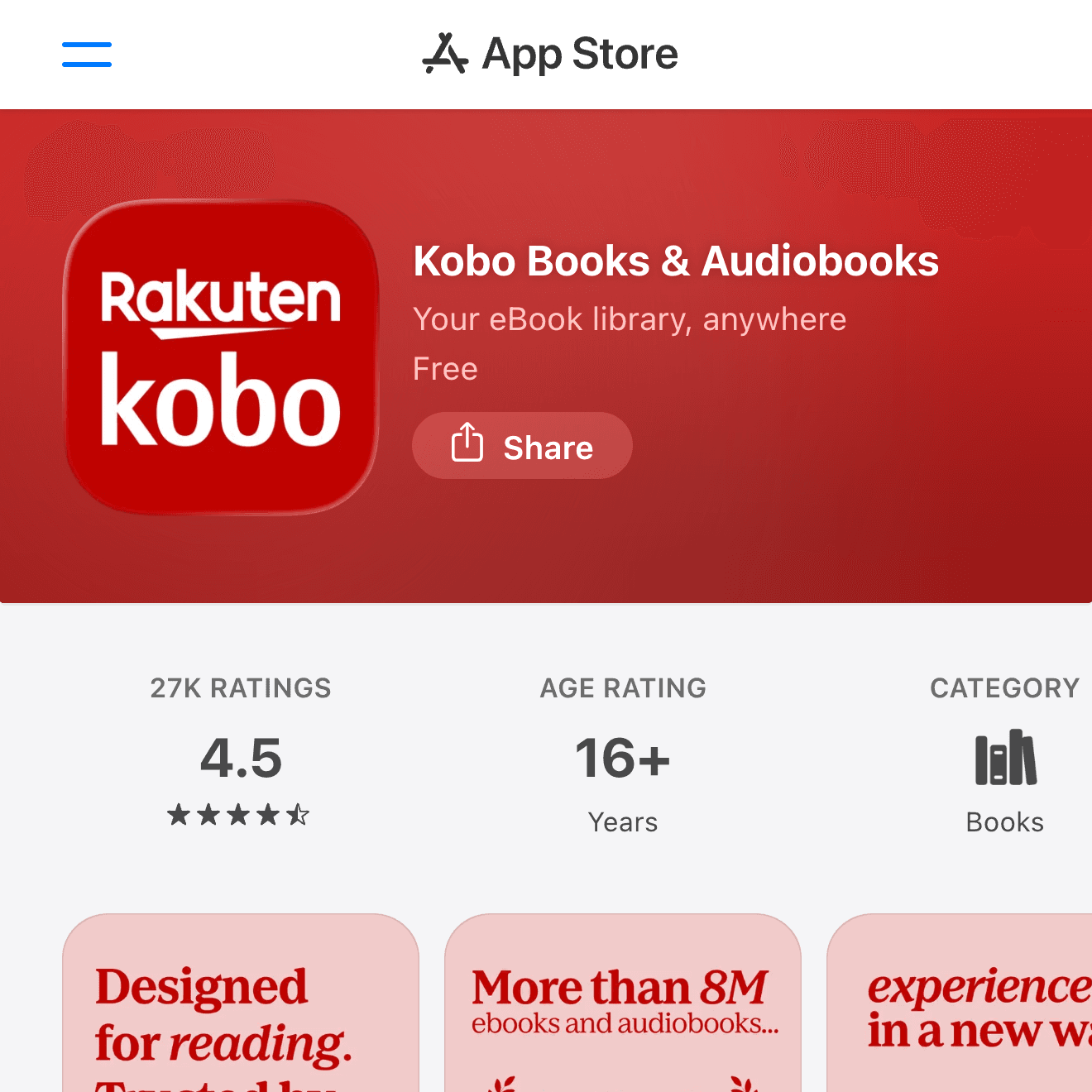
Kobo Books is a strong alternative to Kindle, especially if you use a Kobo eReader or want an ebook store that is not tied to Amazon. The app supports ebooks and audiobooks, and reading position sync works across Kobo devices and apps.
Kobo is also popular with readers who care about EPUB support and a more bookstore-like ecosystem. Catalog availability varies by country, but it is a solid long-term library option.
Choose Kobo if you use Kobo hardware or want a capable Amazon alternative.
Google Play Books
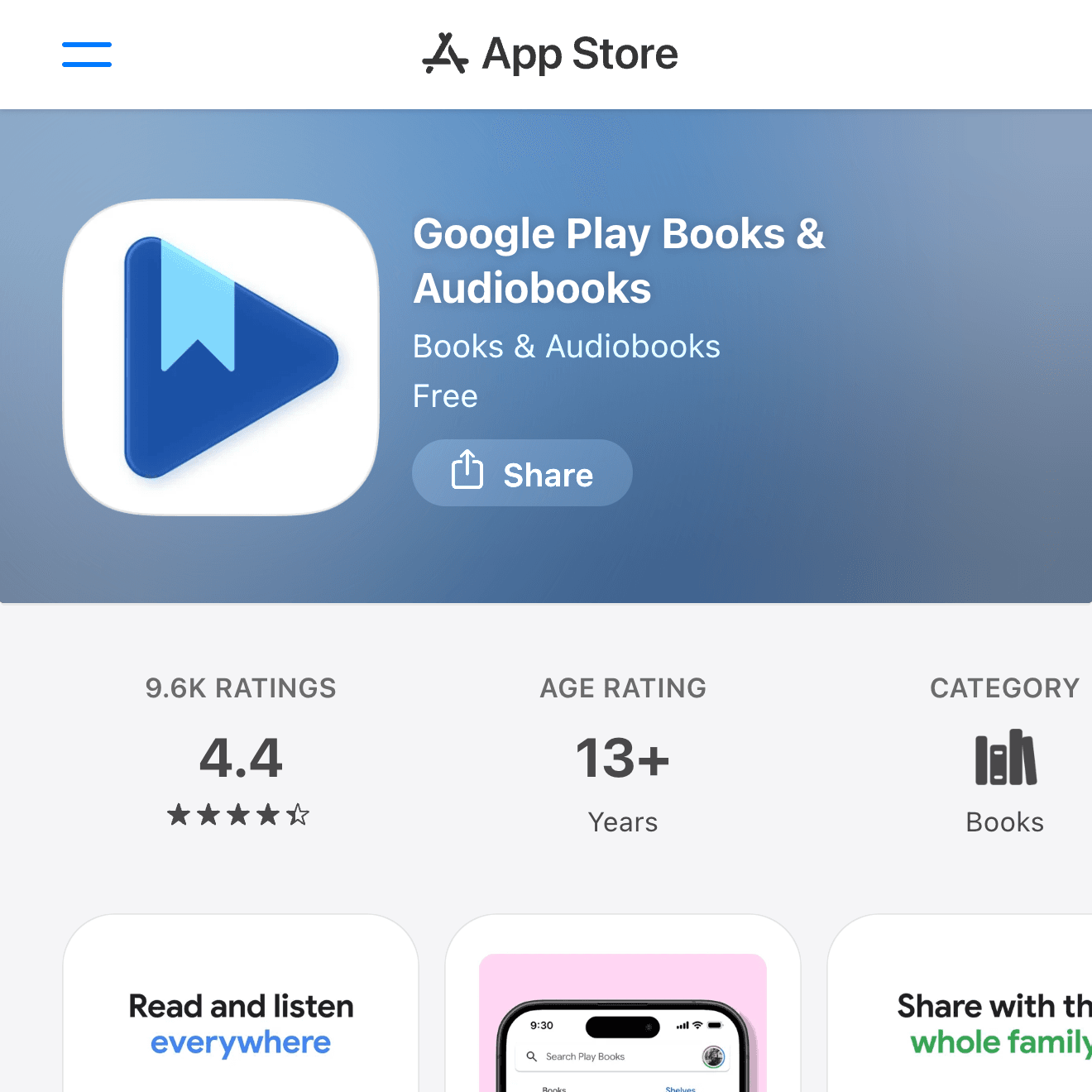
Google Play Books is useful if your books are already tied to a Google account. It supports ebooks and audiobooks, and it works across iPhone, iPad, Android, and the web.
For iPhone-only reading, it is not always the first app people think of, but it is convenient if you switch between platforms or already buy media through Google.
Choose Google Play Books if your digital library lives with Google or you use both iPhone and Android devices.
Libby
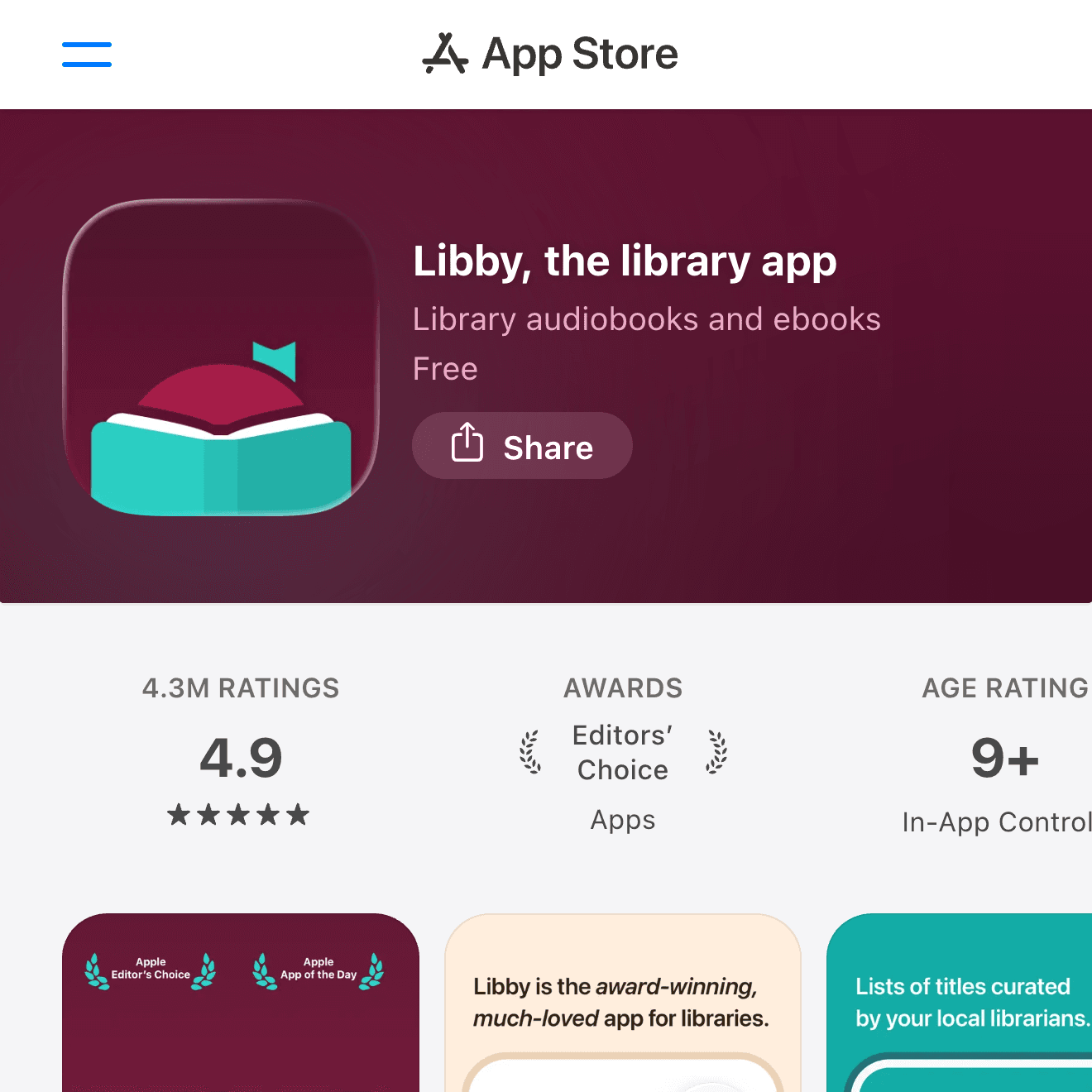
Libby is the best app on this list if you want to read without buying every book. With a participating library card, you can borrow ebooks, audiobooks, and magazines on your iPhone.
The experience depends on your local library's catalog and waitlists, but the value is excellent. It is especially good for casual readers, audiobook listeners, and anyone who wants to sample more books without building a paid library.
Choose Libby if your public library supports it.
Audible
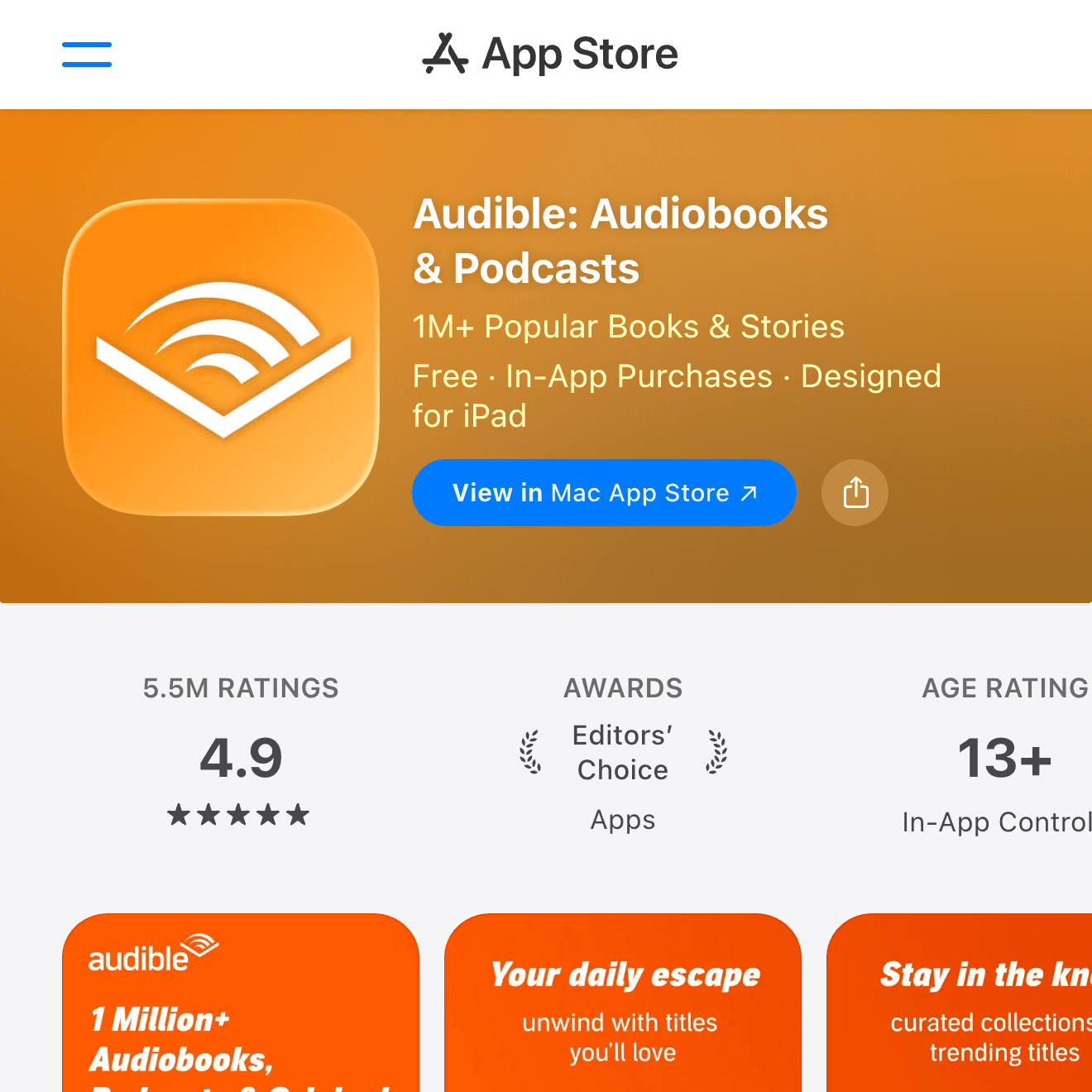
Audible is focused on audiobooks. It is a better fit than a normal ebook app if you read while commuting, walking, cooking, or doing chores.
The catalog is broad, and playback controls are strong: speed adjustment, sleep timer, bookmarks, and car-friendly listening all work well. The subscription model is not for everyone, so compare it with Libby if your library has good audiobook coverage.
Choose Audible if audiobooks are a major part of your reading habit.
Goodreads
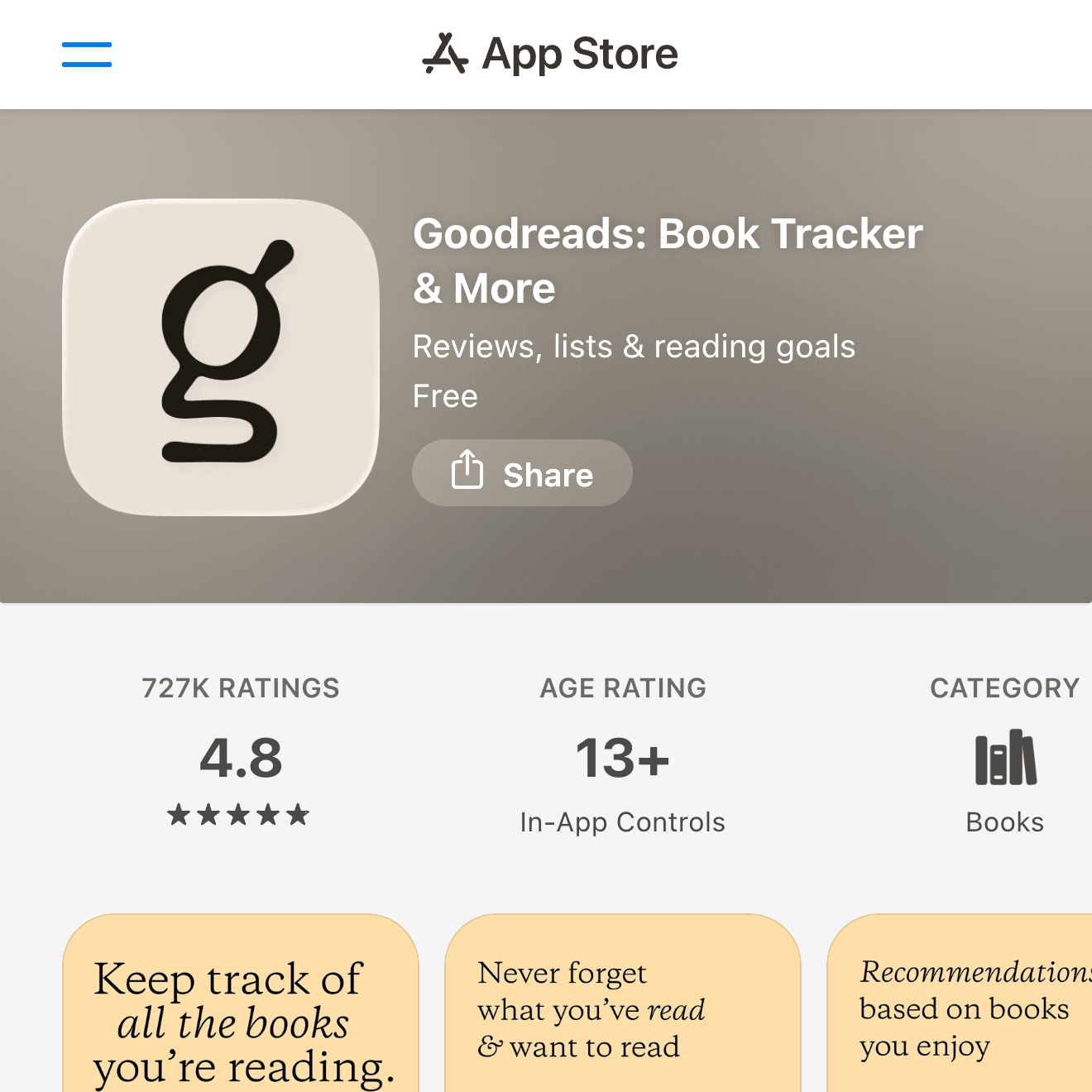
Goodreads is not mainly an ebook reader. It is a reading tracker and discovery app. You can log books, rate them, write short reviews, follow friends, and maintain "Want to Read" lists.
It pairs well with Kindle, Libby, Audible, or any other reading app because it tracks the habit rather than the file. If you want a simple way to remember what you finished and what to read next, it is still one of the most familiar options.
Choose Goodreads if you want tracking, reviews, and recommendations.
Tips for Reading More on iPhone
Choosing the app is only the first step. The bigger challenge is making reading easy to start.
Put One Reading App on Your Home Screen
Pick one main reading app and keep it on the first Home Screen or Dock. The fewer taps it takes to open a book, the more likely you are to read during small gaps in the day.
Use Focus Modes for Reading Time
If notifications keep interrupting you, create a simple Reading Focus. Allow only important contacts and disable social app notifications for 20 or 30 minutes.
Keep Audiobooks Separate From Ebooks
Audiobooks fit different moments than ebooks. Use Audible or Libby while walking or commuting, and keep Kindle, Apple Books, Kobo, or Google Play Books for visual reading.
Track Finished Books Lightly
Do not make tracking so complicated that it becomes another chore. A Goodreads shelf, a short note, or a yearly reading goal is enough for most people.
Summary
For most iPhone users, Kindle is the safest starting point for purchased ebooks, Apple Books is the cleanest Apple-native option, Kobo and Google Play Books are good alternatives, Libby is excellent for library borrowing, Audible is best for audiobook-heavy readers, and Goodreads is useful for tracking.
The best setup is usually a combination: one app for reading, one app for borrowing or listening, and one lightweight tracker if you enjoy keeping a reading history.