If you often sit down to study and then lose track of time, a study timer app can make your effort easier to see. The right iPhone app does more than count minutes. It can track study sessions, block distractions, organize subjects, show weekly progress, and make it easier to build a repeatable study routine.
For English-speaking users, the best picks are not always dedicated school-community apps. This list focuses on iPhone apps that make sense for students, remote learners, exam prep, and adults who want to track study time alongside work.
Table of Contents
- Why a Study Timer App Helps
- Study Timer Apps vs. Pomodoro Timer Apps
- How to Choose a Study Timer App
- Best Study Timer Apps for iPhone
- Tips for Making a Study Timer Habit Stick
- Summary
Why a Study Timer App Helps
When you track study time on your iPhone, your effort becomes visible. That matters because studying often feels vague: you may know you opened a textbook, but not how long you stayed focused or which subject actually got the most time.
- Study sessions become easier to measure and compare.
- Subject-based logs show where your time is going.
- Charts and streaks can make progress feel more concrete.
- Focus timers reduce the friction of starting.
- Past logs help you plan around exams, assignments, and long-term goals.
A paper planner can work, but an iPhone timer is easier to start, pause, and review throughout the day.
Study Timer Apps vs. Pomodoro Timer Apps
Study timer apps and Pomodoro timer apps overlap, but they are not quite the same.
| Use case | Study timer apps | Pomodoro timer apps |
|---|---|---|
| Main goal | Track total study time | Run focus and break cycles |
| Common session style | Stopwatch, countdown, or flexible logs | 25 minutes focus, 5 minutes break |
| Best for | Exam prep, subject tracking, study history | Short focus blocks and task momentum |
| Social or accountability features | Often included | Usually secondary |
If you mainly want 25-minute focus cycles, see the best Pomodoro timer apps for iPhone. If you want to know how much time you actually spend on each subject or project, the apps below are a better fit.
How to Choose a Study Timer App
The best app depends on what you need to fix: starting, staying focused, tracking subjects, or reviewing your progress.
Stopwatch, Countdown, or Pomodoro Sessions
Choose a stopwatch-style timer if you want to build up total study hours. Choose a countdown timer if you prefer a fixed goal such as "study biology for 45 minutes." Choose a Pomodoro-style app if you need a built-in rhythm of focus and breaks.
Study Logs and Subject Tracking
For school, exams, certifications, or language learning, subject labels matter. Look for projects, tags, categories, or custom activity types so you can separate math, vocabulary, reading, writing, and review.
Distraction Blocking and Accountability
If your problem is checking your phone, consider apps with app-blocking, focus trees, locked sessions, or accountability features. A timer alone is useful, but a gentle barrier can make the session easier to protect.
Reports, Charts, and Cross-Device Sync
Weekly reports are more useful than single-session stats. If you study across an iPhone, iPad, Mac, or web browser, sync support can also matter.
Best Study Timer Apps for iPhone
Here are six iPhone apps worth considering, depending on whether you want focus sessions, cute motivation, accountability, or serious time tracking.
Forest
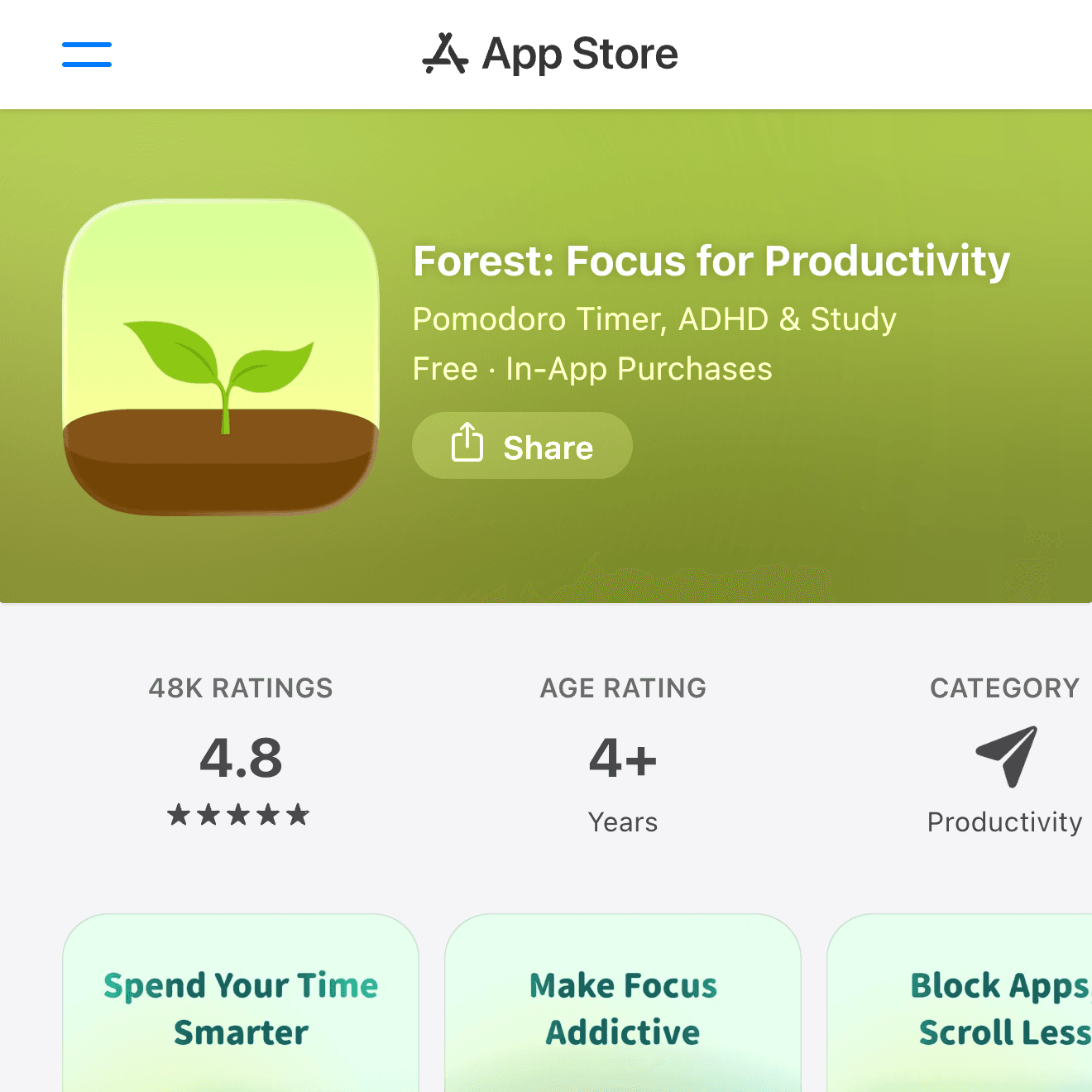

Forest is one of the easiest study timer apps to understand. Start a focus session, leave your phone alone, and a virtual tree grows while you work. If you exit too early, the session fails.
That simple visual feedback works well for students who need help staying away from their phone. Forest is especially useful for reading, writing, problem sets, and any study block where the main goal is to protect attention for a set amount of time.
Focus To-Do
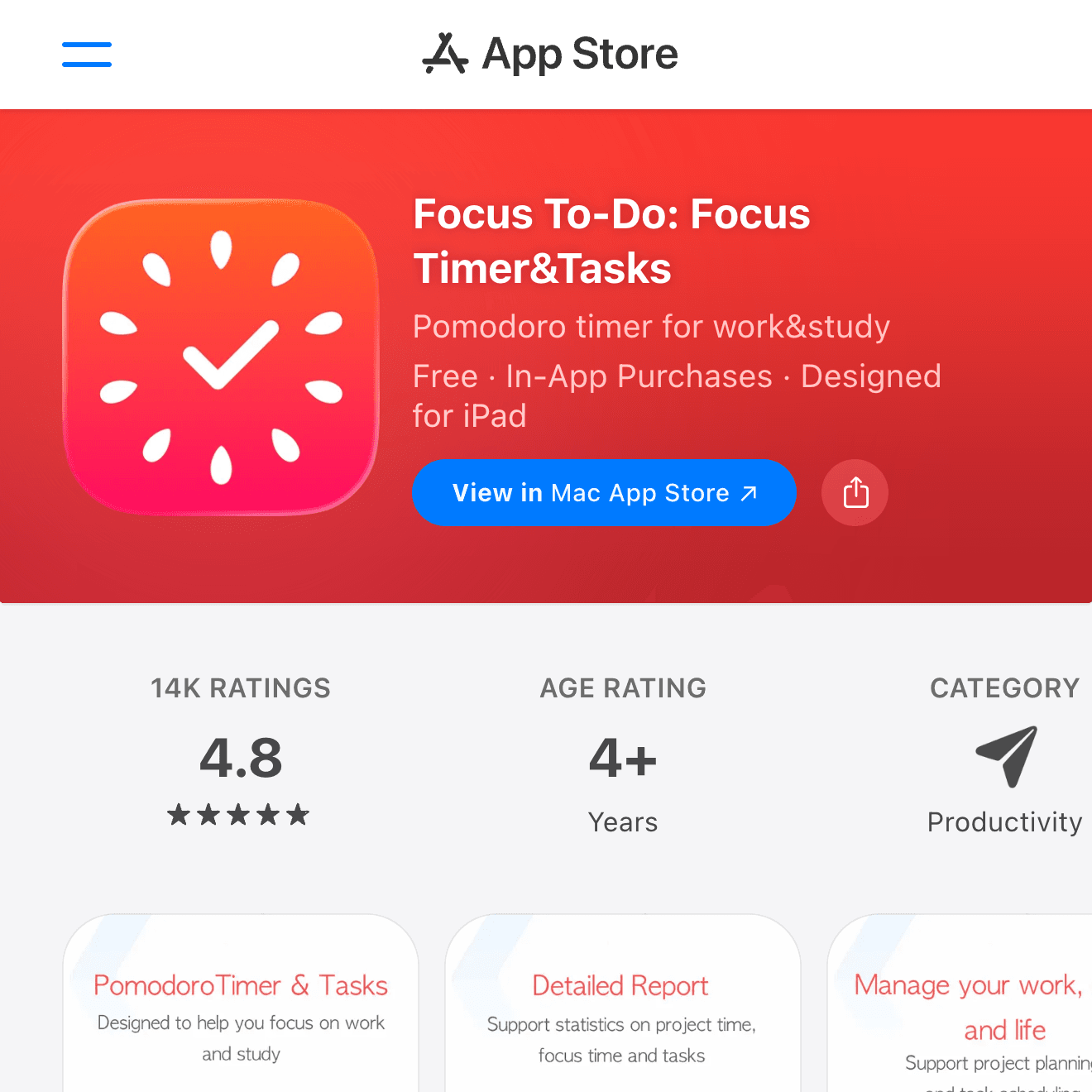
Focus To-Do combines a Pomodoro timer with tasks, reminders, and reports. It is a good choice if you want your study timer and to-do list in the same app.
Use it when you want to break large assignments into smaller blocks: one reading session, one practice set, one review task, then a short break. The task list keeps the timer connected to what you planned to finish.
Study Bunny
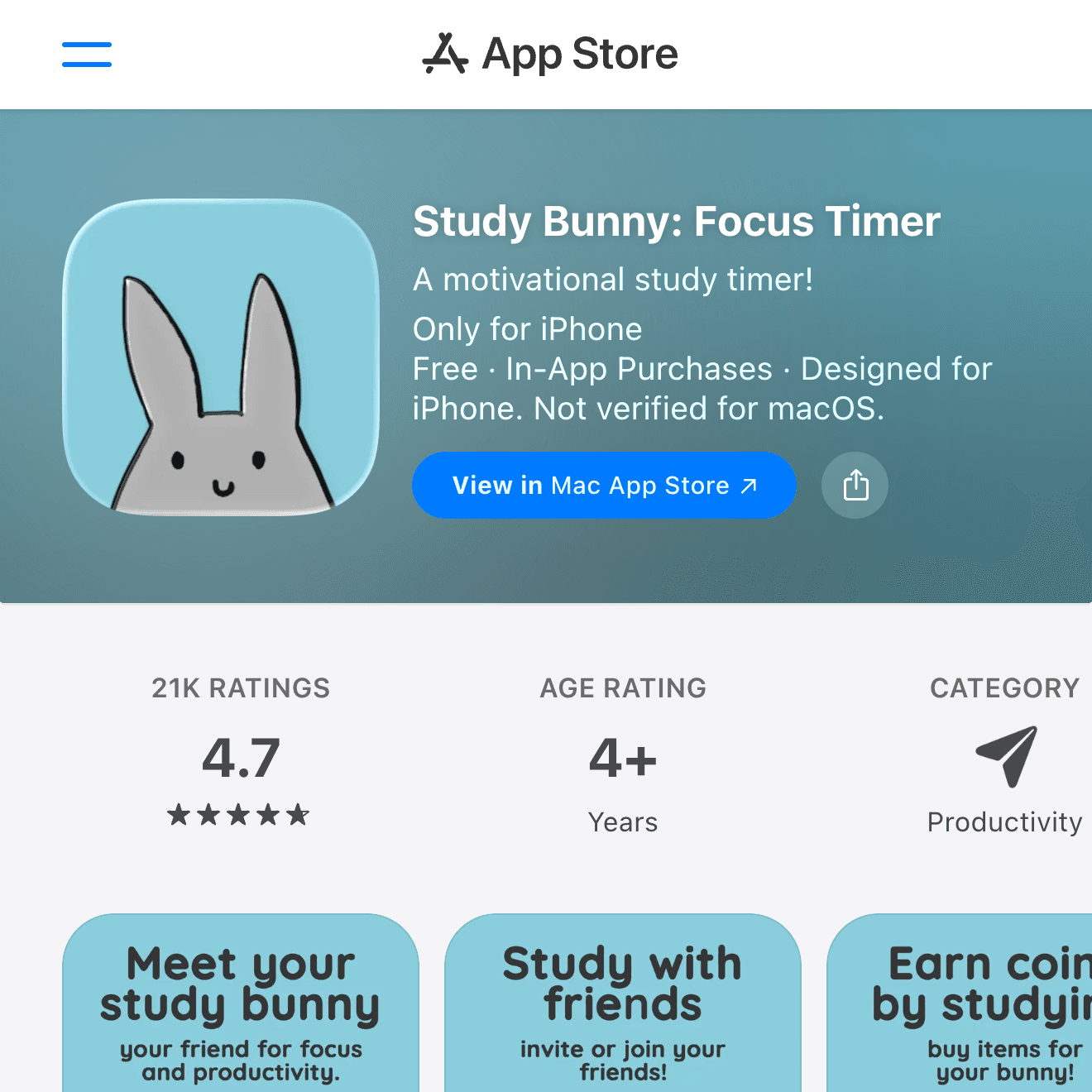
Study Bunny turns studying into a small habit-building game. You time your study sessions, earn coins, and take care of a virtual bunny as you keep showing up.
It is a good fit if plain productivity apps feel too dry. The playful design can help younger students, language learners, and anyone who needs a bit of gentle motivation to start a session.
Flipd
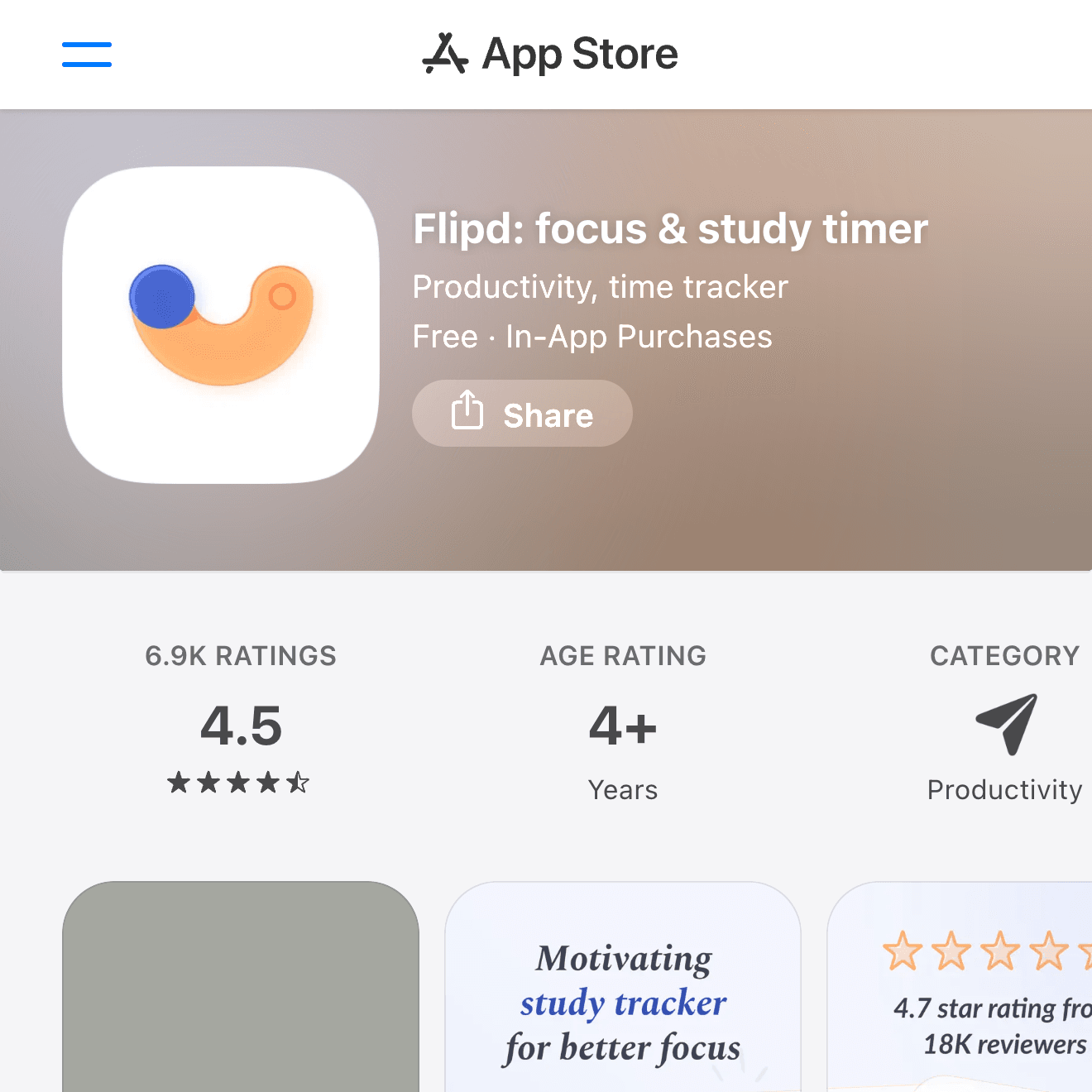
Flipd is built around focus sessions, study tracking, and accountability. It can work well if you like joining structured focus sessions or want more pressure to stay committed than a basic timer provides.
It is especially useful for students who study remotely, prepare for exams, or need a timer that feels more like a dedicated study room than a simple stopwatch.
Toggl Track
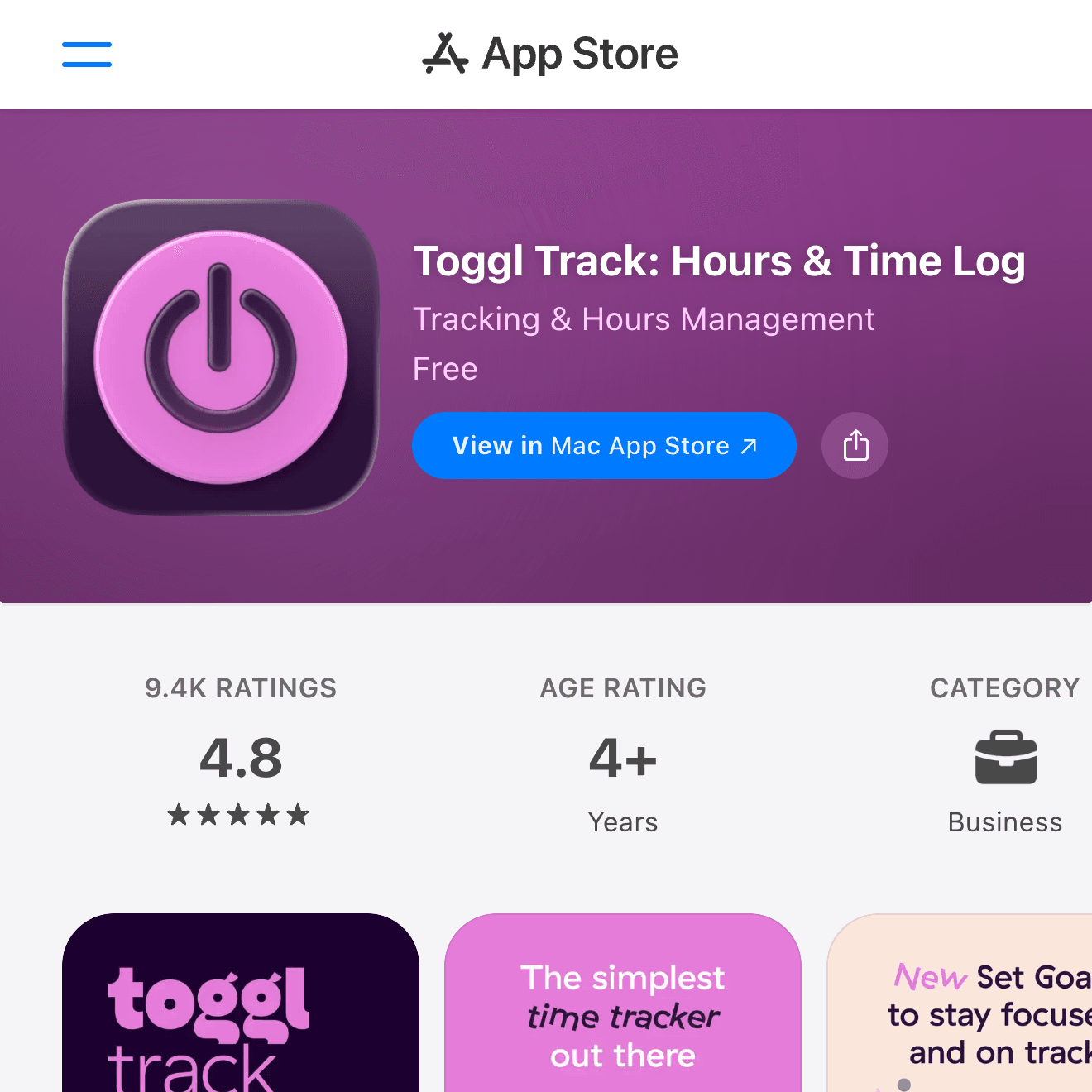
Toggl Track is more of a serious time tracker than a student-only app. It lets you track time by project, tag, and client, which also maps well to subjects, courses, assignments, and exam topics.
It is a strong option for college students, graduate students, freelancers, and adults who want to track study time alongside work. The web and desktop ecosystem also makes it easier to review your time outside the iPhone.
ATracker
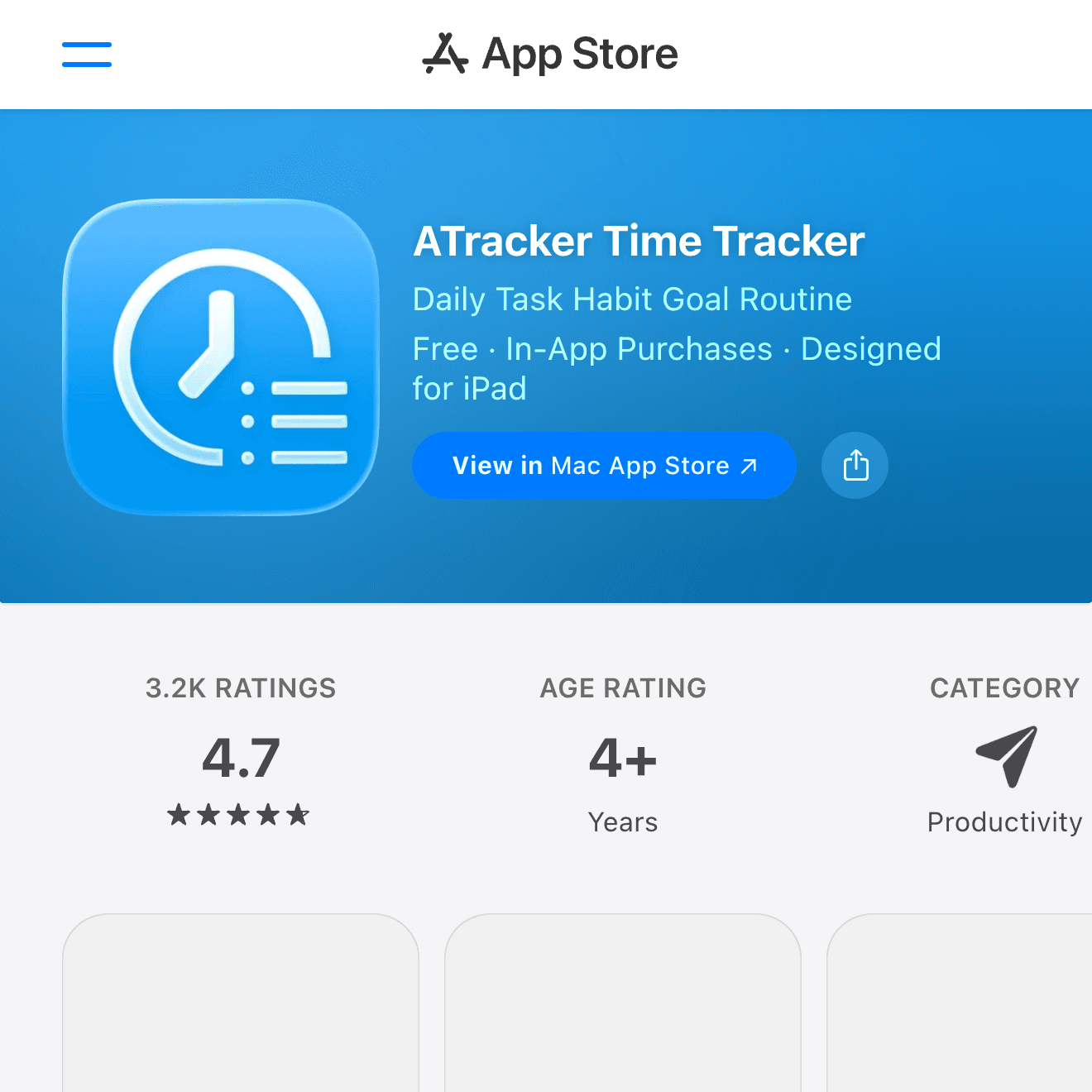
ATracker is useful when you want to see where your entire day goes. You can track study, commute, work, exercise, breaks, and sleep as separate activities, then review charts later.
It is not limited to studying, and that is the point. If your real problem is not just studying more, but finding where your time disappears, ATracker gives you a broader picture.
Tips for Making a Study Timer Habit Stick
A study timer only helps if you actually start it. Keep the routine small enough that it survives busy days.
Start the Timer Before You Feel Ready
Do not wait until your desk, notes, and mood are perfect. Start a short timer first, then let the act of timing pull you into the session.
Track One Main Study Goal per Session
Label each session with one clear goal, such as vocabulary review, calculus problems, reading notes, or practice questions. A clean label makes weekly review much more useful.
Log Breaks Instead of Ignoring Them
If you only track focused time, breaks can disappear from the picture. Logging breaks, meals, and distractions can help you see whether the schedule is realistic.
Review Your Week, Not Just Today
Daily totals fluctuate. Weekly review is more useful because it shows whether your study routine is actually moving in the right direction.
Summary
The best iPhone study timer app depends on what you need most. Choose Forest if you want to stay away from your phone, Focus To-Do if you want tasks and Pomodoro sessions together, Study Bunny if motivation matters, Flipd if accountability helps, Toggl Track if you want serious project-style logs, and ATracker if you want to understand your whole day.
For many people, the best setup is simple: use a focus timer for the session, label what you studied, and review your time once a week. That small loop is enough to make studying feel less vague and more controllable.