Audio noise reduction websites help clean up recorded audio without installing desktop software. They can reduce background hum, room noise, fan noise, and rough microphone hiss when you already have an MP3, WAV, video, or voice recording that needs improvement.
This guide compares browser-based noise reduction tools that make sense for English-speaking users. If you have not recorded the audio yet, start with an online voice recorder, then use a cleanup tool only if the recording needs it.
Table of Contents
- How to Choose an Audio Noise Reduction Website
- Comparison Table
- MyEdit
- VEED.IO
- Adobe Podcast Enhance Speech
- Tips for Using These Tools on a Phone
- FAQ
- Summary
How to Choose an Audio Noise Reduction Website
Choose a tool based on the file type, free limits, preview options, export format, and whether you are cleaning voice only or editing a larger video project. Most browser tools ask you to upload an existing file, process it, preview the result, and download a new version.
Noise reduction is not magic. If the voice is clipped, distorted, buried under music, or recorded too far from the microphone, no website can fully restore it. Keep the original file, upload a copy, and test with a short sample before processing important recordings.
Comparison Table
| Tool | Best For | Works On | Main Strength |
|---|---|---|---|
| MyEdit | Simple audio cleanup in a browser | Windows, Mac, Chromebook, iPhone, Android browsers | Easy upload-and-process workflow |
| VEED.IO | Cleaning audio while editing video or captions | Windows, Mac, Chromebook, iPhone, Android browsers | Editing tools around the cleanup step |
| Adobe Podcast | Making spoken voice clearer | Desktop browsers recommended | Strong voice-focused enhancement |
MyEdit
https://myedit.online/en/audio-editor/noise-reduction
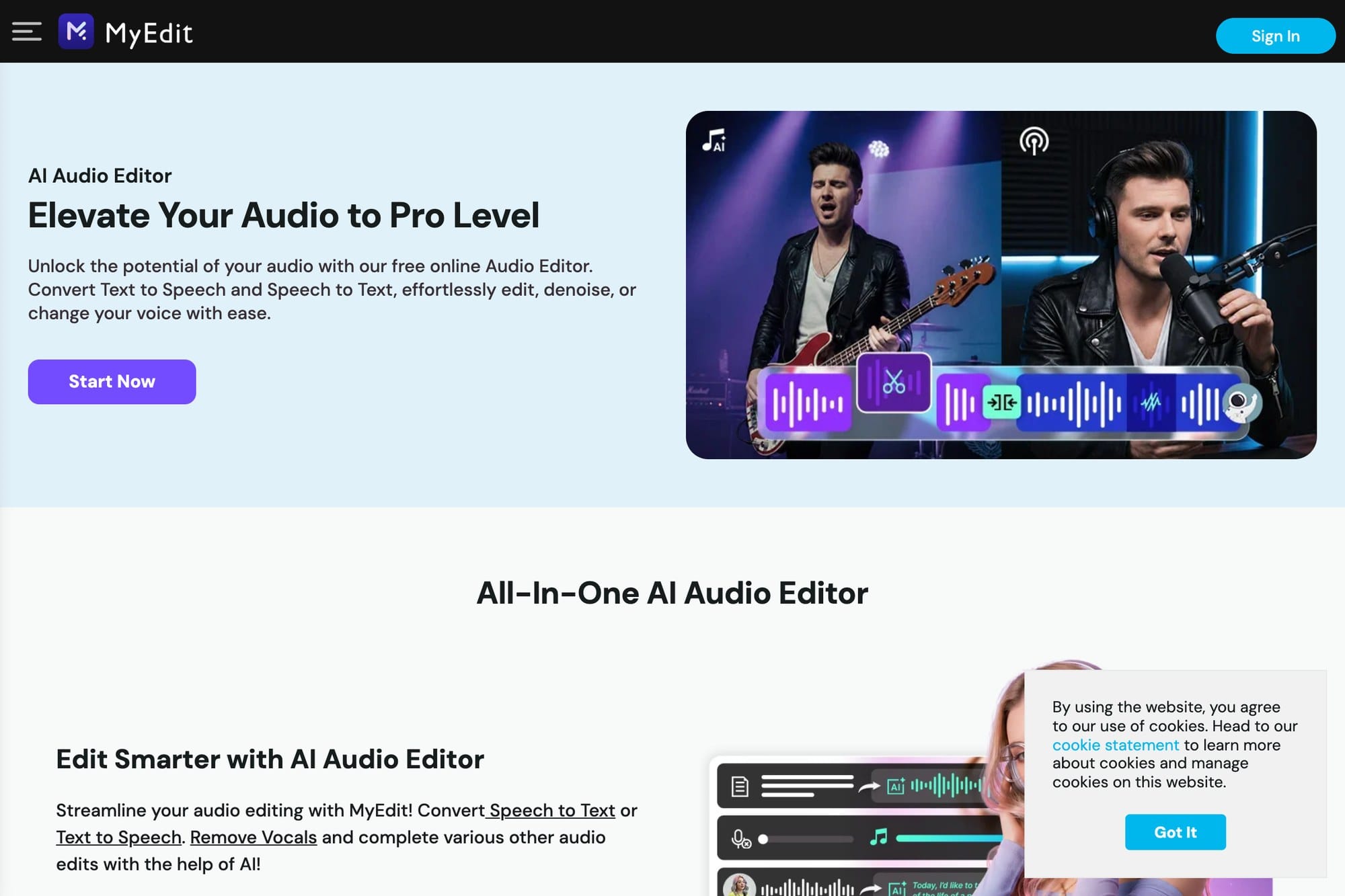
MyEdit is a browser-based audio editing tool with a dedicated noise reduction page. It is a good starting point when you want to upload a recording, try cleanup, and download the processed file without learning a full audio editor.
It fits meeting clips, voice memos, short narration, and casual recordings where the goal is to make speech easier to hear. For important work, compare the processed file with the original before replacing anything.
VEED.IO
https://www.veed.io/tools/remove-background-noise-from-audio
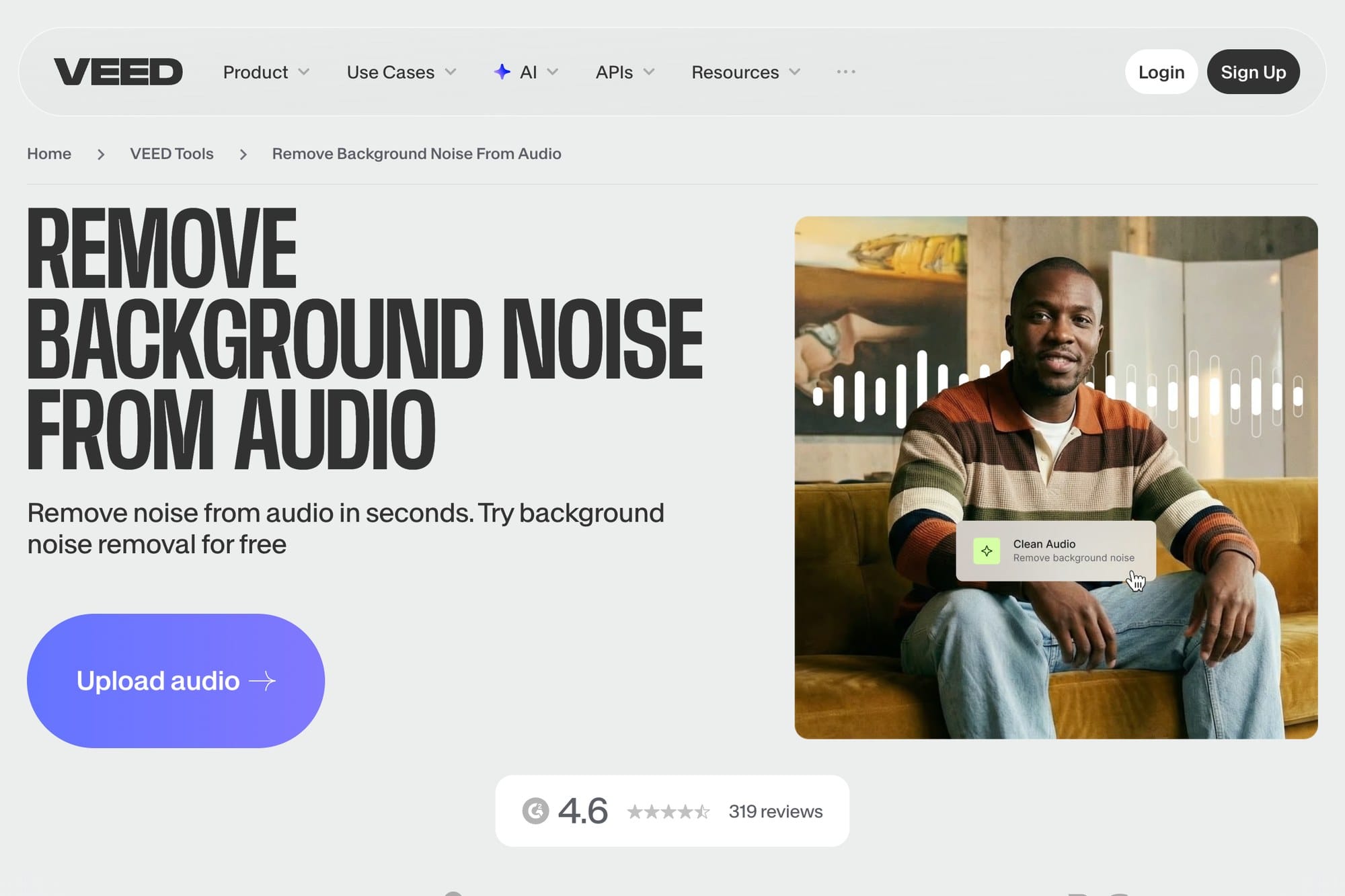
VEED.IO is useful when noise reduction is part of a bigger editing job. You can work with audio or video, then continue into trimming, captions, social clips, or export settings.
For a quick voice memo, VEED.IO may be more than you need. For YouTube clips, tutorials, social videos, or narrated screen recordings, having cleanup and editing in one place can save time.
Adobe Podcast Enhance Speech
https://podcast.adobe.com/en/enhancespeech
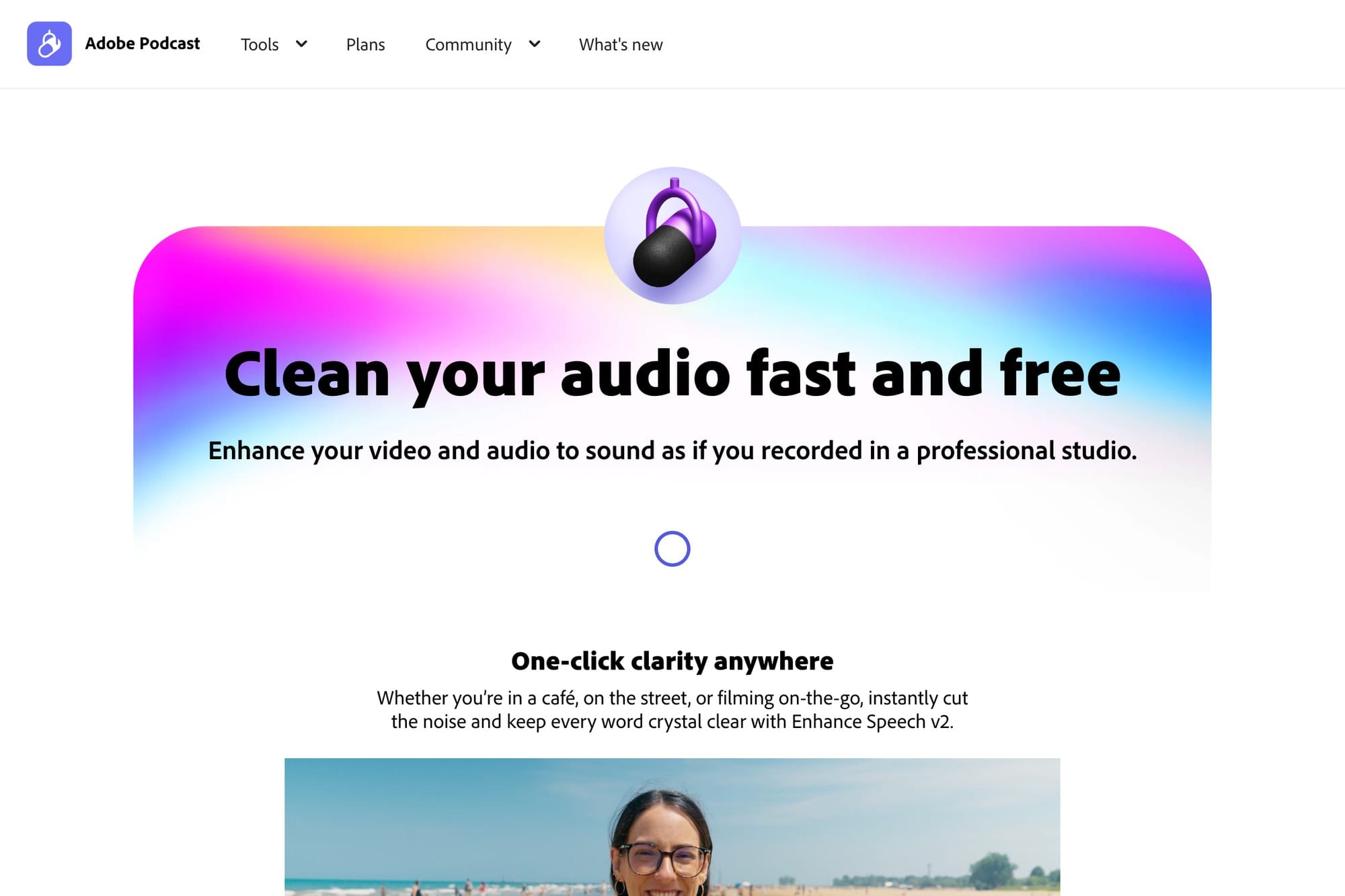
Adobe Podcast Enhance Speech is focused on spoken voice. It is a strong choice for podcasts, narration, interviews, and voice tracks where the main goal is to make speech sound clearer and more forward.
It is not a general-purpose audio repair tool for every kind of sound. It works best when the recording is mostly speech and the problem is background noise, echo, or a thin microphone sound. A desktop browser is usually the safest choice for upload and download.
Tips for Using These Tools on a Phone
Audio cleanup sites can work on iPhone and Android browsers, but phone workflows are less predictable. File picking, upload progress, browser memory, and the final download location can all be more confusing than on a computer.
For long files or important recordings, use Windows, Mac, or Chromebook when possible. If you must use a phone, start with a short file, keep the screen awake, and confirm where the processed file is saved.
FAQ
Can I use these tools for free?
Many browser tools offer a free tier or free trial, but limits can apply to file size, duration, exports, or daily processing. Test with a short file before uploading a long recording.
Can noise be removed completely?
Not always. Noise that overlaps with speech, heavy echo, clipping, and distortion can remain. Better microphone placement and a quieter recording environment are still the best fixes.
What should I do if I have not recorded the audio yet?
Use an online voice recorder first, then upload the recorded file to a cleanup tool only if needed.
Summary
Audio noise reduction websites are useful when you already have a recording and want to make it easier to hear. Choose MyEdit for simple browser cleanup, VEED.IO when editing video or captions is part of the job, and Adobe Podcast Enhance Speech when spoken voice clarity is the main priority.
Always keep the original file, test with a short sample, and avoid expecting any tool to fully repair badly clipped or heavily distorted audio.