
Online voice recorders let you record from a microphone in a browser without installing a desktop app. They are useful for quick voice notes, meeting clips, narration drafts, podcast tests, and audio that you want to share quickly.
This guide compares browser-based voice recorders that make sense for English-speaking users. The focus is on supported devices, ease of use, editing options, and whether the tool is better for saving a file or sharing a short recording.
Table of Contents
- How to Choose an Online Voice Recorder
- Comparison Table
- Online Voice Recorder
- Rev Online Voice Recorder
- VEED.IO Voice Recorder
- Vocaroo
- Tips for Recording on a Phone
- FAQ
- Summary
How to Choose an Online Voice Recorder
When choosing an online voice recorder, check the export format, recording length, microphone permission flow, editing features, and whether you need a share link or a downloaded file. A simple recorder is enough for quick notes. For narration, training videos, or social content, editing features can matter more.
Browser recording is convenient, but it can fail if the computer sleeps, the browser tab is closed, or the microphone permission is blocked. For important recordings, make a 10-second test first, play it back, and confirm that the volume and file format are usable.
Comparison Table
| Tool | Best For | Works On | Main Strength |
|---|---|---|---|
| Online Voice Recorder | Simple recording and saving | Windows, Mac, Chromebook, iPhone, Android browsers | Simple recorder with basic trimming |
| Rev Online Voice Recorder | Recording that may later need transcription | Windows, Mac, Chromebook, iPhone, Android browsers | Straightforward English-language recording workflow |
| VEED.IO Voice Recorder | Recording plus video or subtitle editing | Windows, Mac, Chromebook, iPhone, Android browsers | Editing tools after recording |
| Vocaroo | Fast recording and sharing | Windows, Mac, Chromebook, iPhone, Android browsers | Quick share links with minimal setup |
Online Voice Recorder
https://online-voice-recorder.com/
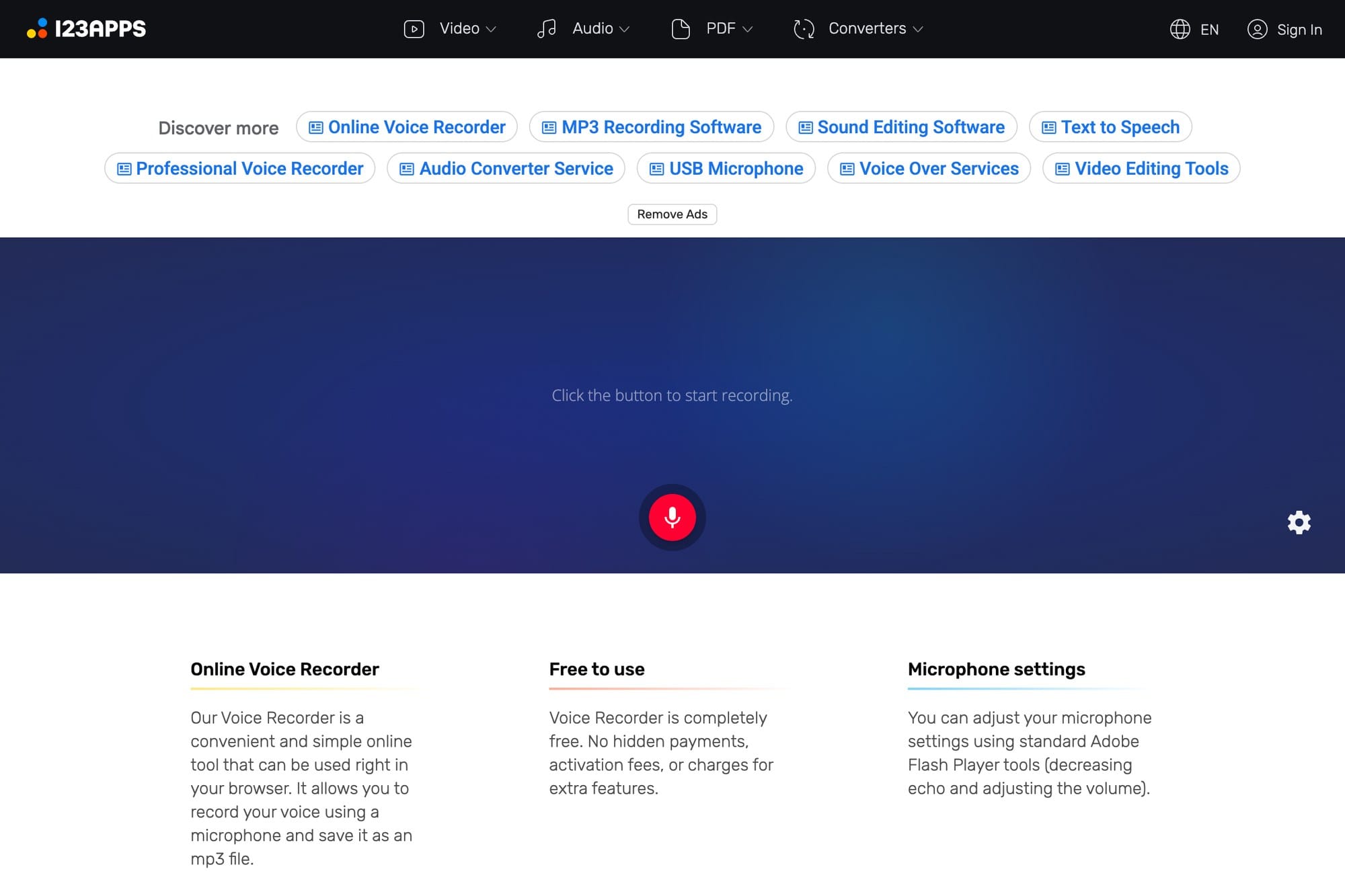
Online Voice Recorder is a simple browser recorder from 123Apps. Allow microphone access, record, trim the beginning or end if needed, and save the result.
It is a good first choice when you want a quick voice memo without creating an account. It is not the most advanced editor, but that simplicity is the point. Use it when you mainly need to record and download an audio file.
Rev Online Voice Recorder
https://www.rev.com/apps-and-tools/online-voice-recorder
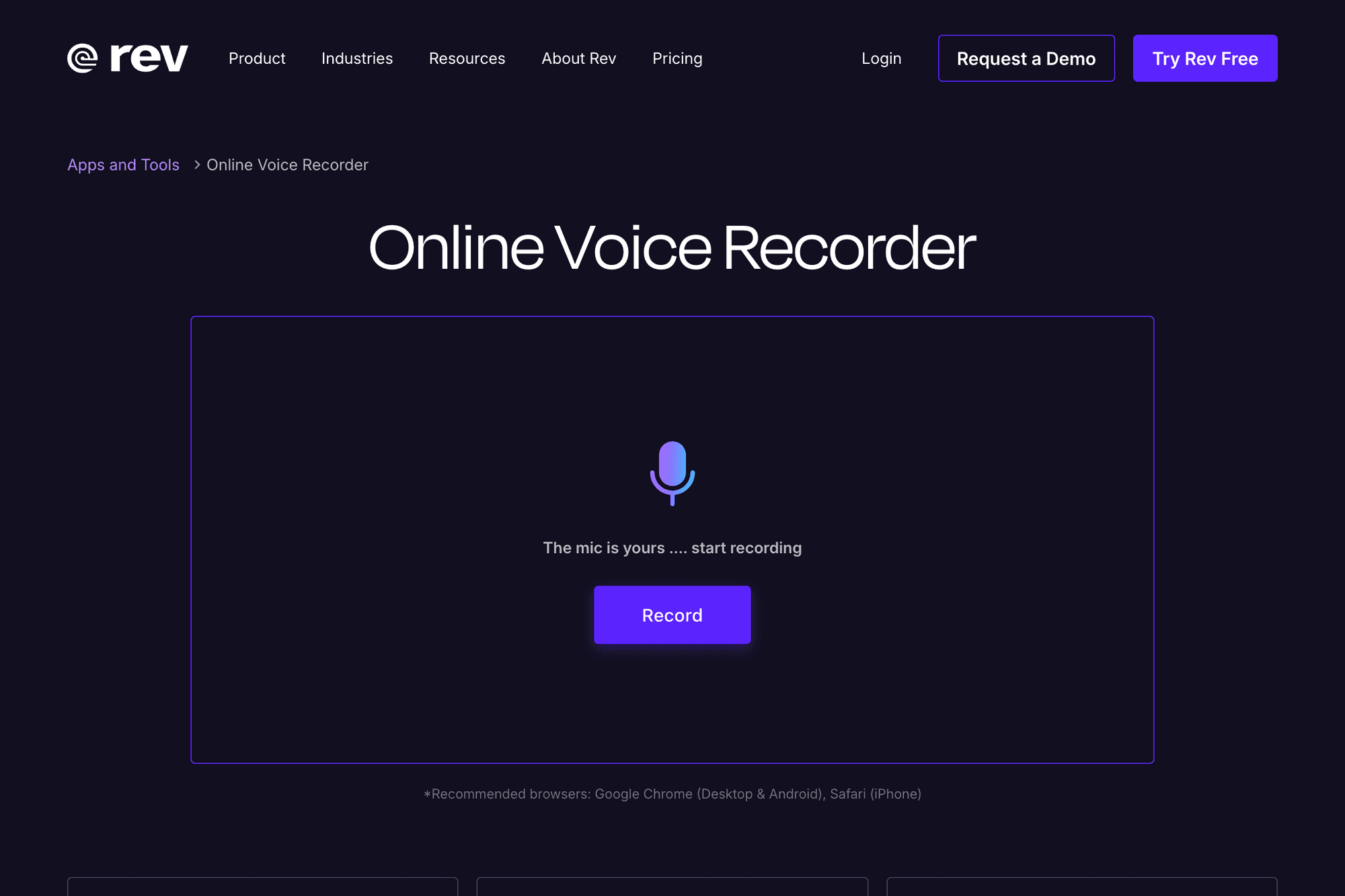
Rev Online Voice Recorder is useful if you want a simple English-language recorder and may later need transcription. The recorder itself is easy to understand, and Rev's broader service is built around speech-to-text workflows.
It is a practical option for interviews, quotes, short notes, and podcast prep. If you need only a quick share link, Vocaroo is faster. If you need editing after recording, VEED.IO is more flexible.
VEED.IO Voice Recorder
https://www.veed.io/tools/voice-recorder
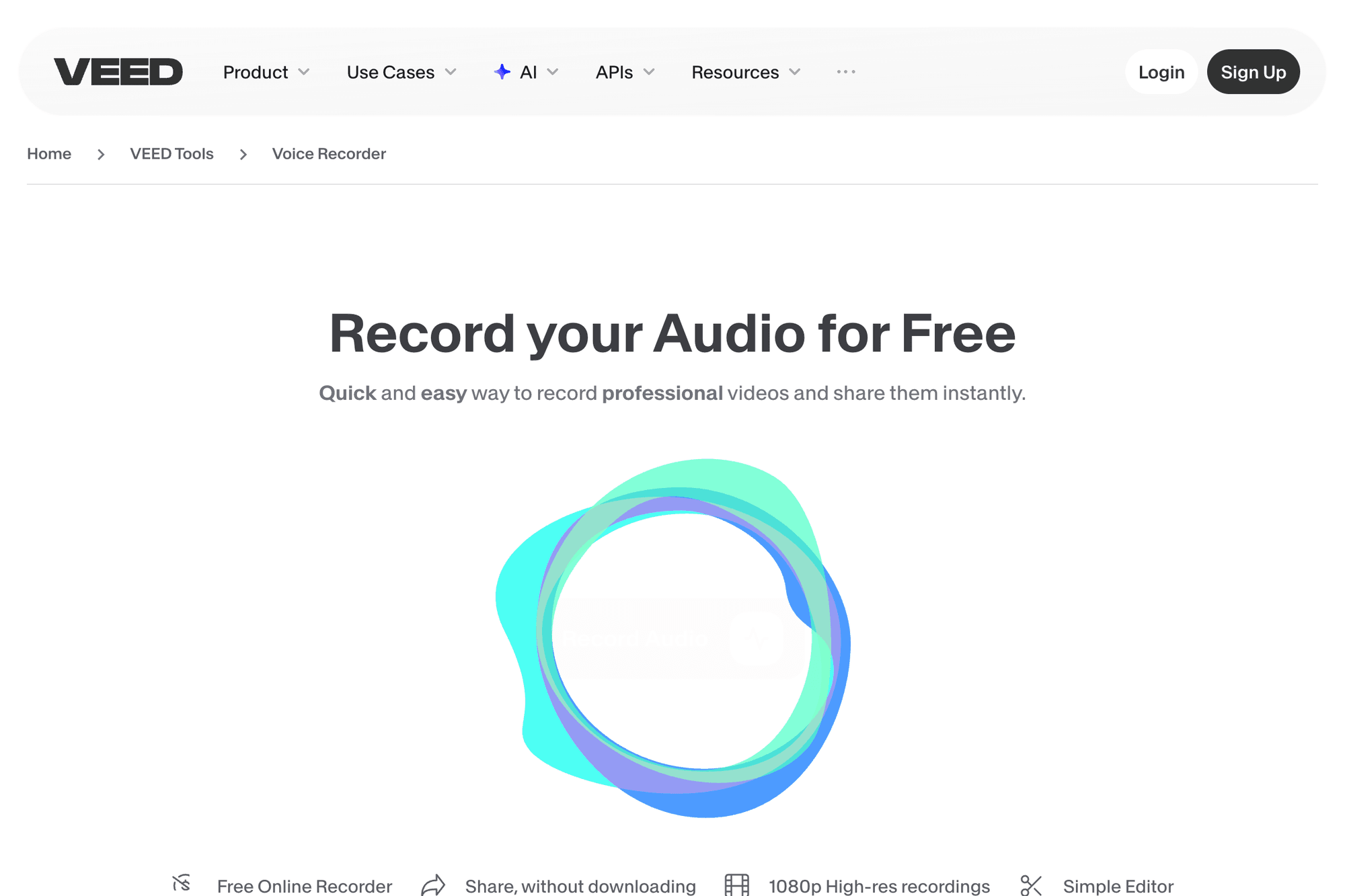
VEED.IO Voice Recorder is better when recording is only the first step. You can record audio and then move into a broader editing workflow for video, subtitles, social clips, or narration.
For a simple voice memo, VEED.IO may feel heavier than necessary. For content creation, it can save time because recording, trimming, captions, and export tools live in one service.
Vocaroo

Vocaroo is one of the fastest ways to record and share a short audio clip. It is designed around a very simple record-and-share flow, so it works well when you do not want an account or a full editor.
Use it for temporary messages, pronunciation examples, quick feedback, or short audio links. For long-term storage, professional editing, or sensitive recordings, download your file and keep a separate copy.
Tips for Recording on a Phone
Online voice recorders can work on iPhone and Android browsers, but phone recording is easier to interrupt. The browser may pause recording if the screen locks, you switch apps, or the tab loses focus.
For important recordings, a laptop or desktop is usually more stable. If you must record on a phone, test first, keep the screen awake, avoid switching apps, and confirm that the downloaded file plays correctly.
If you need to record your screen instead of microphone audio, see how to screen record on Windows.
FAQ
Do online voice recorders work on every operating system?
Most work in modern browsers on Windows, Mac, Chromebook, iPhone, and Android. Microphone permission and file saving can still behave differently depending on the browser and device.
Can I record a long meeting?
It depends on the tool, browser, and device. For long recordings, check sleep settings, storage, microphone input, and whether the tool can save reliably before the real meeting starts.
Can I remove noise after recording?
Some tools offer basic trimming, but noise reduction usually requires a separate audio cleanup tool or editor. If the recording matters, test your microphone placement and room noise before recording.
Summary
Online voice recorders are convenient when you want to capture audio without installing an app. Choose Online Voice Recorder for simple recording and saving, Rev if transcription may come next, VEED.IO if you need editing and captions, and Vocaroo if you want to record and share quickly.
For important audio, do a short test first, keep the browser tab open, and save a local copy as soon as recording is finished.