If you want to combine several photos on iPhone, the right app depends on what you are making. A birthday collage, an Instagram Story, a family photo page, and a thumbnail-style design all need slightly different tools.
Table of Contents
Quick Picks by Use Case
- If you are unsure where to start: Canva
- If you want a collage-focused app: PicCollage
- If you also want photo editing tools: Picsart
- If you want text, stickers, and decoration controls: Perfect Image
- If you only need social posts and Stories: Instagram
The main difference is whether you want templates, freeform decoration, serious editing, or quick social posting.
Best iPhone Photo Collage Apps
Canva
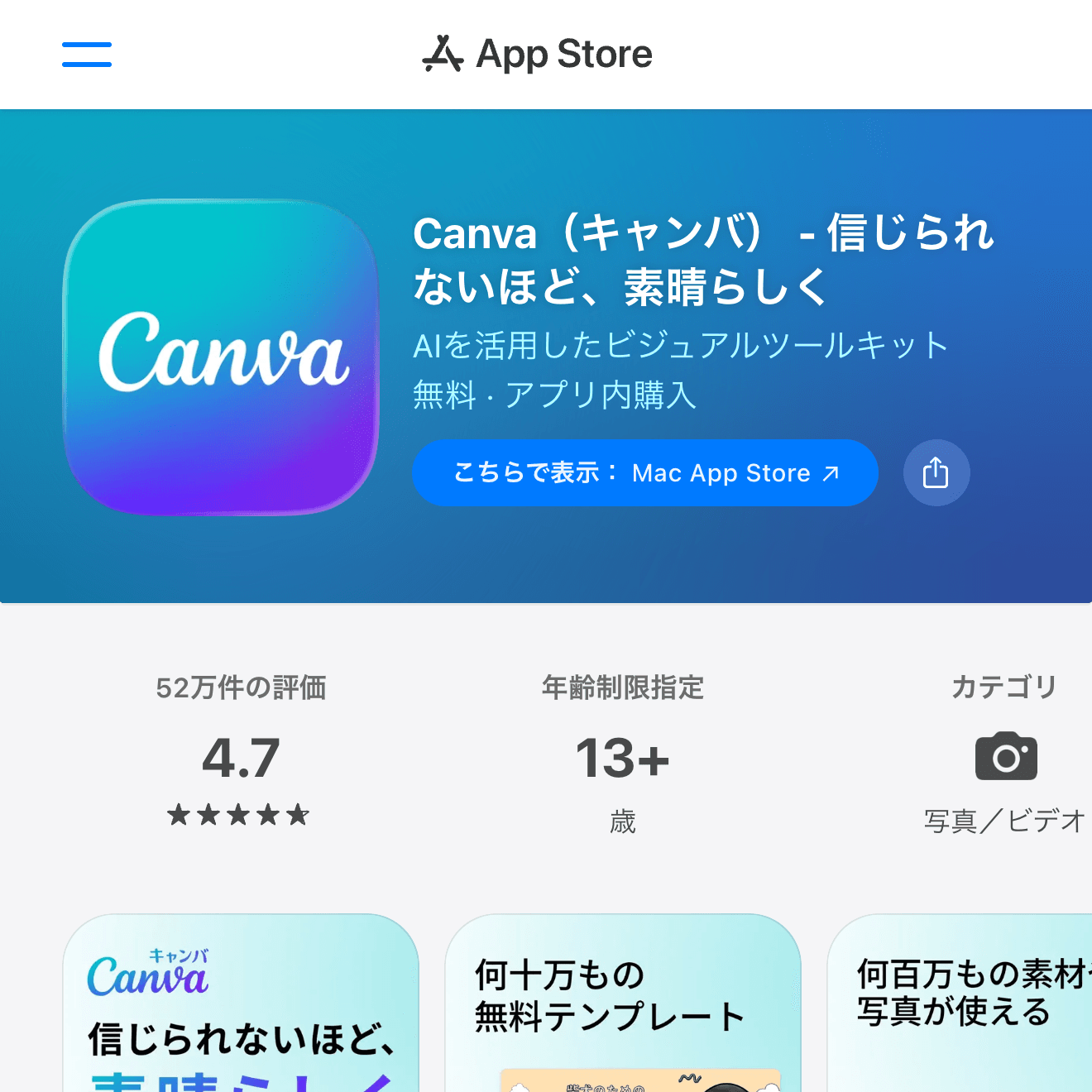
Canva is the easiest all-round choice if you want clean templates for Instagram posts, Stories, invitations, thumbnails, or memory boards. It is not only a collage app; it is a design tool, so you can add text, icons, backgrounds, and brand-like layouts without starting from a blank canvas.
It works well when you want the result to look polished quickly. Pick a template, replace the sample photos, adjust text, and export. The free plan is enough for casual use, though some templates and assets require paid access.

PicCollage
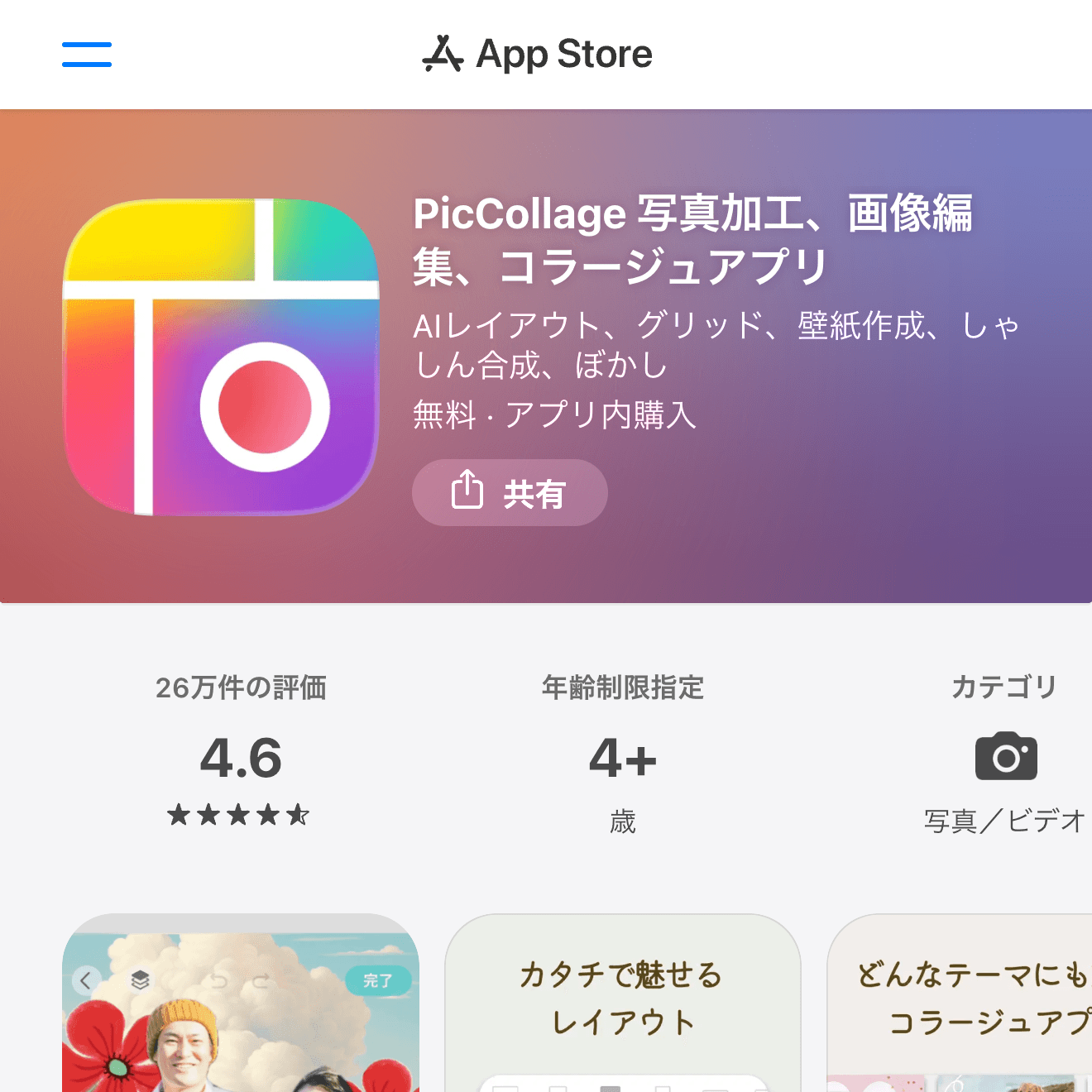
PicCollage is built specifically for collages. It is a good fit when you want to place several photos, resize them by hand, add stickers, and create something casual and playful.
Compared with Canva, it feels more like a dedicated scrapbook app. It is especially handy for school events, travel memories, family photos, and quick birthday-style layouts.
Picsart
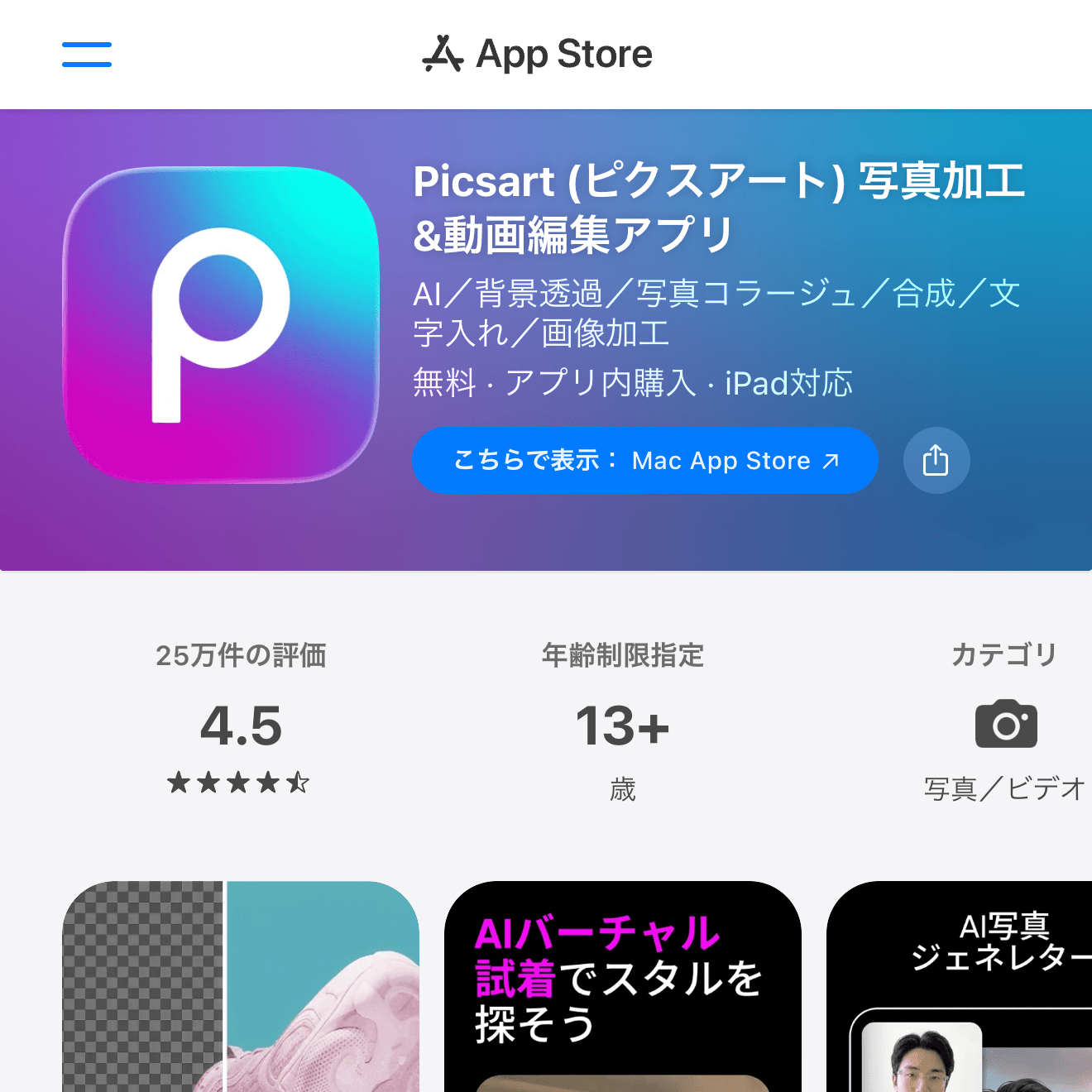
Picsart is better when a collage is only part of the job. It includes photo editing, filters, cutouts, stickers, and effects, so it suits users who want to edit images before arranging them.
If your goal is a social-media-ready image with a stronger edited look, Picsart gives you more room than a simple layout app. It can feel busier than Canva or PicCollage, but the tool range is wider.
Perfect Image
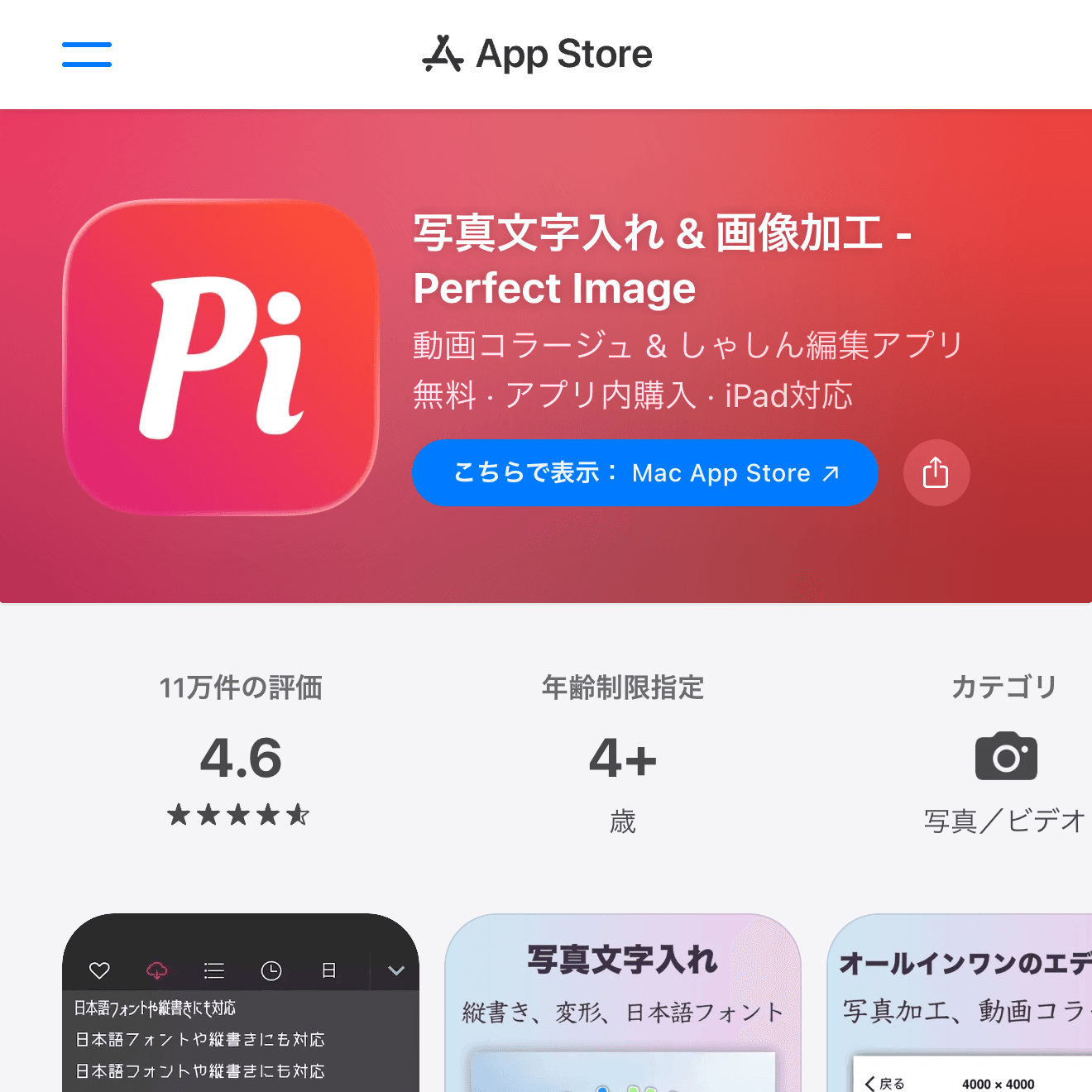
Perfect Image is useful when you want to tune the layout and decoration yourself. It supports collage layouts, text, stickers, filters, and basic image adjustment, so it is a practical choice for users who like a more hands-on editor.
Use it when the default template look is not enough and you want to nudge the design into place manually.
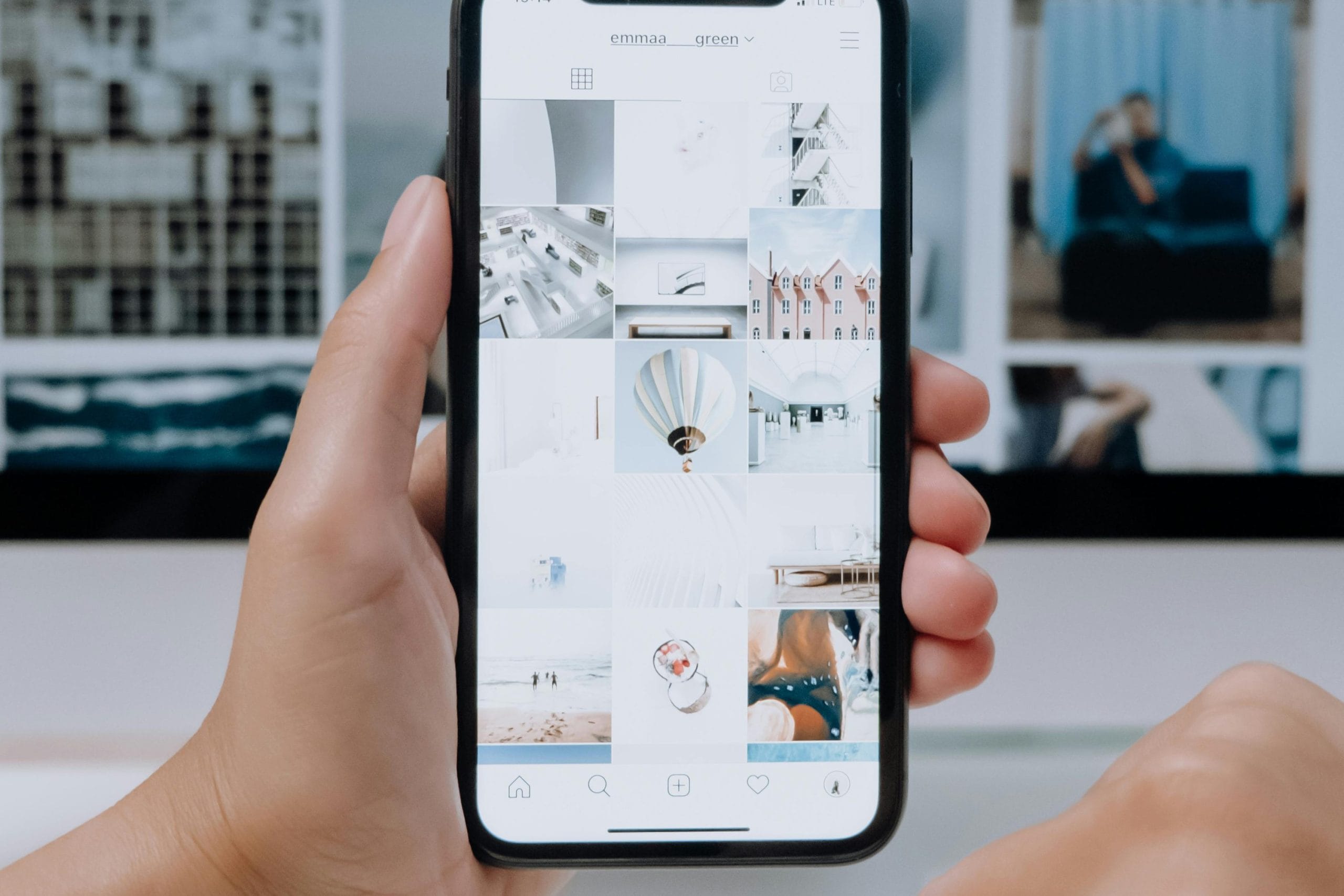
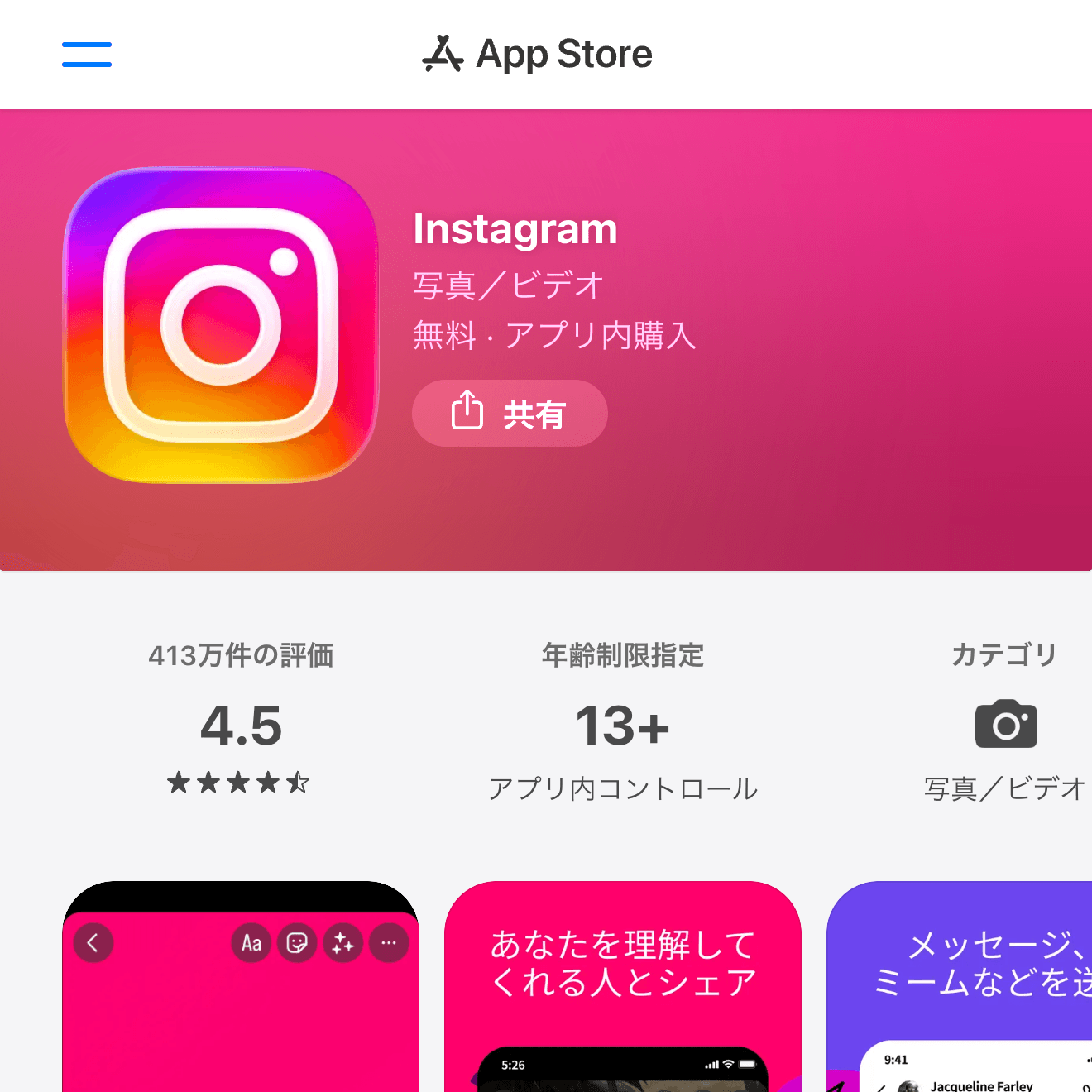
If the collage is only for Instagram, the Instagram app itself may be enough. Stories, Reels covers, and feed posts can all be built with simple layout and sticker tools inside the app.
It is not the best choice for saving reusable templates or making print-style collages, but it is the fastest path when your final destination is already Instagram.
How to Choose a Photo Collage App
Start with the destination. For social posts, Canva, Picsart, and Instagram are convenient. For family memories or casual scrapbook layouts, PicCollage is easier. For manual text and decoration work, Perfect Image is worth trying.
Also check export quality and watermarks before you spend time building a design. Some apps let you edit for free but reserve certain templates, stickers, or watermark-free exports for paid plans.
Wrap-Up
For most people, Canva is the safest first pick because it handles collages, social graphics, text, and templates in one place. PicCollage is simpler for pure collages, Picsart is stronger for photo-heavy edits, Perfect Image gives you more manual decoration control, and Instagram is enough when the post never leaves Instagram.