Using your iPhone as a remote works best when you choose the app that matches the device you want to control. Apple TV, Fire TV, Google TV, Samsung devices, smart speakers, and infrared hubs all need different apps.
Table of Contents
Quick Picks by Use Case
- If you control Apple TV: Apple TV Remote
- If you use a Fire TV Stick: Amazon Fire TV
- If you use Google TV or Chromecast: Google TV
- If you use Samsung TVs or appliances: SmartThings
- If you manage Google Nest or Matter devices: Google Home
- If you use smart plugs or infrared remote hubs: SmartLife
Start with the official app for your device. Generic remote apps often add ads or subscriptions without improving reliability.
Best iPhone Remote Control Apps
Apple TV Remote
Apple TV Remote is built into iPhone through Control Center, so you do not need a separate app for Apple TV. It lets you navigate, type text with the iPhone keyboard, and control playback.
This is the cleanest option if you use Apple TV. It also helps when the physical remote is missing or when text entry with the remote feels slow.
Amazon Fire TV
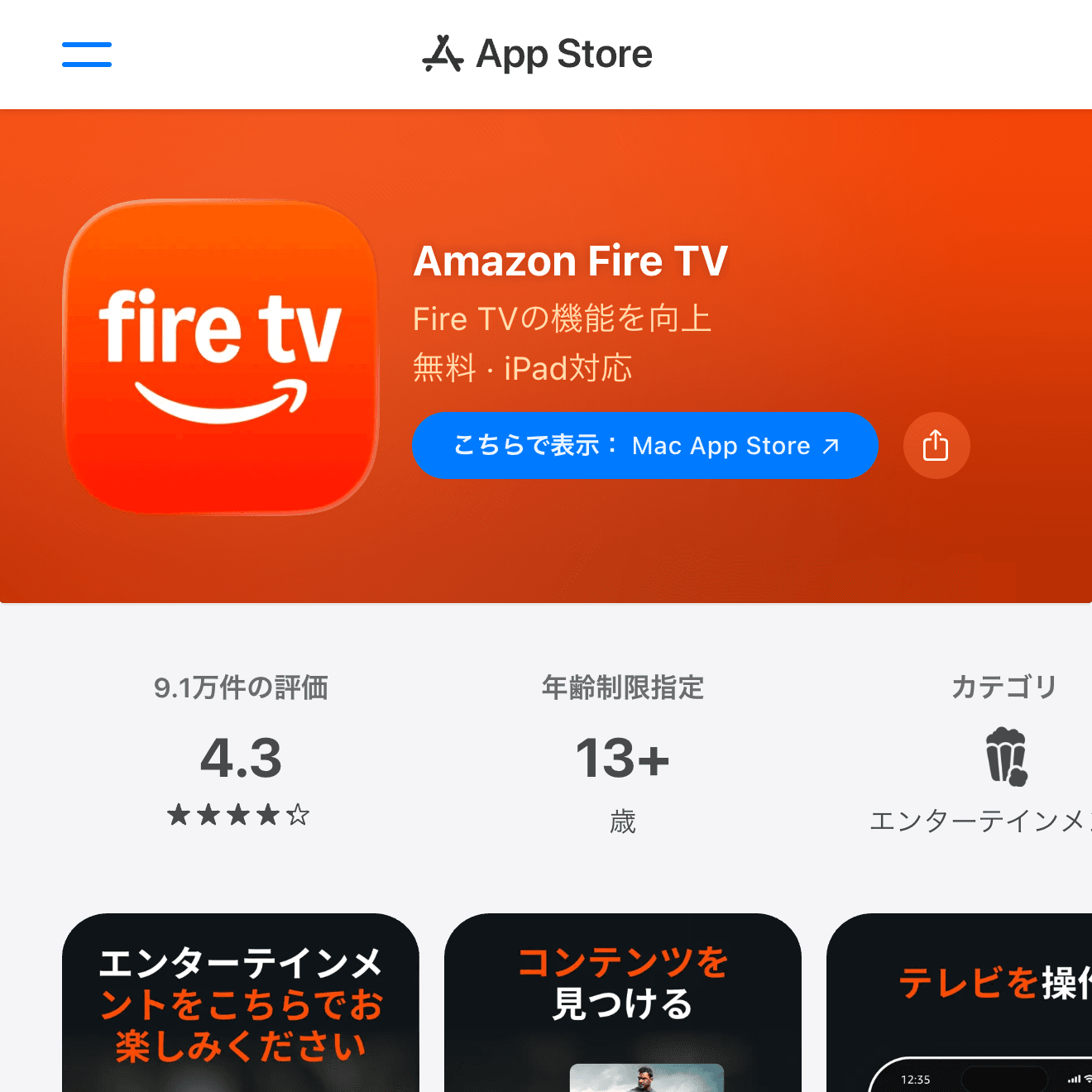
The Amazon Fire TV app is the official choice for Fire TV Stick and Fire TV devices. It supports remote control, voice search, text input, and app launching.
It is especially useful when the physical remote battery dies or the remote disappears. Try the official app before installing unofficial Fire TV remote apps.

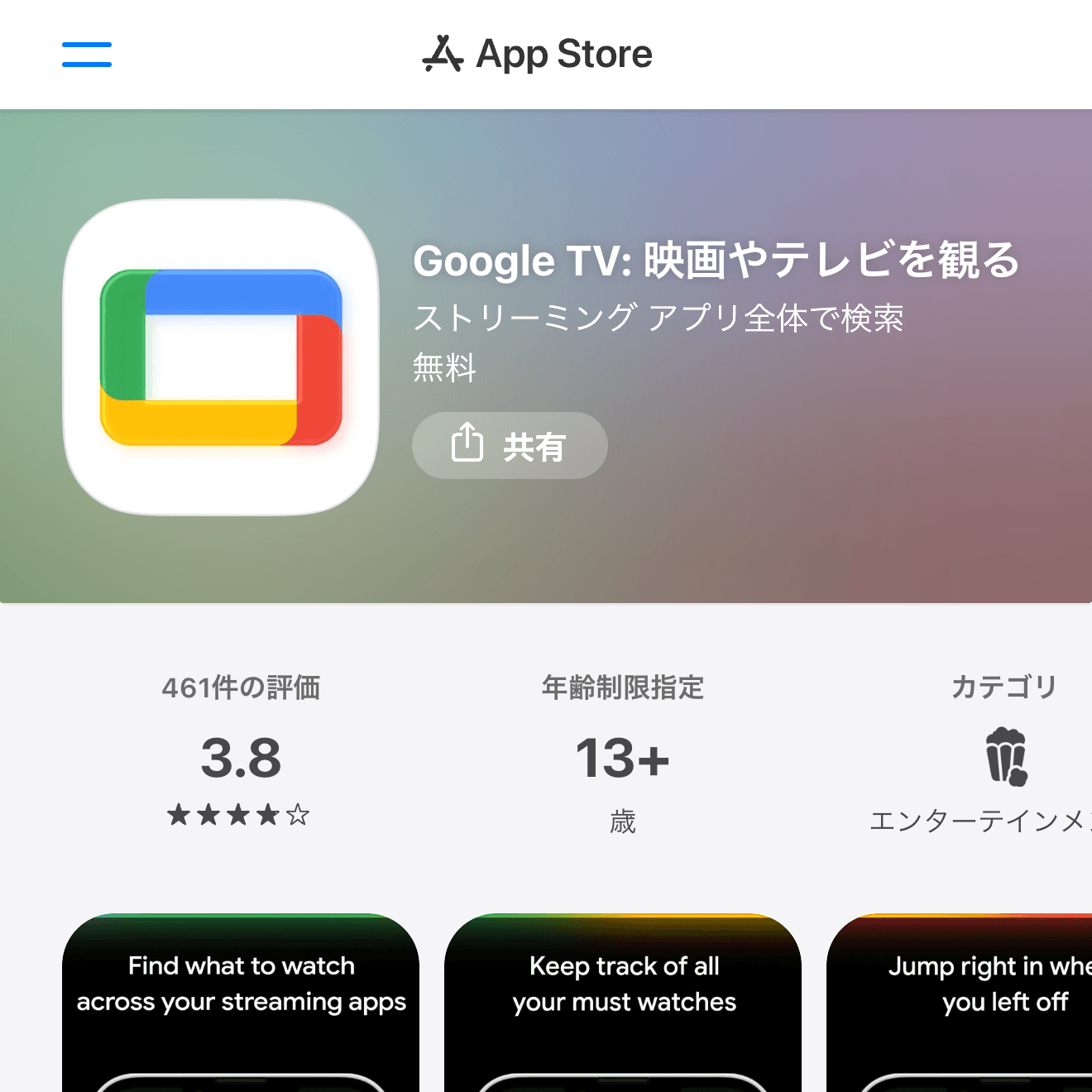
Google TV
Google TV is the app to try if you use Google TV or Chromecast with Google TV. It can help you browse, search, and control compatible devices from iPhone.
It is a practical option for households that already use Google services or have Google-powered streaming devices.
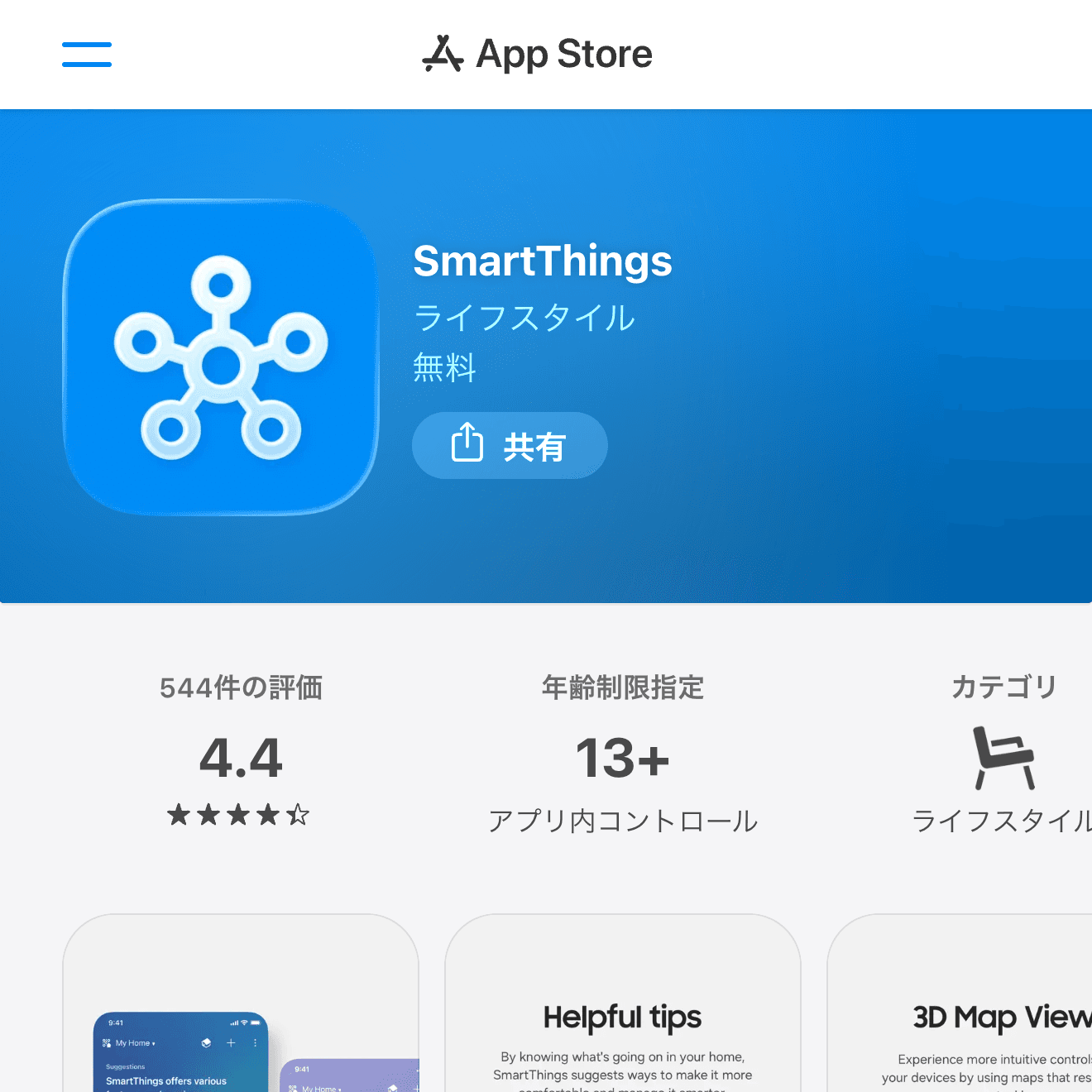
SmartThings
SmartThings is useful for Samsung TVs, compatible appliances, and smart home devices. If your TV or appliance is supported, it can become a more stable remote than a generic app.
It is best for people who have several Samsung or SmartThings-compatible devices in the house.
Google Home
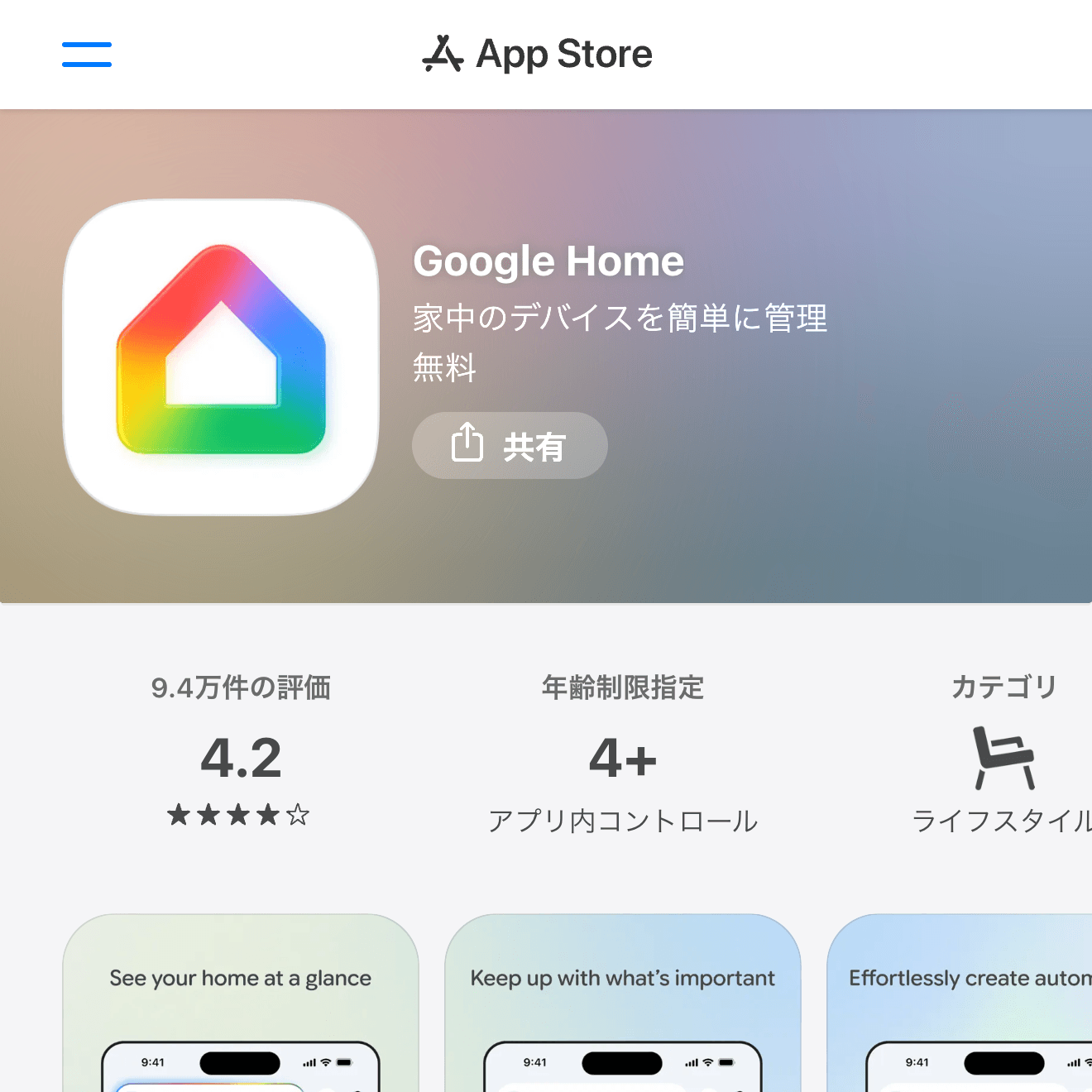
Google Home is the central app for Google Nest speakers, displays, Chromecast, and many Matter-compatible smart home devices. It is not just a remote; it is a home control dashboard.
Choose it when you want to control rooms, routines, lights, speakers, and streaming devices from one place.
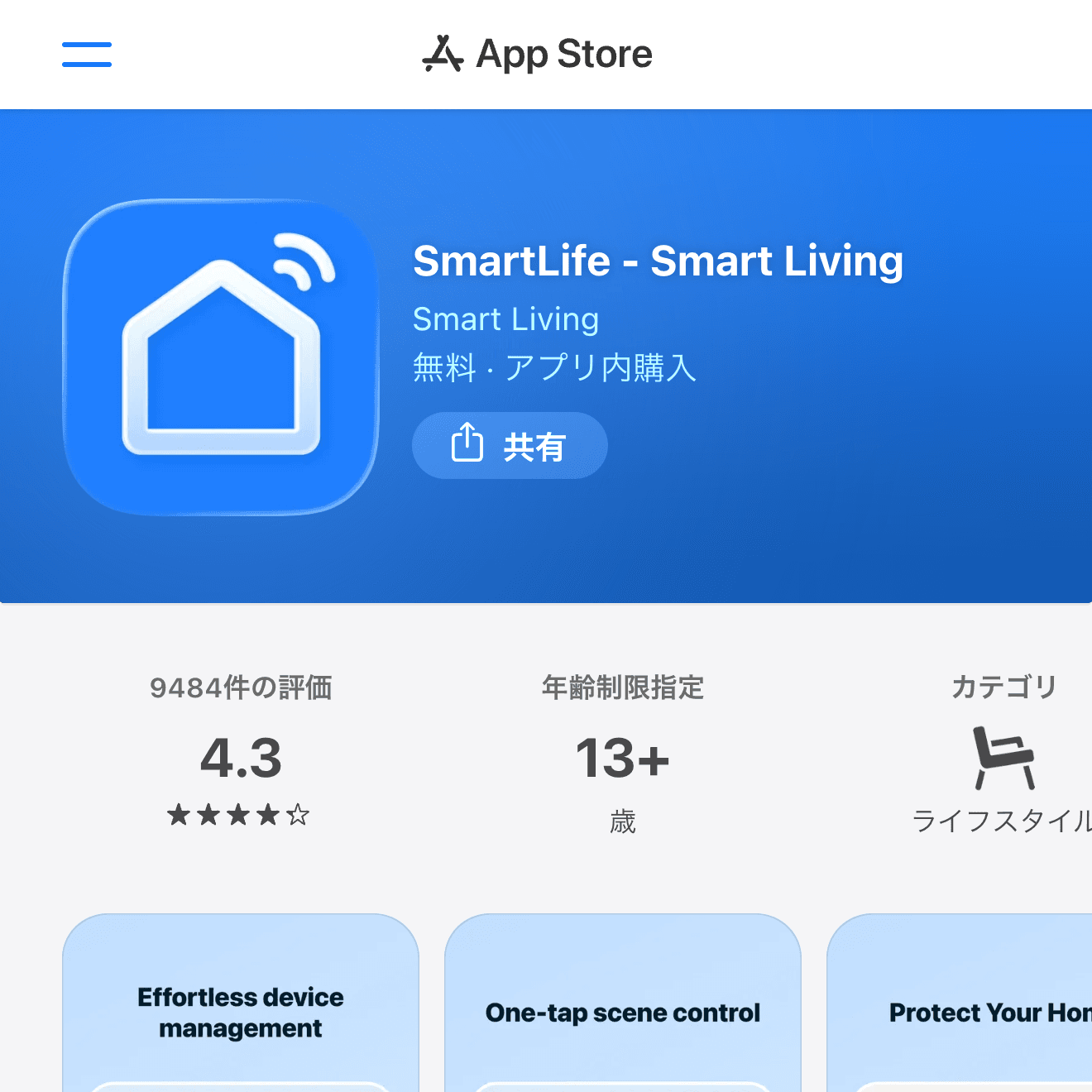
SmartLife
SmartLife is commonly used with smart plugs, bulbs, infrared remote hubs, and inexpensive smart home devices. If your air conditioner or older TV is controlled through an infrared hub, this type of app may be the missing piece.
Check device compatibility before buying hardware. The app matters, but the hub and the appliance support matter more.
How to Choose a Remote Control App
Prefer official apps whenever possible. They usually have fewer ads, clearer pairing flows, and better support for the exact device you own.
Also check whether the iPhone and target device are on the same Wi-Fi network. Many remote apps fail simply because the phone, TV, speaker, or hub is on a different network.
Wrap-Up
For Apple TV, use the built-in Apple TV Remote. For streaming devices, choose Amazon Fire TV or Google TV. For smart home control, use SmartThings, Google Home, or SmartLife based on your hardware. The right remote app is the one made for the device you actually own.