iPhone can read QR codes without installing anything, but a dedicated scanner app can still help when you need scan history, barcode support, QR code creation, or a cleaner workflow for repeated scans.
Table of Contents
Quick Picks by Use Case
- If you only scan QR codes occasionally: Camera
- If you do not want another app: Code Scanner
- If you need history and QR creation: Barcode Scanner QR Code Reader
- If you want a simple scanner with fewer distractions: QR Code Reader
- If QR scanning is your main use case: QRbot
For basic QR codes, start with Apple's built-in options. Install a third-party scanner only when you need more than simple scanning.
Best iPhone Barcode Scanner Apps
Camera
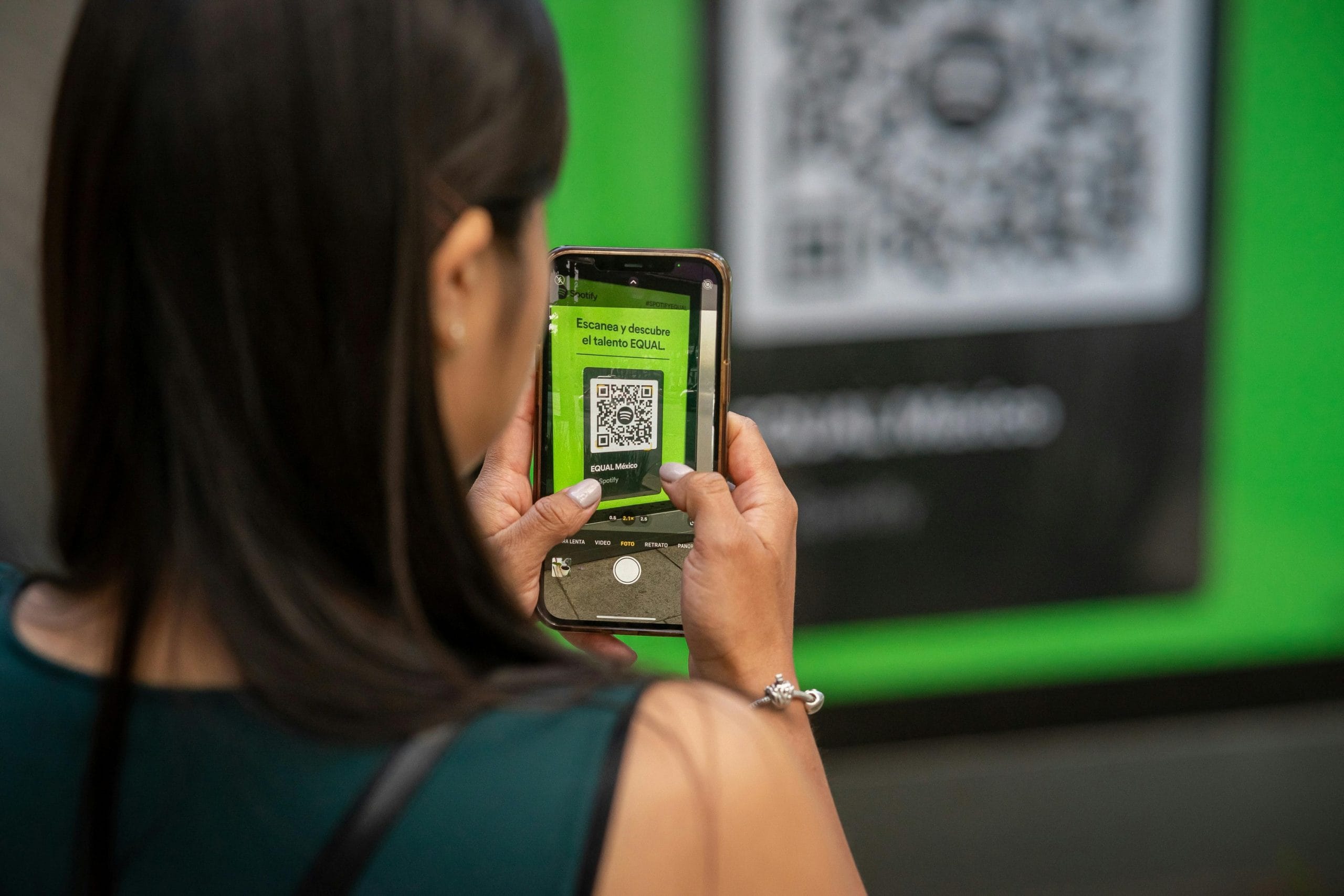
The iPhone Camera app can scan QR codes directly. Open Camera, point it at the code, and tap the banner that appears. For many users, that is enough.
Use Camera when you only scan restaurant menus, event pages, Wi-Fi codes, or simple web links once in a while.
Code Scanner
Code Scanner is a built-in iPhone tool that can be added to Control Center. It opens a dedicated scanner view without the rest of the Camera app interface.
It is convenient if you scan QR codes often but do not want a third-party app. It is still a built-in Apple feature, so it keeps the setup simple.
Barcode Scanner QR Code Reader
Barcode Scanner QR Code Reader is a better fit when you want scan history, barcode support, and QR code creation in one app. It is more useful for repeated scanning than the built-in Camera workflow.
Choose it if you need to revisit previous scans or create codes instead of only opening a link once.

QR Code Reader
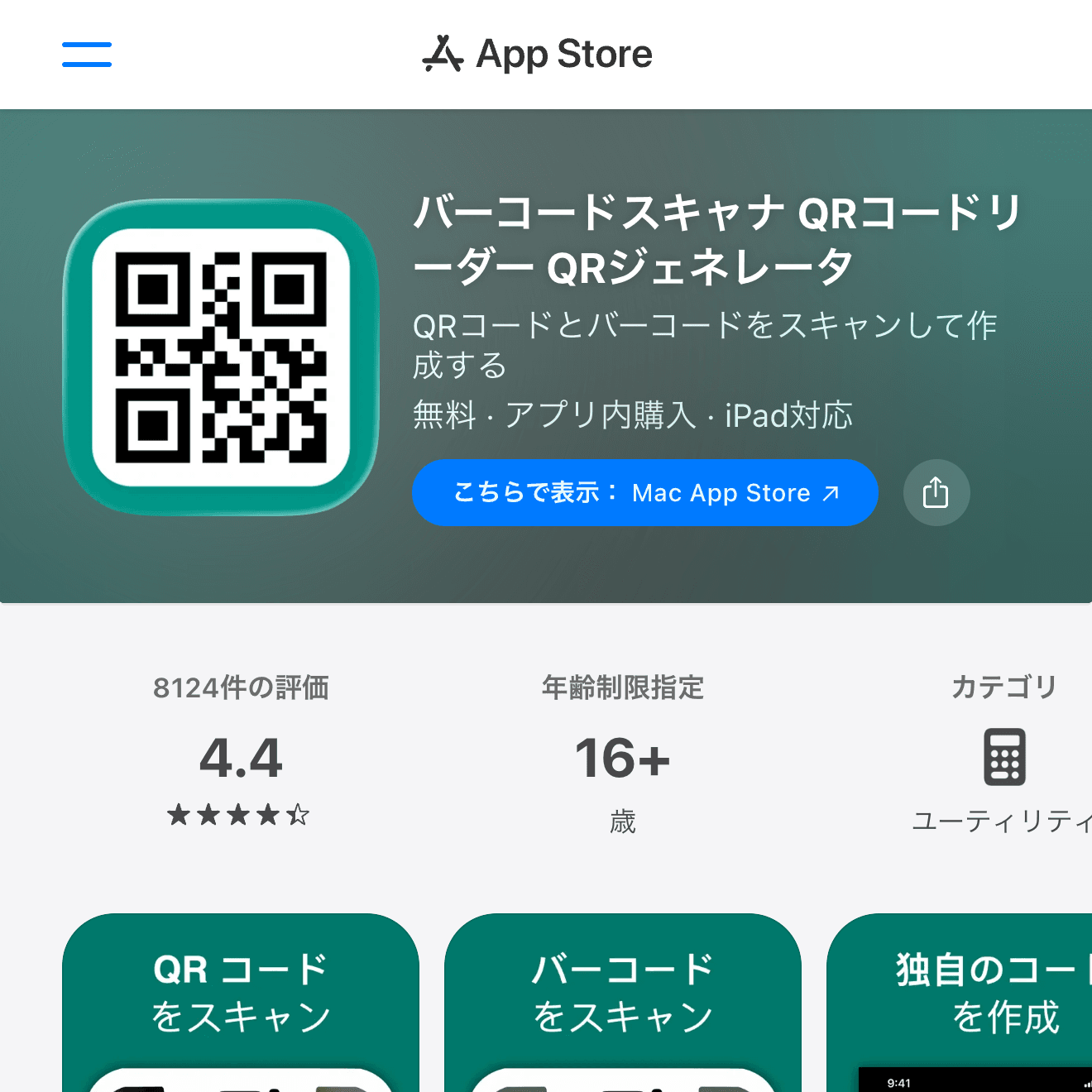
QR Code Reader is a simple option when you want a dedicated scanner without thinking too much about setup. It is suitable for people who prefer a clear scanner app instead of using the Camera app every time.
Check the free version's ads and export behavior before using it for repeated work.
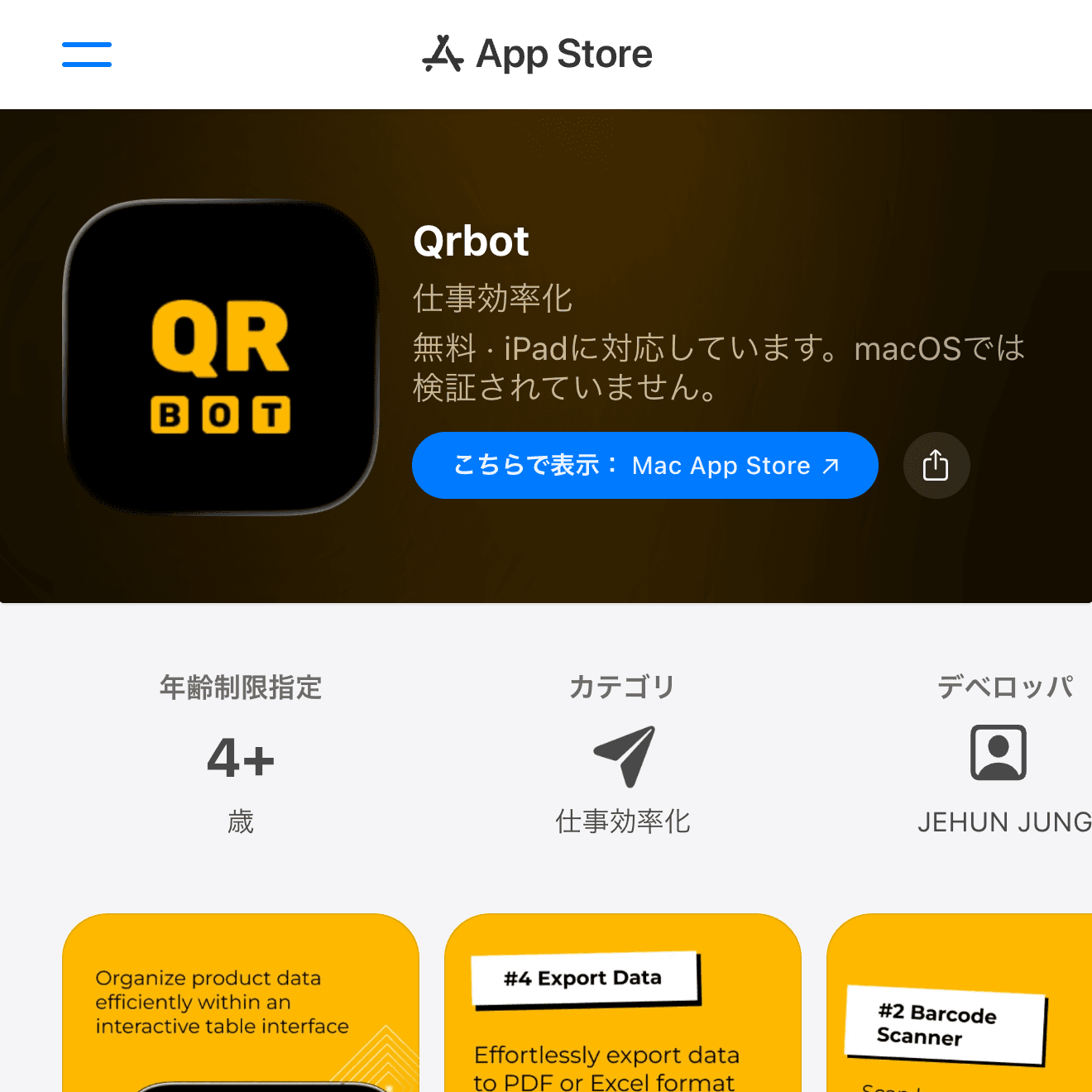
QRbot
QRbot is useful if QR codes are the main thing you scan and you want a dedicated tool rather than a general camera workflow. It can be a good match for people who scan codes regularly at work or events.
As with any scanner app, review privacy, ads, and paid features before relying on it.
How to Choose a Barcode Scanner App
For occasional QR scanning, Apple's Camera and Code Scanner are the safest choices. For scan history, barcode support, or QR code creation, use a dedicated scanner app.
Before using any scanner regularly, check whether it saves history, shows ads before opening links, supports the barcode types you need, and makes the destination URL visible before you open it.
Wrap-Up
Most iPhone users do not need a third-party scanner for basic QR codes. Use Camera or Code Scanner first. Add a dedicated app such as Barcode Scanner QR Code Reader, QR Code Reader, or QRbot only when you need history, creation tools, or repeated scanning features.