Choosing a news app is less about finding the app with the most headlines and more about matching the way you read. Some people want a quick morning briefing, some want local alerts, and others want a calmer way to compare coverage across sources.
This guide compares iPhone news apps that make sense for English-speaking readers. I changed the app list, App Store links, and screenshots from the Japanese article so the recommendations fit the U.S. and broader English-language App Store experience. App Store pages and availability were checked on May 30, 2026.
Table of Contents
- Quick Picks
- iPhone News App Comparison
- How to Choose a News App
- Best iPhone News Apps
- Settings to Check First
- FAQ
- Wrap-Up
Quick Picks
If you use an iPhone and want the most seamless starting point, try Apple News first. It is deeply integrated with iOS and works well for general headlines, local coverage, sports, magazines, and Apple News+ if that subscription is available in your country.
If you want personalized coverage across devices, Google News is the easiest recommendation. For a fast headline feed, try SmartNews. If you want to compare political bias and source ownership, Ground News is the more deliberate choice. If you prefer a magazine-like reading experience, Flipboard still has a distinct feel.
iPhone News App Comparison
| App | Best for | Strength | Cost |
|---|---|---|---|
| Apple News | iPhone users who want a built-in-feeling news app | Editorially curated headlines, local coverage, sports, magazines, and News+ | Free, with News+ subscription options |
| Google News | People who want personalized news across devices | Briefing, local news, Full Coverage, and topic following | Free |
| SmartNews | Readers who want quick headline scanning | Fast topic channels, local news, and broad mainstream coverage | Free |
| Ground News | Readers who want to compare coverage and bias | Source comparison, bias indicators, blindspot discovery, and ownership context | Free, with in-app purchases |
| People who like magazine-style reading | Topic magazines, curated stories, and a visual reading flow | Free |
How to Choose a News App
Start by deciding what problem the app should solve. For everyday headlines, Apple News, Google News, or SmartNews is usually enough. For deeper comparison across outlets, Ground News is more useful. For leisurely reading around hobbies, technology, travel, culture, or design, Flipboard may feel better than a standard headline feed.
Also think about notifications. A news app can become exhausting if every category sends alerts. I would only allow breaking alerts from one primary app, then keep the others as reading apps that I open intentionally.
For major stories, especially emergencies, elections, health, or financial news, do not rely on a single app feed. Open the original publisher, official agency, or multiple sources before making decisions.
Best iPhone News Apps
Here are the iPhone news apps I would consider first for English-speaking readers. The screenshots below use English-region App Store pages, and the Store buttons link to those same pages.
Apple News
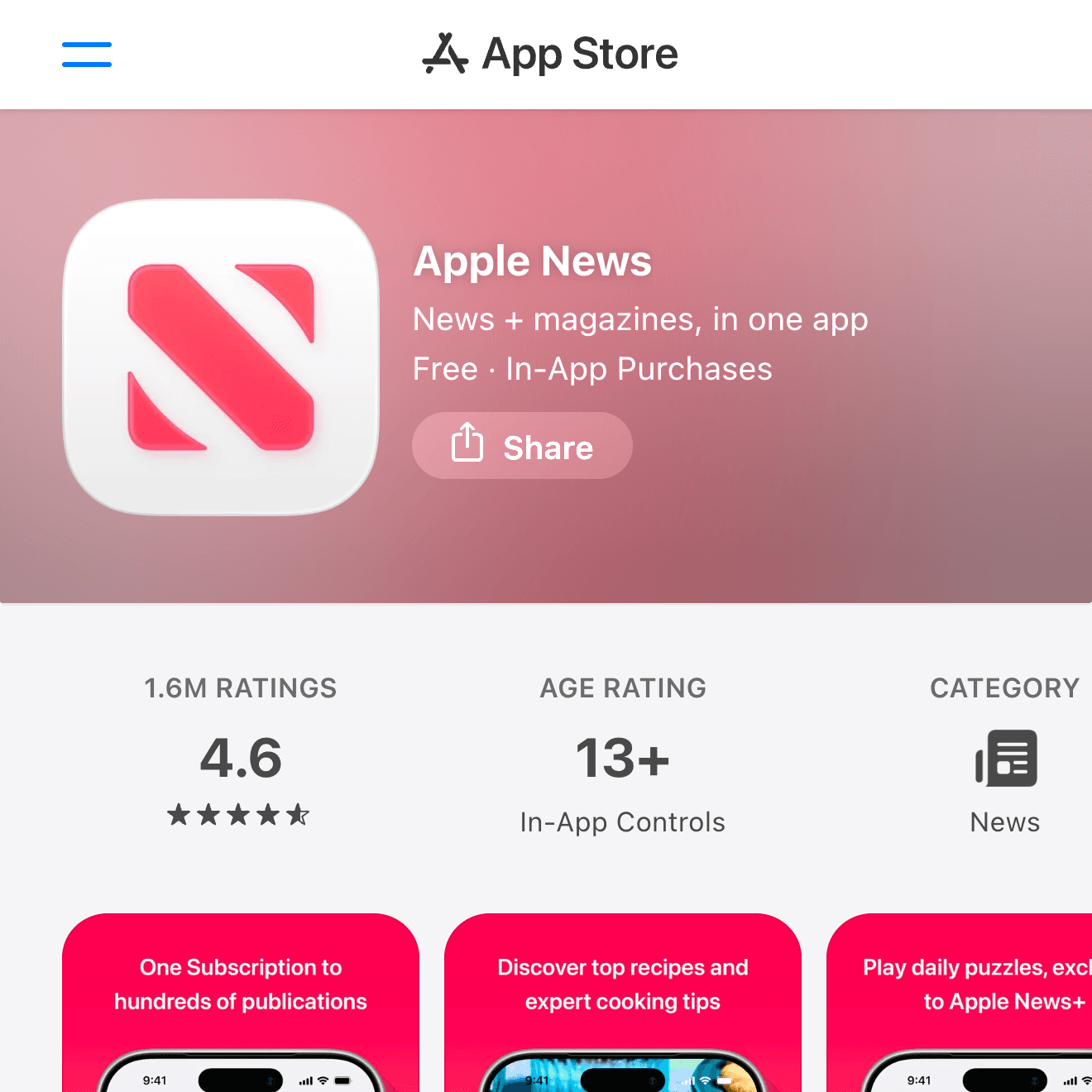

Apple News is the natural first stop for many iPhone users. It combines curated top stories, personalized recommendations, local news, sports coverage, magazines, audio, and Apple News+ content in one app.
The main caveat is availability. Apple News and Apple News+ features vary by country and region, so it is strongest if you live where Apple offers the full service. If it is available to you, it is one of the cleanest general news apps on iPhone.
Google News
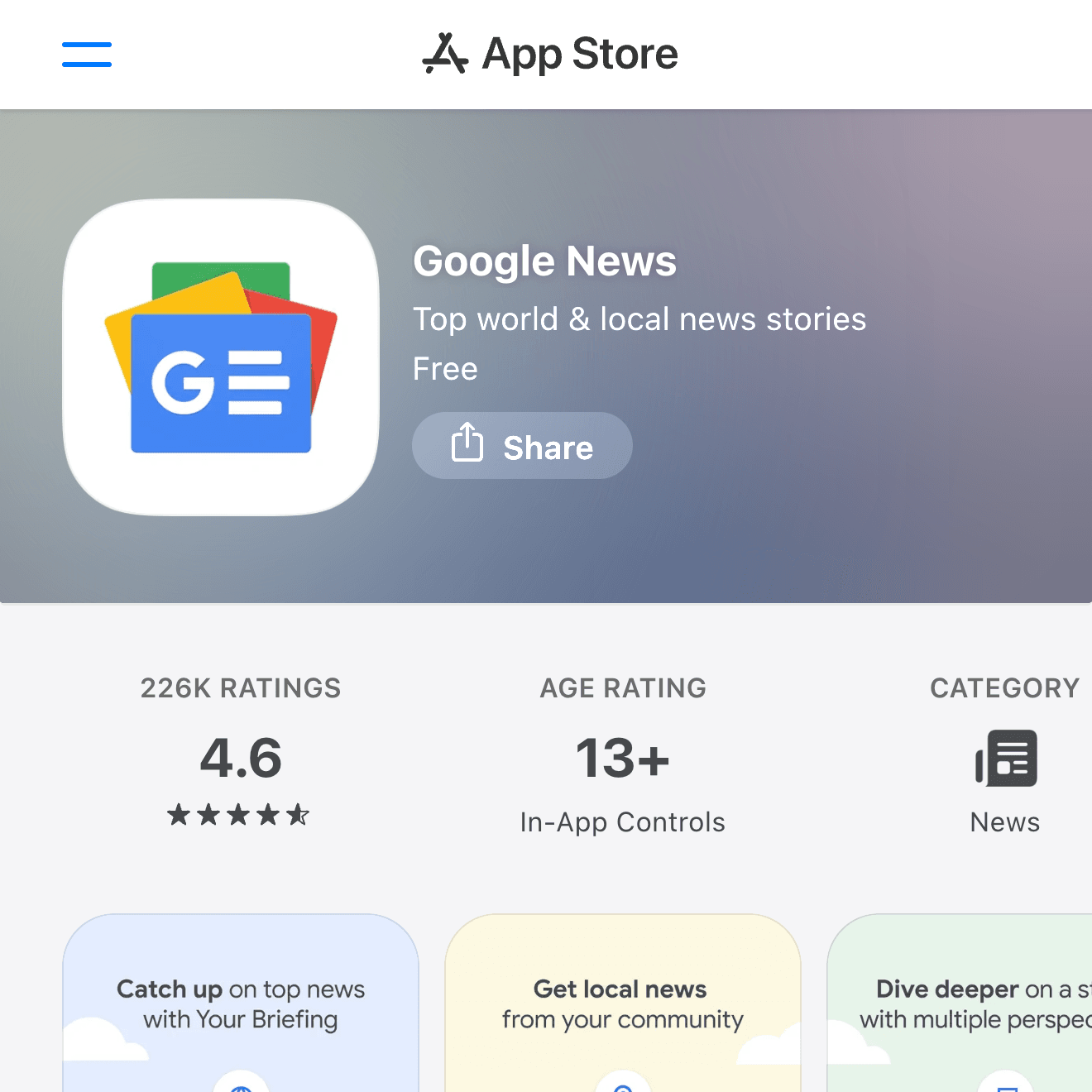
Google News is a strong pick if you want a personalized briefing that follows you across iPhone and the web. The app highlights top stories, local coverage, topics you follow, and a Full Coverage view that helps you see how a story is being reported.
It works especially well if you already use Google services. The tradeoff is that personalization can narrow what you see over time, so it is worth checking the top stories and local tabs, not only the personalized feed.
SmartNews
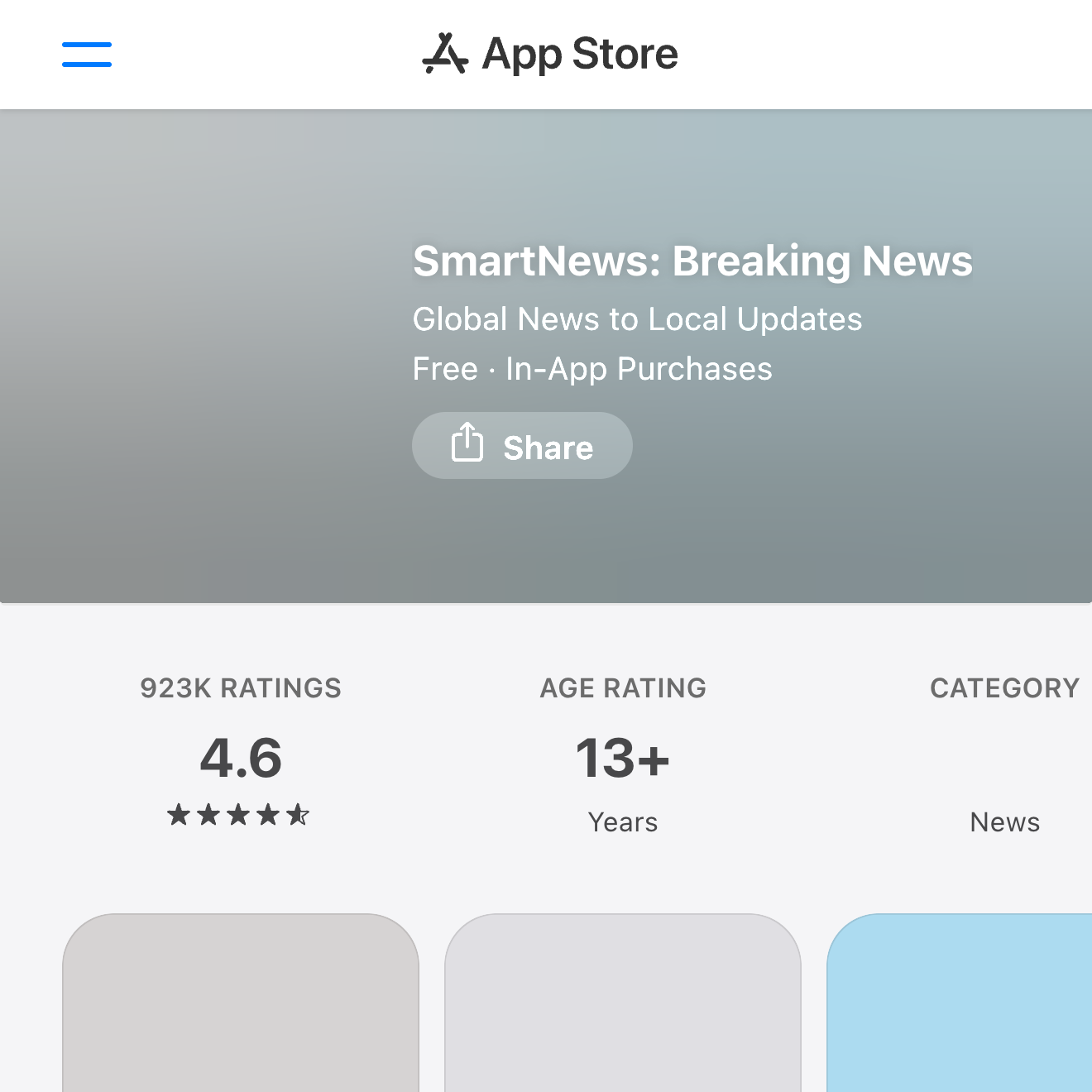
SmartNews is built for quick headline scanning. It is useful if you want to open one app and move through politics, business, entertainment, sports, local stories, and trending topics without much setup.
It is a good fit for commuters and casual readers who prefer a broad feed. If you want fewer distractions, spend a few minutes adjusting channels and notification settings after installing it.
Ground News
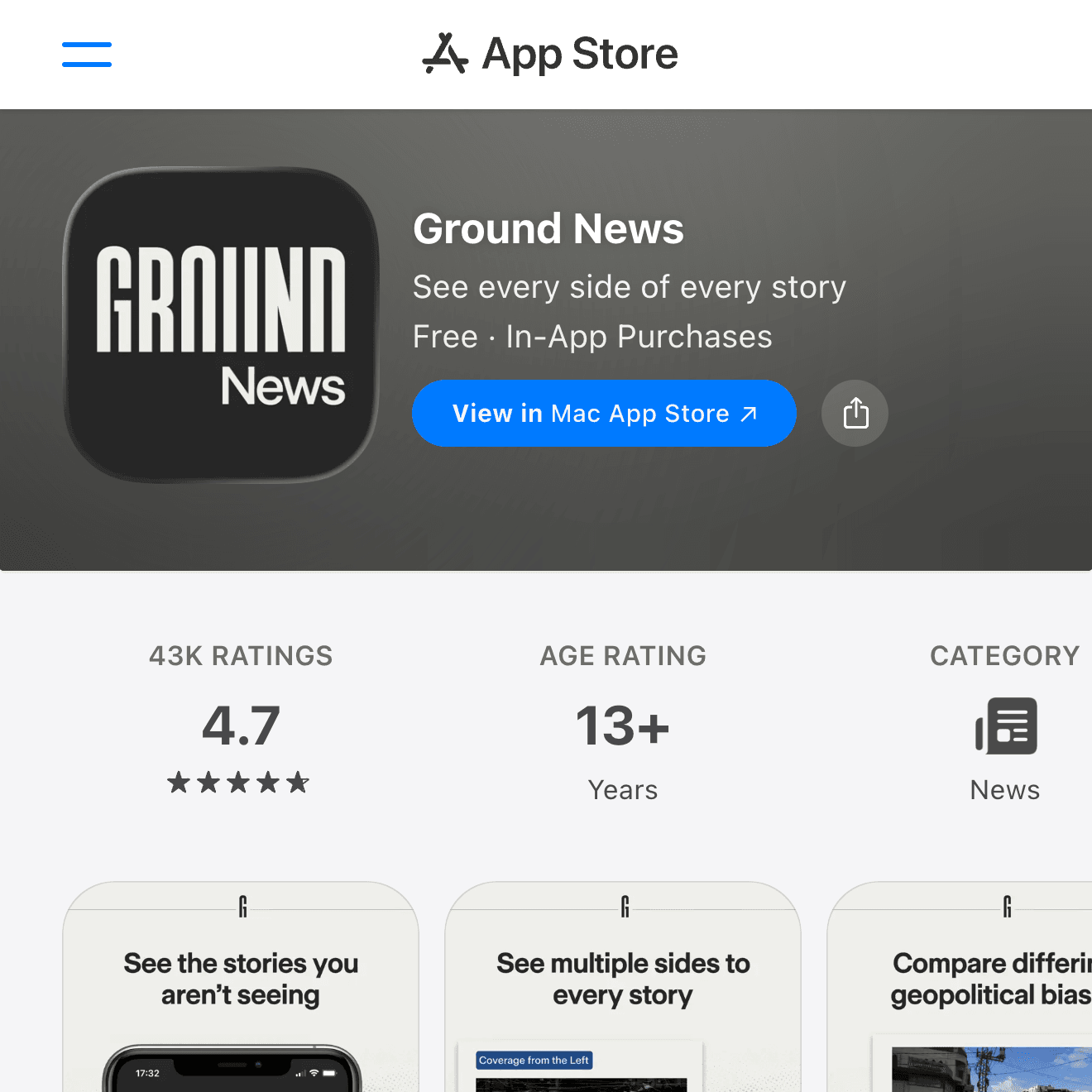
Ground News is the best option here if your goal is not just to read headlines, but to compare how different outlets cover the same story. It emphasizes source bias, reliability, ownership, and blindspots.
That makes it useful for politics, public affairs, and controversial topics. It can feel heavier than a normal news app, but it is worth trying if you want a more balanced news diet instead of another algorithmic feed.
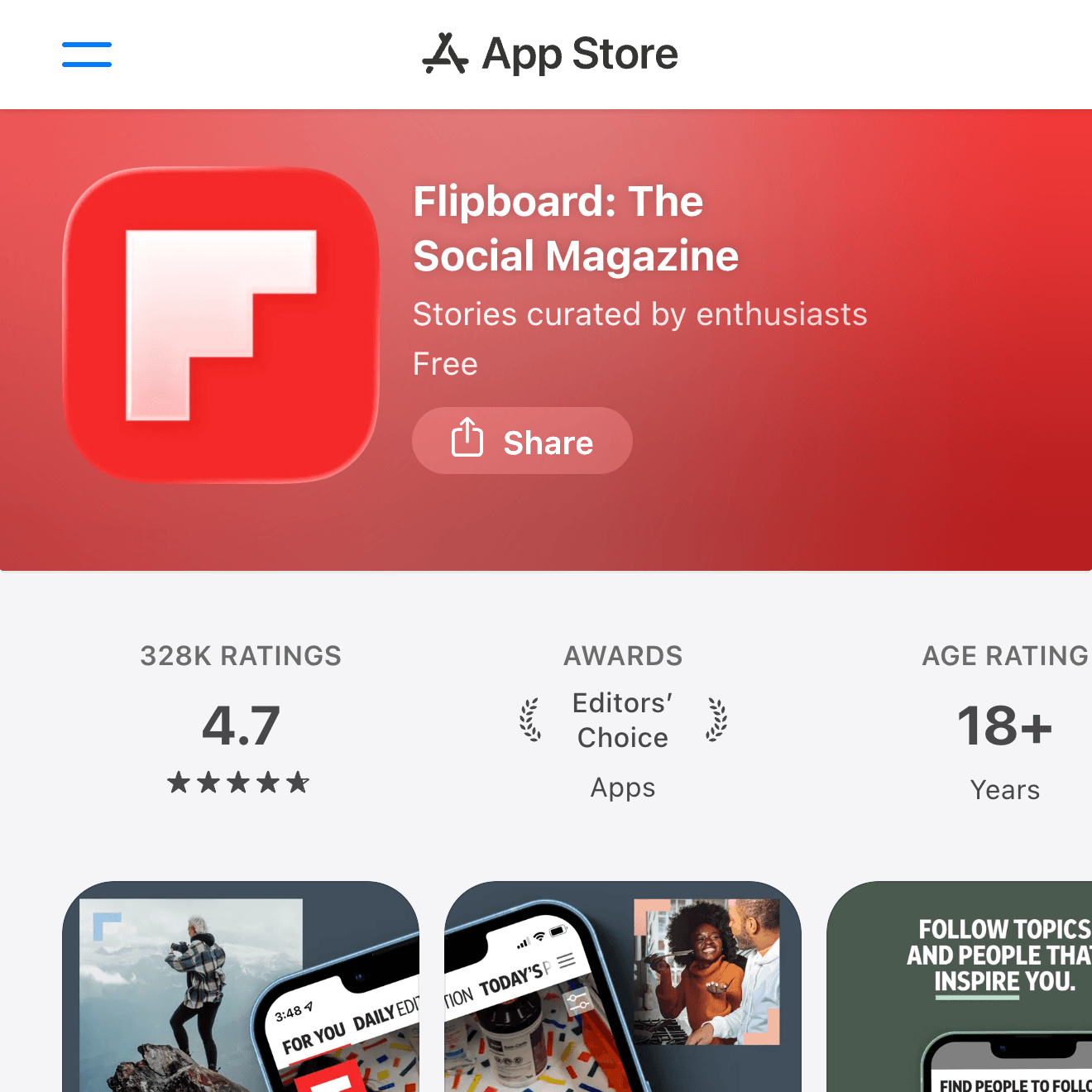
Flipboard is different from a standard breaking-news app. It feels closer to a digital magazine, with topic-based collections and a visual reading flow that works well for culture, travel, technology, lifestyle, sports, and long-form discovery.
Choose it if you want to read around interests rather than chase every alert. It is less of an emergency-news app and more of a pleasant way to build a personal magazine from topics and publishers you care about.
Settings to Check First
After installing any news app, open its notification settings before you rely on it. Breaking news, local alerts, sports, newsletters, promotions, and topic updates can all become noisy if they are enabled at once.
On iPhone, you can also open Settings > Notifications and decide whether each app can show alerts on the Lock Screen, play sounds, or appear in Notification Center. I would keep sound alerts for one app only.
If you read on cellular data, check video autoplay and background refresh settings too. News apps can use more data than expected when video, live updates, and widgets are active.
FAQ
Should I use more than one news app?
Yes. A practical setup is one general news app, one app for deeper comparison or specialist topics, and one publisher app if you follow a specific outlet closely.
Is Apple News enough by itself?
For many iPhone users, yes. But if you want a broader comparison of coverage, pair it with Google News or Ground News. If Apple News is not fully available in your country, Google News is usually the safer starting point.
Which app is best for breaking news?
SmartNews and Google News are good for fast headline scanning, while AP News or Reuters can be useful if you prefer direct publisher apps. In this roundup, SmartNews is the simplest fast-scan choice.
Can news apps replace official sources?
No. For emergencies, government information, health guidance, legal questions, or financial decisions, use news apps as a starting point and verify with official sources or primary reporting.
Wrap-Up
For most iPhone users in English-speaking regions, Apple News and Google News are the best starting points. Add SmartNews if you want a fast headline feed, Ground News if you want to compare coverage and bias, and Flipboard if you prefer a magazine-like reading experience.
The best setup is usually not one perfect app. It is one primary app with carefully tuned notifications, plus one secondary app that gives you a different view of the same world.