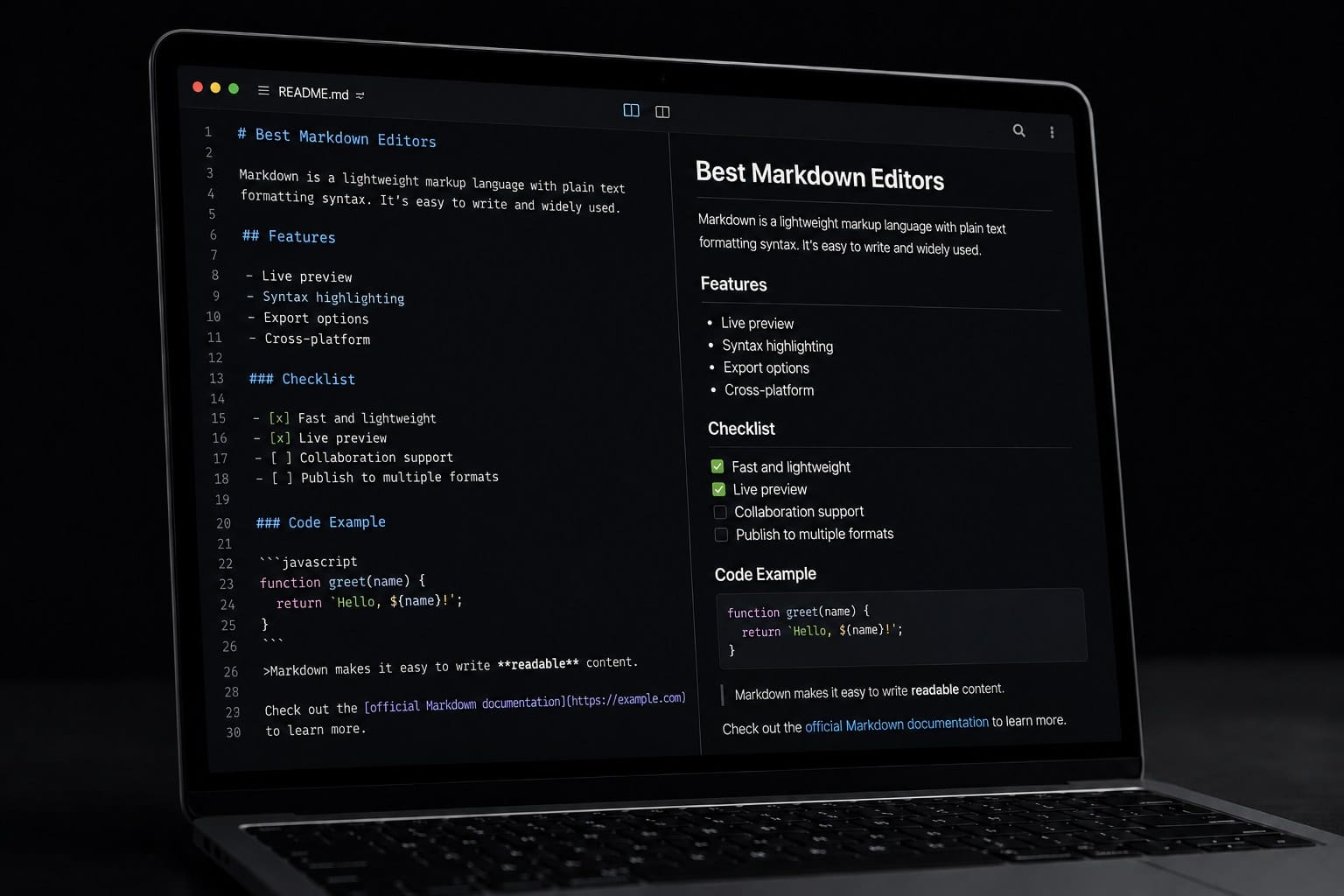
Markdown editors are useful when you want plain text files that still turn into clean headings, lists, links, tables, and documentation. A basic text editor can handle Markdown, but a dedicated editor makes writing easier with preview panes, file navigation, table support, export options, and shortcuts for common formatting.
This guide compares practical Markdown editors for Windows, Mac, Linux, mobile devices, and the browser. The picks focus on tools that make sense for English-speaking users: Obsidian, Visual Studio Code, Typora, StackEdit, and MarkText.
Table of Contents
Quick Answer
If you want a long-term personal knowledge base, start with Obsidian. If you write documentation, README files, or code-adjacent notes, Visual Studio Code is the safest choice. If you want a polished writing experience with minimal clutter, Typora is still one of the best dedicated Markdown editors.
For browser-based writing, choose StackEdit. If you want a free desktop editor with a visual editing style, MarkText is worth trying, especially if you prefer open-source tools.
Markdown Editor Comparison Table
| Tool | Platforms | Browser Use | Best For | Pricing |
|---|---|---|---|---|
| Obsidian | Windows, Mac, Linux, iOS, Android | No full browser editor | Personal notes and knowledge bases | Free for personal use; paid add-ons available |
| Visual Studio Code | Windows, Mac, Linux | vscode.dev and github.dev | Documentation, README files, and code projects | Free |
| Typora | Windows, Mac, Linux | No | Focused long-form writing | Paid |
| StackEdit | Browser | Yes | Writing without installing an app | Free to use |
| MarkText | Windows, Mac, Linux | No | Free desktop Markdown editing | Free |
How to Choose
Choose a Markdown editor based on where your writing will live. If you want a folder of local Markdown files that can grow for years, Obsidian is the strongest option. If your Markdown lives next to code, Git repositories, or project documentation, Visual Studio Code fits naturally.
If you mostly write articles, reports, or notes and want the editor to stay out of the way, Typora is more comfortable than a developer-focused tool. If you need something that works on almost any computer without installation, StackEdit is the simplest browser-based option. MarkText sits in the middle: it is free, desktop-based, and visually approachable.
Also consider sync. Obsidian can stay entirely local or sync through paid and third-party options. VS Code works well with Git and cloud workspaces. StackEdit is browser-first, so it is better for temporary writing than for managing a large local note archive.
Best Markdown Editors
The official sites and platform information below were checked on May 30, 2026.
Obsidian
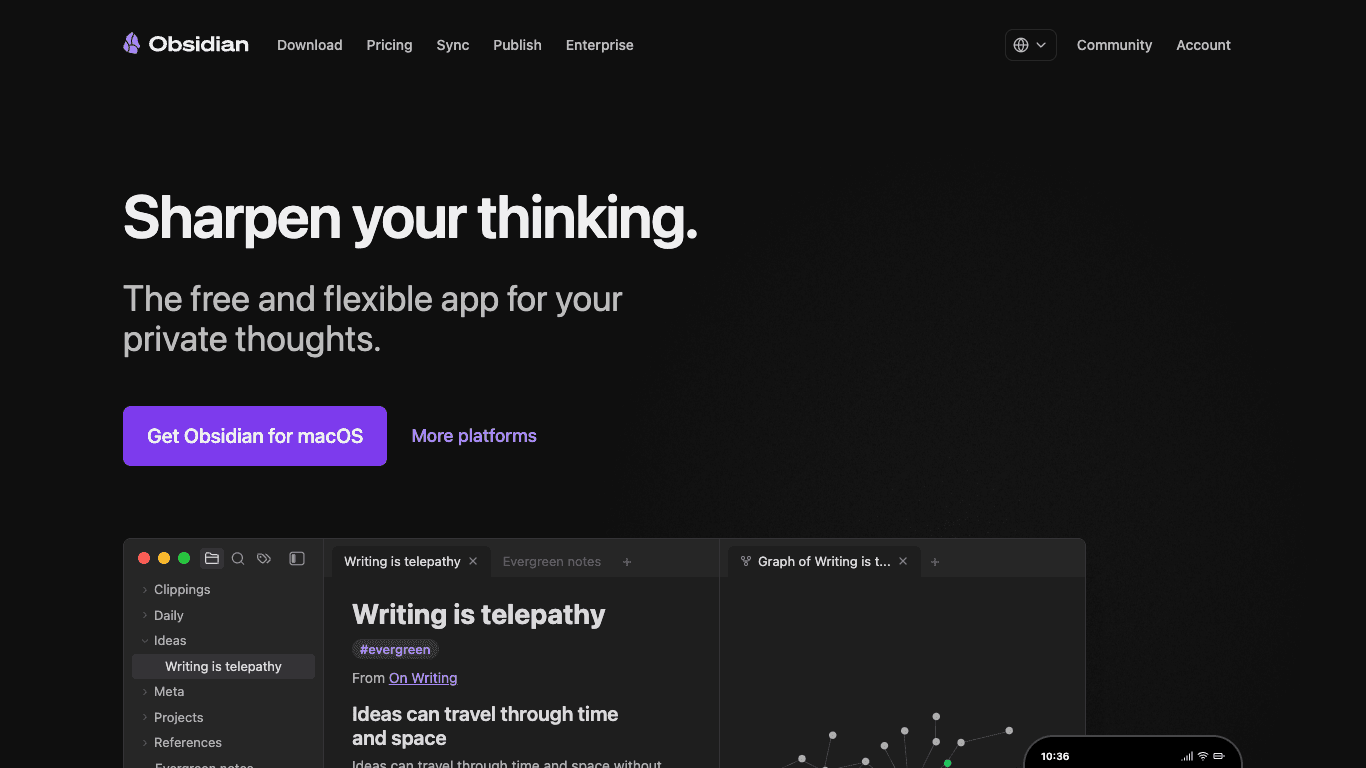
Platforms: Windows, Mac, Linux, iOS, and Android. Obsidian is not a full browser-based Markdown editor.
Obsidian is a Markdown-based note app built around local files, backlinks, and a graph view. It is best when you want your notes to become a personal knowledge base rather than a pile of separate documents.
I would choose Obsidian for long-term notes, research, writing drafts, reading notes, and project knowledge. You can start with simple Markdown files and add plugins only when your workflow needs them.
Visual Studio Code
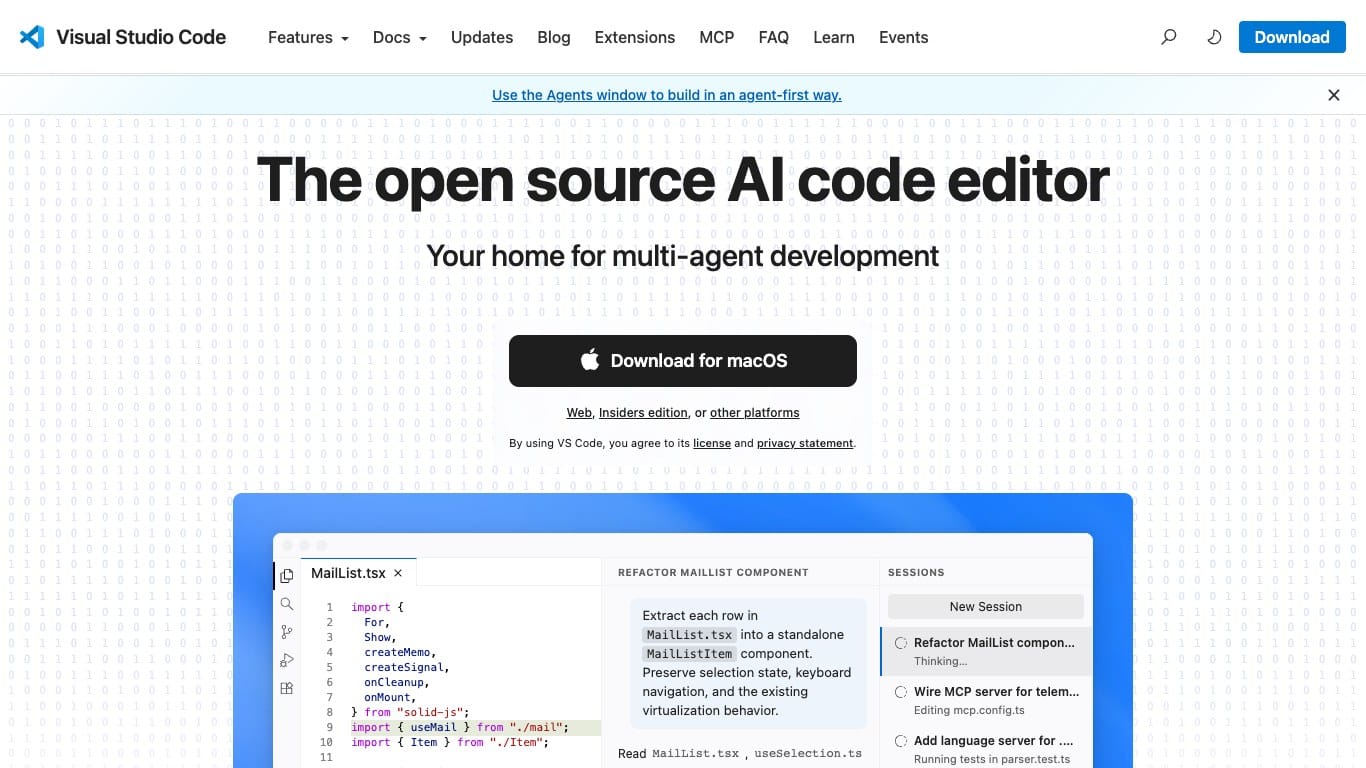
https://code.visualstudio.com/
Platforms: Windows, Mac, and Linux. Browser-based editing is also available through vscode.dev and github.dev.
Visual Studio Code is a code editor, but it is also excellent for Markdown. You can preview Markdown side by side, work inside Git repositories, install writing and linting extensions, and keep documentation close to the code it describes.
It is the best choice if you write README files, API notes, project documentation, technical blog drafts, or Markdown that will be committed to Git.
Typora
Platforms: Windows, Mac, and Linux. Typora is a desktop app and does not run as a browser editor.
Typora gives you a clean, live-preview writing surface. Instead of constantly switching between raw Markdown and a preview pane, you write in a document-like view while keeping Markdown as the underlying format.
It works especially well for essays, blog drafts, reports, and longer notes where the writing experience matters more than plugin ecosystems or code integration.
StackEdit
Platforms: Browser-based. It works on Windows, Mac, Linux, Chromebooks, and other systems with a modern browser.
StackEdit is the easiest pick when you do not want to install anything. It gives you Markdown editing, preview, scroll sync, and cloud-friendly workflows from the browser.
It is best for temporary drafts, shared computers, quick edits, and people who move between devices often. For a large personal archive, a local desktop app is usually easier to manage.
MarkText
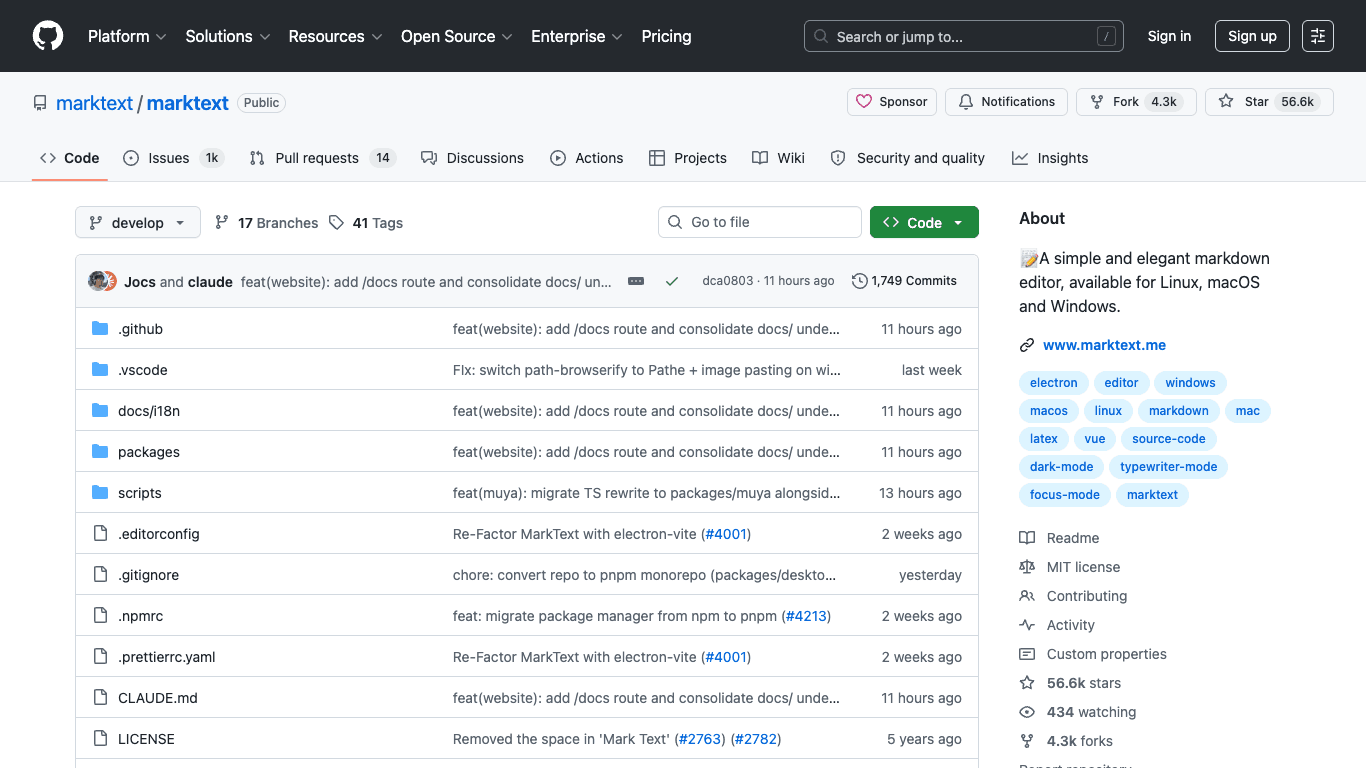
https://github.com/marktext/marktext
Platforms: Windows, Mac, and Linux. MarkText is a desktop app and does not run in the browser.
MarkText is a free Markdown editor with a visual editing style. It is a good option if you want a desktop app but do not want to pay for Typora.
Before adopting it as your main writing environment, check the GitHub releases and issue activity. For occasional Markdown writing, it remains a simple and approachable choice.
FAQ
Q. Can I write Markdown in any text editor?
Yes. Markdown is plain text, so any text editor can write it. A dedicated Markdown editor is useful when you want preview, shortcuts, file navigation, export features, or better table handling.
Q. Which Markdown editor is best for beginners?
Typora is the easiest for focused writing, while Obsidian is better if you also want note organization. StackEdit is the fastest to try because it runs in the browser.
Q. Which editor should developers use?
Visual Studio Code is the strongest developer-friendly choice because Markdown preview, Git, extensions, and project files all live in one place.
Q. Which editor works best across devices?
Obsidian has desktop and mobile apps, while StackEdit works anywhere a browser is available. VS Code is strong on desktop and also has browser-based options through vscode.dev and github.dev.
Summary
For a personal knowledge base, choose Obsidian. For documentation and code-adjacent Markdown, choose Visual Studio Code. For a clean writing-focused desktop app, choose Typora. For browser-based editing, use StackEdit. For a free desktop alternative, try MarkText.
The best Markdown editor is the one that matches where your files live: local folders, Git repositories, cloud workflows, or a browser session. Start with that decision, and the right tool becomes much easier to choose.