iPhone already includes a capable photo editor, but dedicated apps are better when you want stronger color control, filters, retouching, cutouts, or social-ready layouts. The best choice depends on whether you want natural corrections or a more designed look.
Table of Contents
Quick Picks by Use Case
- If you want free basic corrections: Photos
- If you want detailed free adjustments: Snapseed
- If you want serious color correction: Lightroom
- If you like film-style looks: VSCO
- If you edit for social media: Picsart
- If you also need text and thumbnails: Canva
Try the built-in Photos app first. If you run into a limit, move to a dedicated editor based on the type of output you want.
Best iPhone Photo Editing Apps
Photos
The built-in Photos app is enough for many everyday edits. You can crop, straighten, adjust exposure, change warmth, add filters, and edit videos without installing anything.
It is the best first stop for quick corrections because it is fast, free, and non-destructive. If you only want a brighter photo or a cleaner crop, there is no need to add another app.
Snapseed
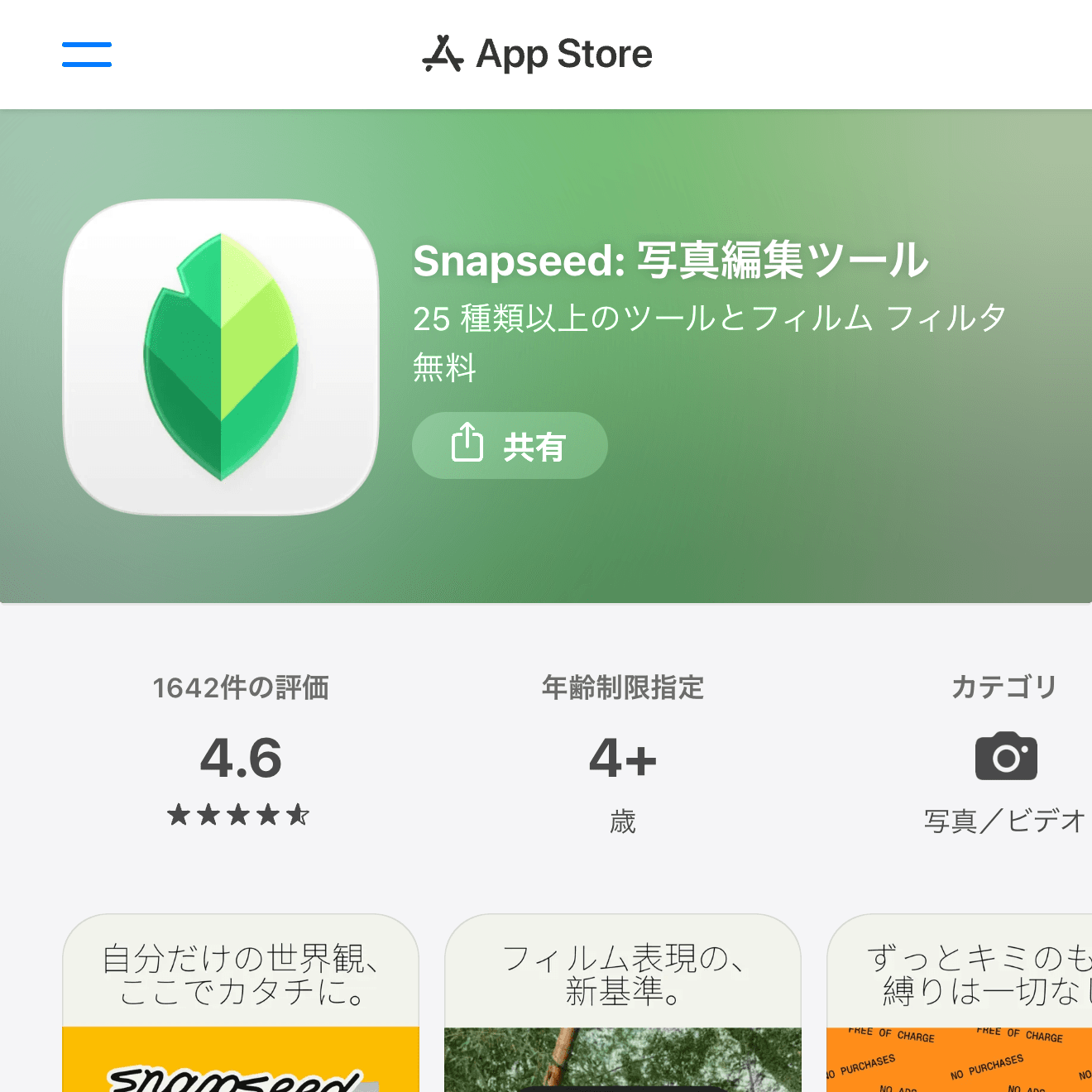
Snapseed is a free editor with surprisingly deep controls. It is useful for selective adjustments, perspective correction, healing small distractions, and tuning brightness or color without a subscription.
It is a good step up from Photos when you want more control but do not want a heavy workflow. The interface takes a little learning, but the tool set is strong for a free app.

Lightroom
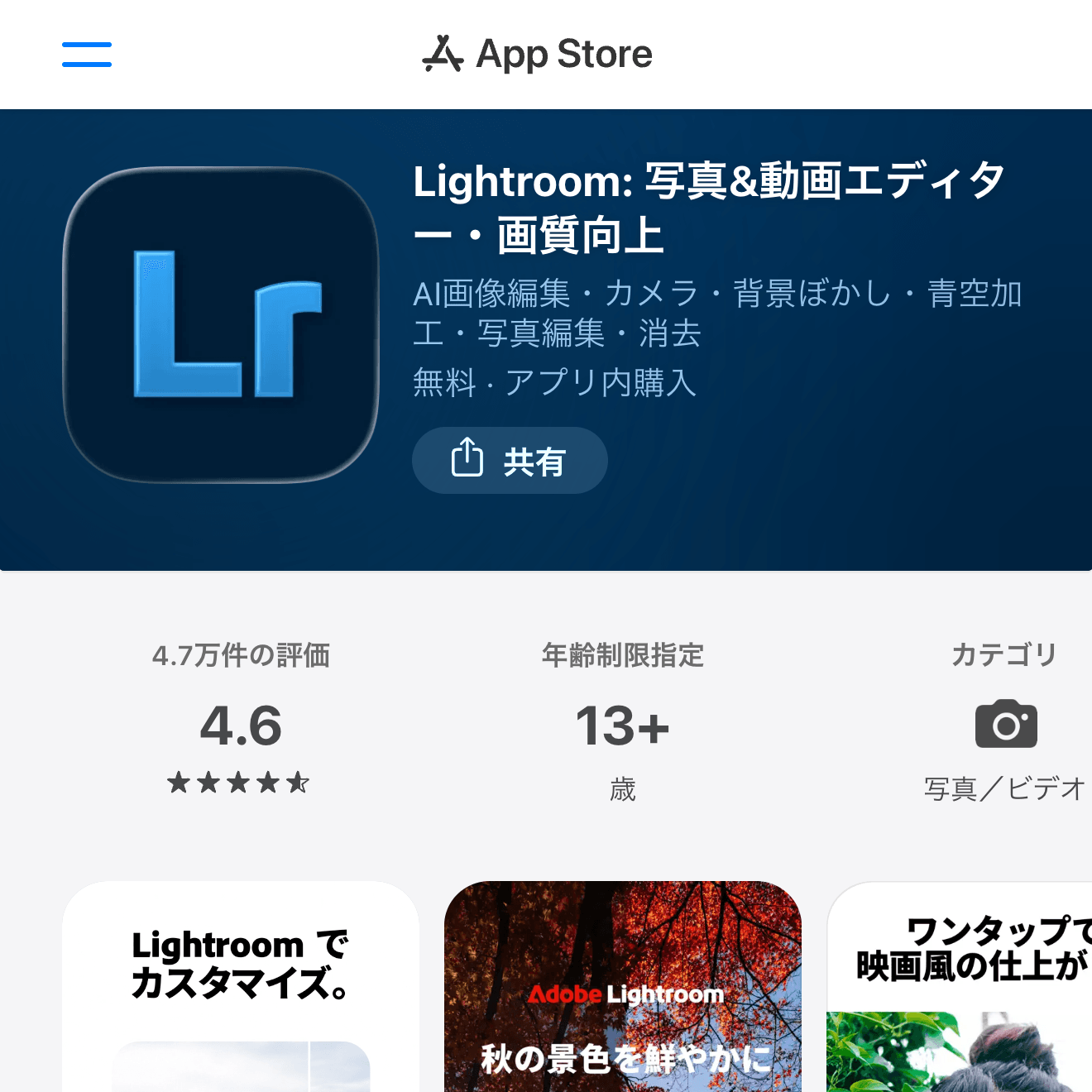
Lightroom is the strongest pick for color correction, RAW editing, presets, and a more photography-oriented workflow. It is especially useful if you edit the same style of photo repeatedly and want consistent results.
The free version covers many common edits, while some advanced features require a paid plan. If you care about tone, color, and detail more than stickers or text, start here.
VSCO
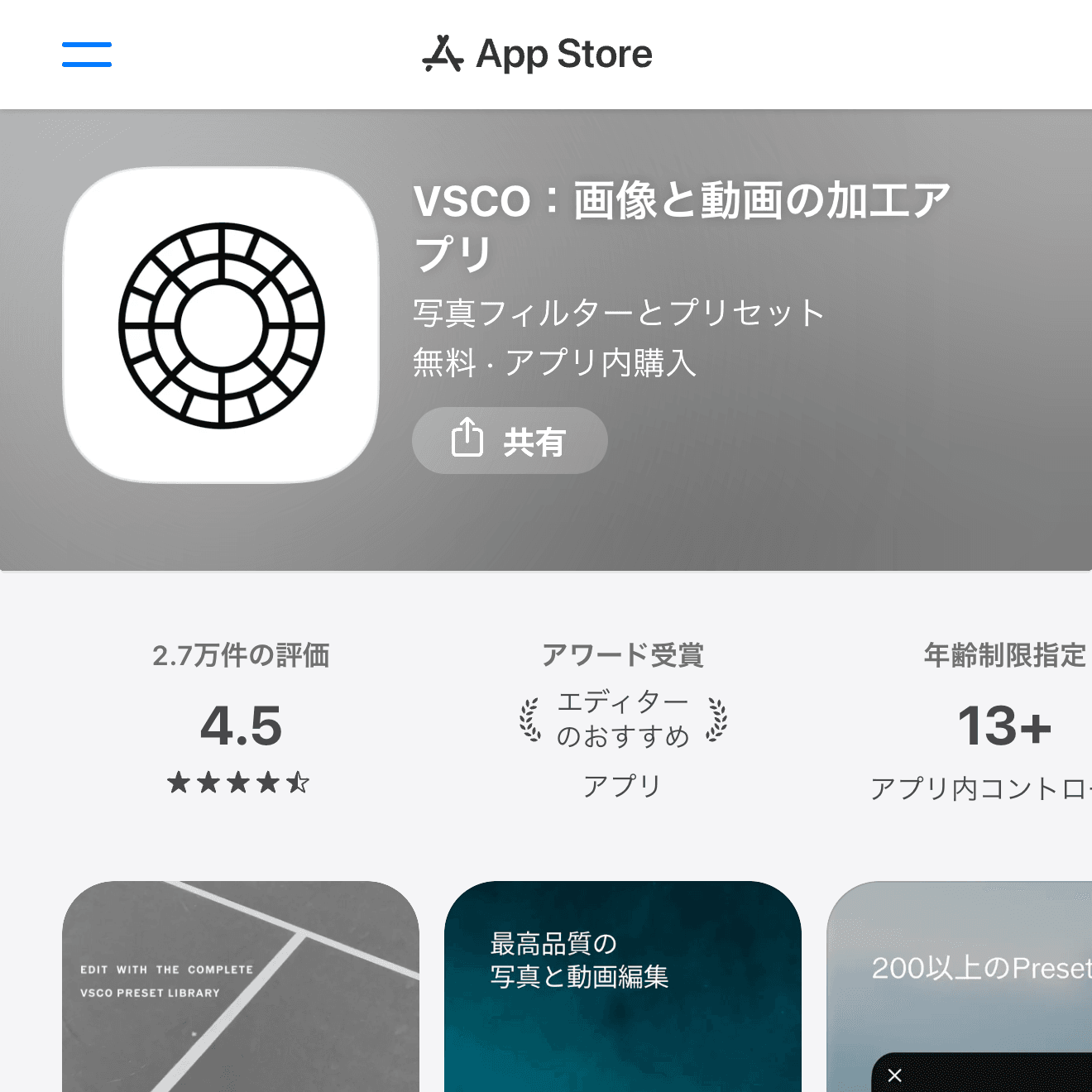
VSCO is known for filters and a softer film-like look. It is a good match if you want photos to share a consistent mood without manually adjusting every slider.
Some looks require a membership, so check the free filters first. For social feeds where atmosphere matters, VSCO remains easy to understand.
Picsart
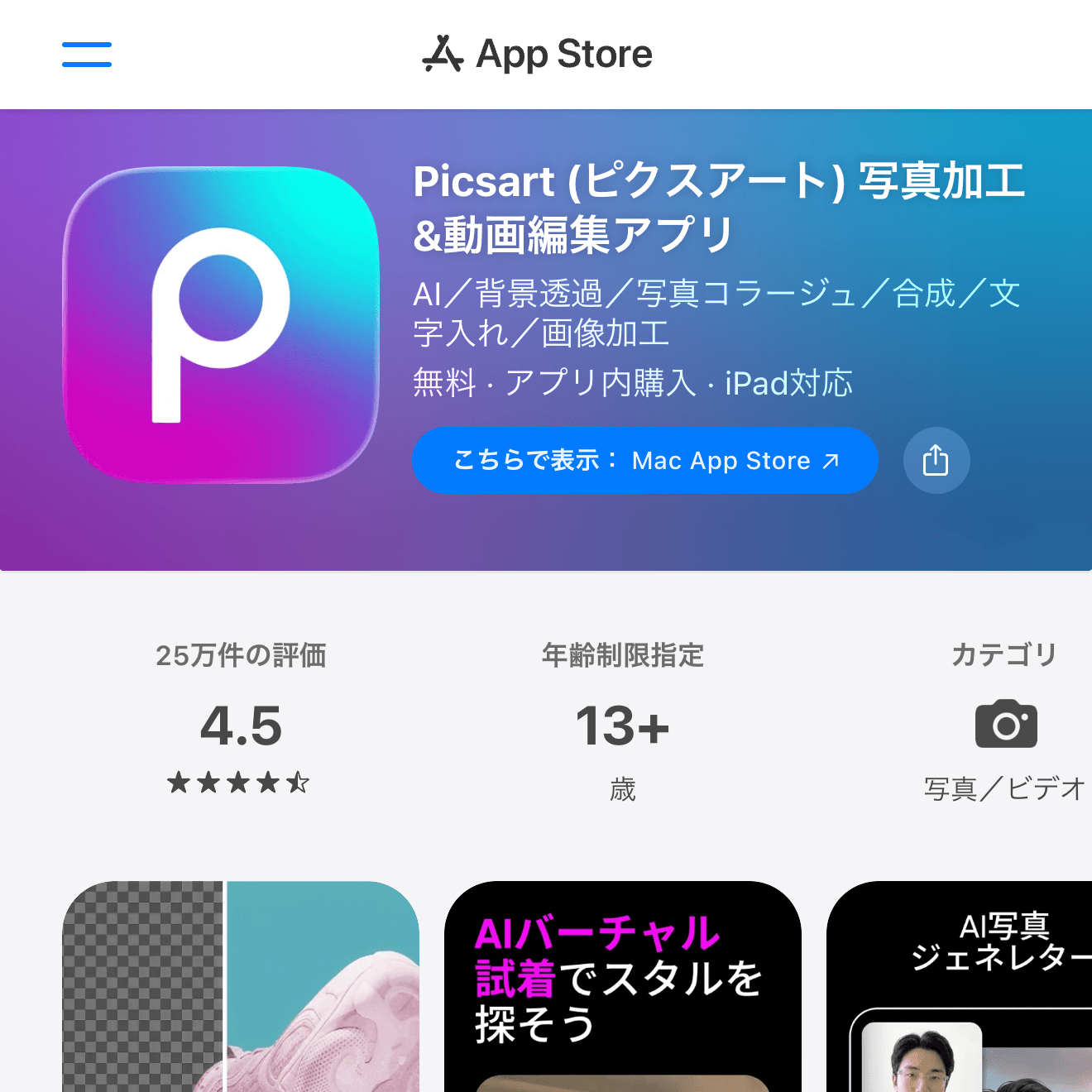
Picsart is better for social-style editing: effects, stickers, cutouts, backgrounds, and creative image manipulation. It is not just about making a photo more natural; it is about turning it into a post.
Use it when you want edits that look designed, playful, or eye-catching. The app has many paid prompts, so check export limits before committing to a workflow.
Canva
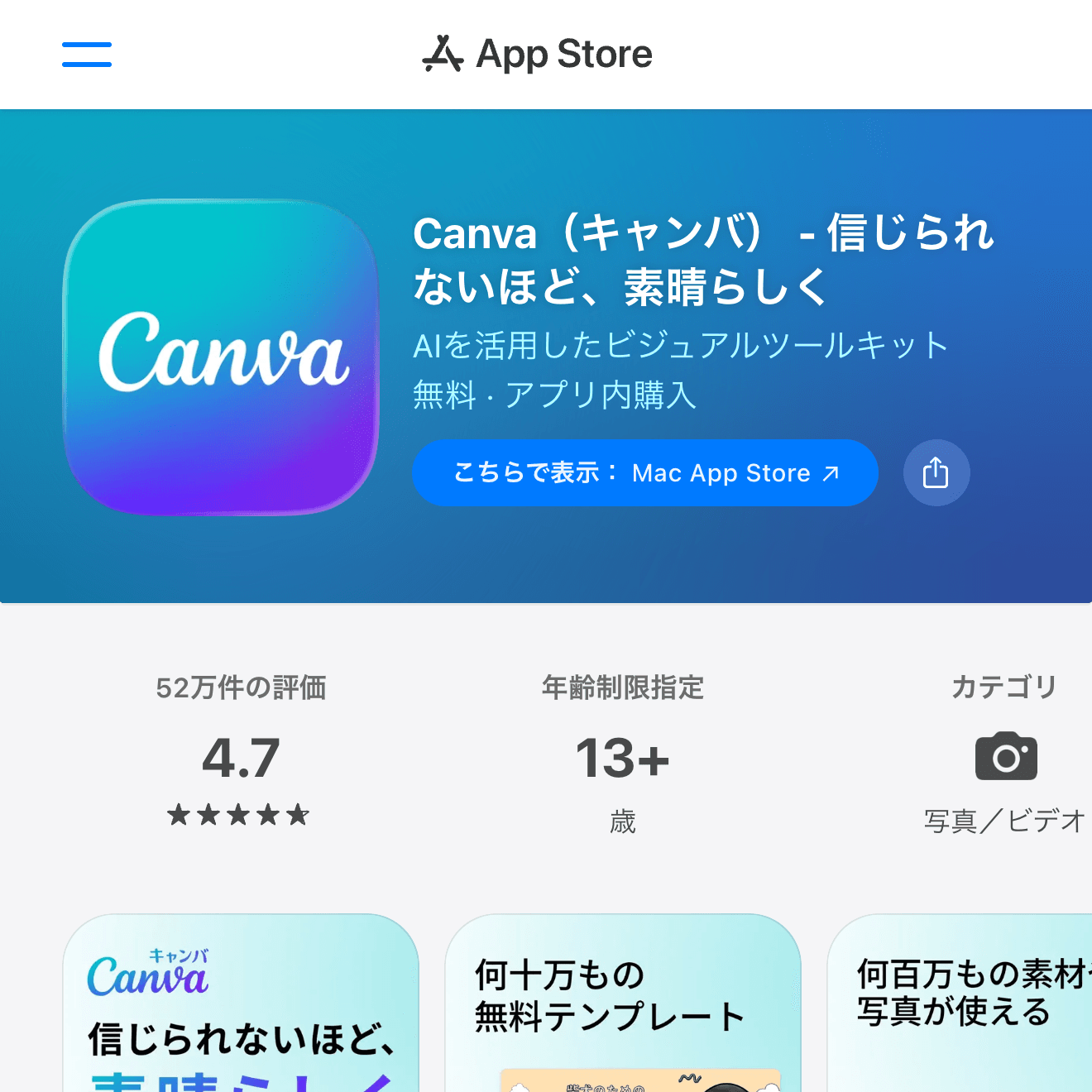
Canva is best when the edited photo needs text, a thumbnail layout, a poster, a Story, or a collage. It is more of a design app than a pure photo editor.
Use Canva after the photo itself is ready, especially when you need a finished graphic rather than a single corrected image.
How to Choose a Photo Editing App
For natural correction, choose Photos, Snapseed, or Lightroom. For a strong visual style, try VSCO or Picsart. For text, thumbnails, and layouts, Canva is the better tool.
Also think about export quality, watermark behavior, and whether paid filters are central to the look you want. A free app is only convenient if the final export is usable.
Wrap-Up
Photos is enough for quick edits, Snapseed is the best free step up, Lightroom is strongest for serious color work, VSCO is good for consistent mood, Picsart is built for social edits, and Canva is the easiest way to turn a photo into a finished design.