The built-in Files app covers the basics well — iCloud Drive, basic ZIP support, and local SMB connections. But once you need to access a NAS over FTP, unpack a RAR file, annotate a 200-page PDF, or transfer files to a team shared drive, a dedicated file manager makes a real difference. Here are seven apps I use regularly, organized by what each one does best.
Table of Contents
- How to Choose a File Manager App
- When the Built-In Files App Is Enough
- Documents: The All-Around Workhorse
- FE File Explorer Pro: Best for NAS, SMB, and FTP
- FileBrowser Professional: For Remote Server Work
- iZip: Focused on ZIP and RAR Extraction
- GoodReader PDF Editor & Viewer: For PDF-Heavy Workflows
- Dropbox: For Sharing and Sync
- Recommended Combinations by Use Case
- Summary
How to Choose a File Manager App
Rather than looking for a single app that does everything, the practical approach is to pick two or three apps for your specific use cases. The key factors to consider:
- Protocol support: Cloud services (iCloud, Dropbox, Google Drive, OneDrive), local NAS (SMB, AFP), and server protocols (FTP, SFTP, WebDAV). Not all apps cover all of these.
- Archive formats: The built-in Files app handles ZIP but not RAR or 7z. If you receive those regularly, you'll need a dedicated app.
- PDF viewing and annotation: If you need to highlight, add notes, or sign PDFs, not all file managers go deep enough.
- Ads and pricing: For work use, ad-free apps remove interruptions. Many good options are one-time purchases rather than subscriptions.
Start with the free tiers, identify what's missing, then add paid apps only where you have a genuine gap.
When the Built-In Files App Is Enough
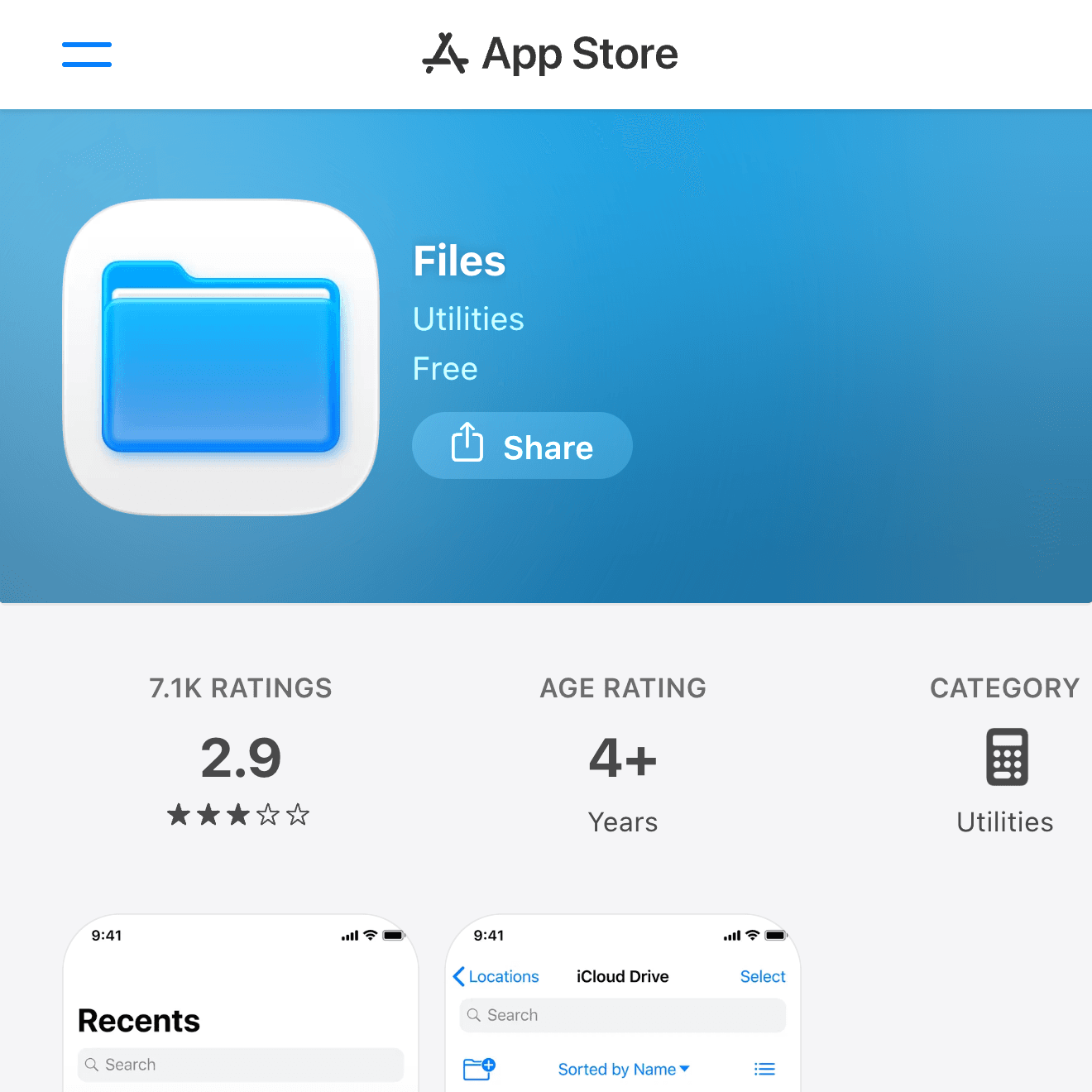

Apple's Files app has grown substantially since its introduction. For lighter workflows, it covers more than people expect.
- Connect iCloud Drive, Dropbox, Google Drive, and OneDrive as locations
- Compress and extract ZIP files (iOS 13 and later)
- Browse local SMB network shares (iOS 13 and later)
- Organize with tags, favorites, and recents
If your workflow is mainly opening cloud files in other apps, saving documents temporarily, or browsing attachments, Files alone is sufficient. The specialized apps below are worth adding only when you hit something Files can't do.
Documents: The All-Around Workhorse
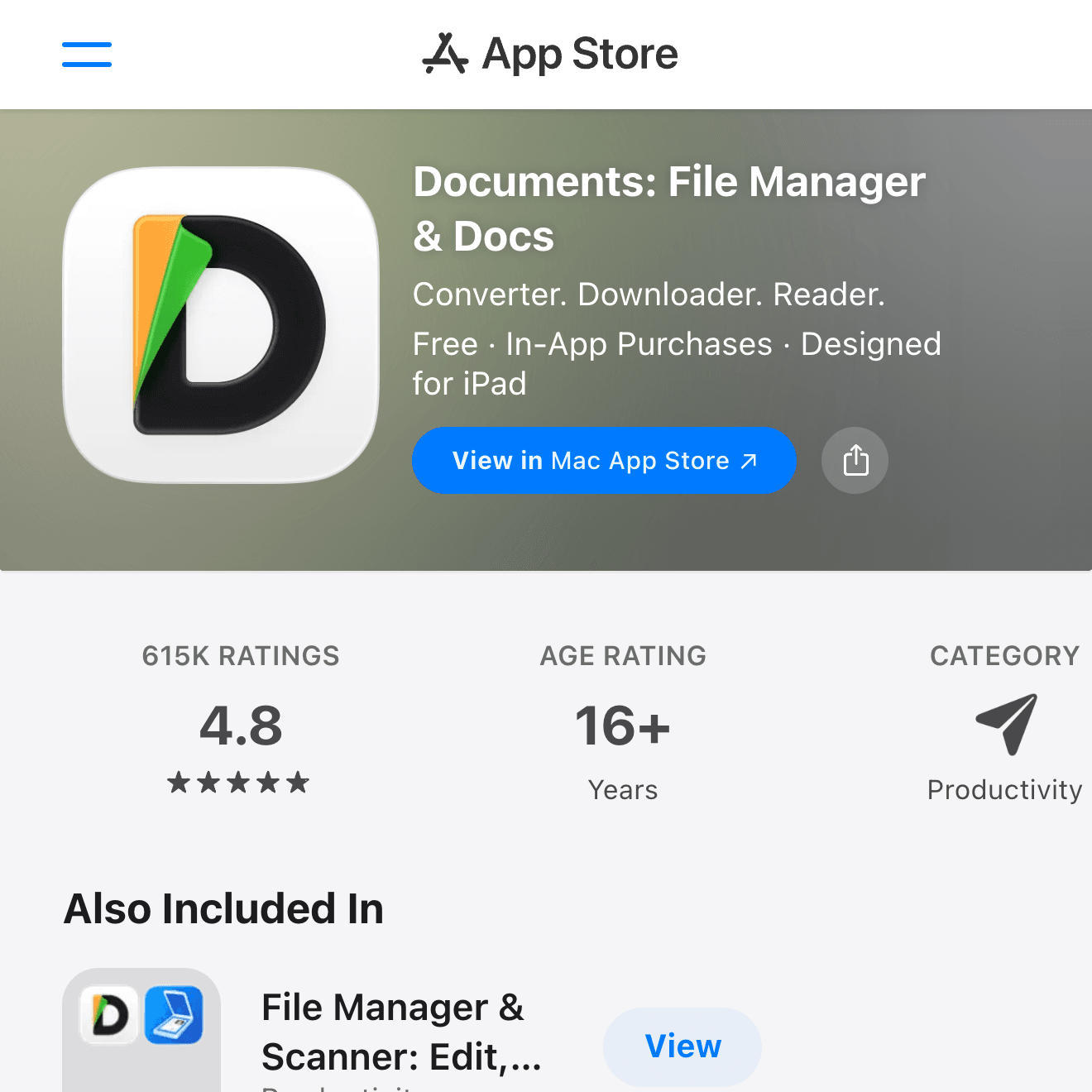
Documents by Readdle is the most complete free file manager for iPhone. It's the one I reach for first and use as my main file hub.
- Cloud integration: iCloud, Dropbox, Google Drive, OneDrive, Box, and Yandex Disk
- FTP / SFTP / WebDAV: Direct server access built in
- Archive support: ZIP, RAR, and 7z — preview and extract without leaving the app
- PDF viewing and annotation: Highlights, text annotations, and signatures; pairs with PDF Expert for advanced editing
- Built-in browser: Download files directly from the web into the app
The free version covers most tasks. The only reason to add another Readdle app (PDF Expert) is if you need full PDF editing — markup, form filling, and more.
FE File Explorer Pro: Best for NAS, SMB, and FTP
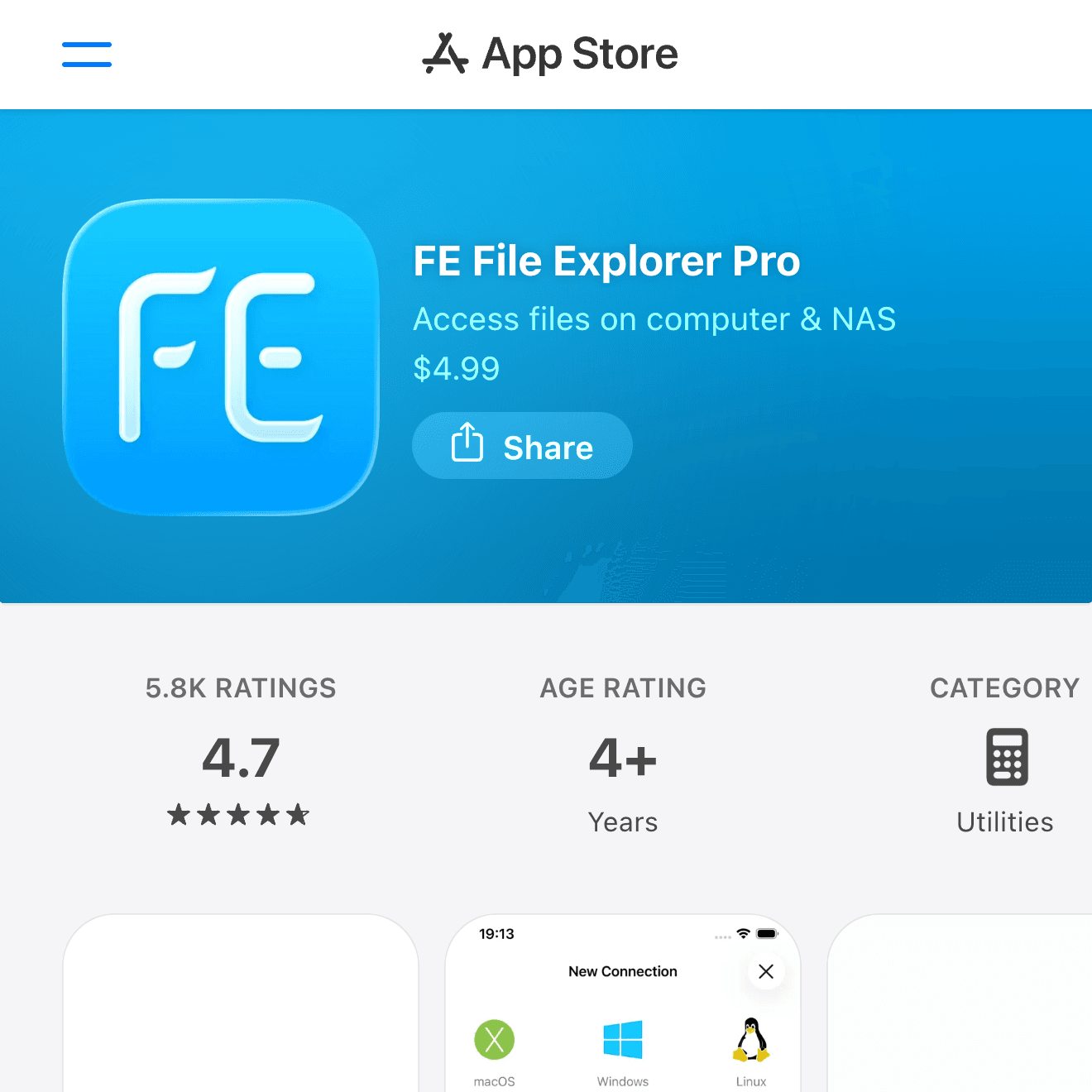
If connecting to a home or office NAS is your primary need, FE File Explorer Pro handles network discovery and multiple protocols better than most.
- Protocols: SMB, AFP, FTP, SFTP, WebDAV, and NFS
- Auto-discovery: Finds NAS devices on the same network automatically
- Media streaming: Stream video and audio directly from the NAS (with optional VLC integration)
- Pro edition: One-time purchase, supports multiple simultaneous connections
For "browse my Synology from the couch" or "pull files from the office FTP server," this is often the cleaner experience compared to Documents.
FileBrowser Professional: For Remote Server Work
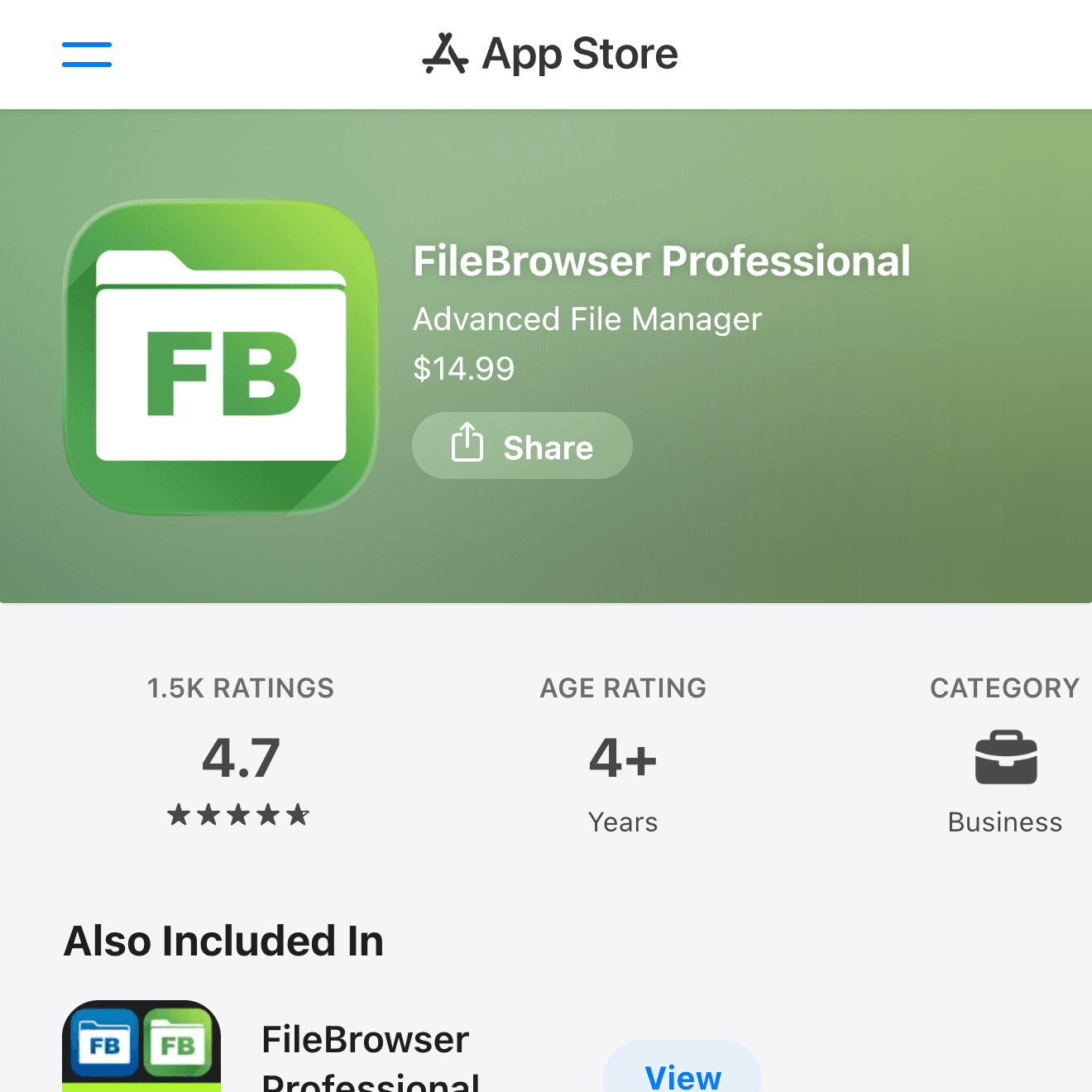
FileBrowser Professional is built for people who deal with remote servers as part of daily work — engineers, IT staff, and anyone managing production files remotely.
- Enterprise protocols: SMB (Windows file shares), FTP, SFTP, WebDAV, and S3-compatible storage
- Backup: Schedule photo and contact backups to a NAS
- Encrypted connections: TLS and SSH support for secure access from outside the office network
- Ad-free: Clean interface without interruptions
The price is higher than most file managers, but it earns that back quickly if you're using it every day.
iZip: Focused on ZIP and RAR Extraction
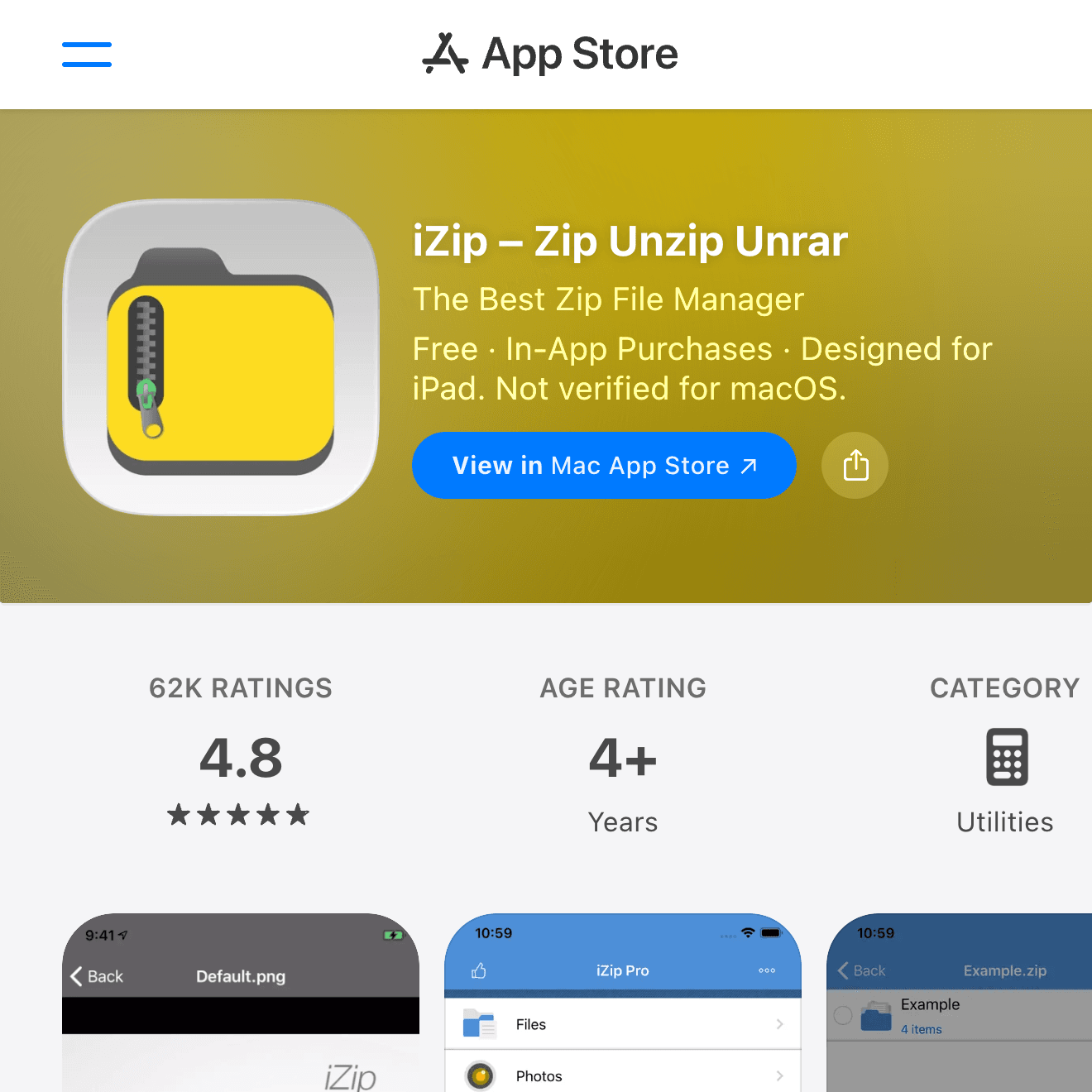
When all you need is to open a RAR or 7z file from an email, iZip is the lightest tool for the job.
- Formats supported: ZIP, ZIPX, RAR, 7Z, TAR, and GZIP
- Password-protected archives: Create and extract password-secured ZIPs
- AES-256 encryption: For creating secure archives to send to others
- Free: Ad-supported but fully functional for extraction
If you already have Documents installed, its archive support covers the same ground. iZip is worth the install only if you want a standalone, lightweight extraction tool without the overhead of a full file manager.
GoodReader PDF Editor & Viewer: For PDF-Heavy Workflows
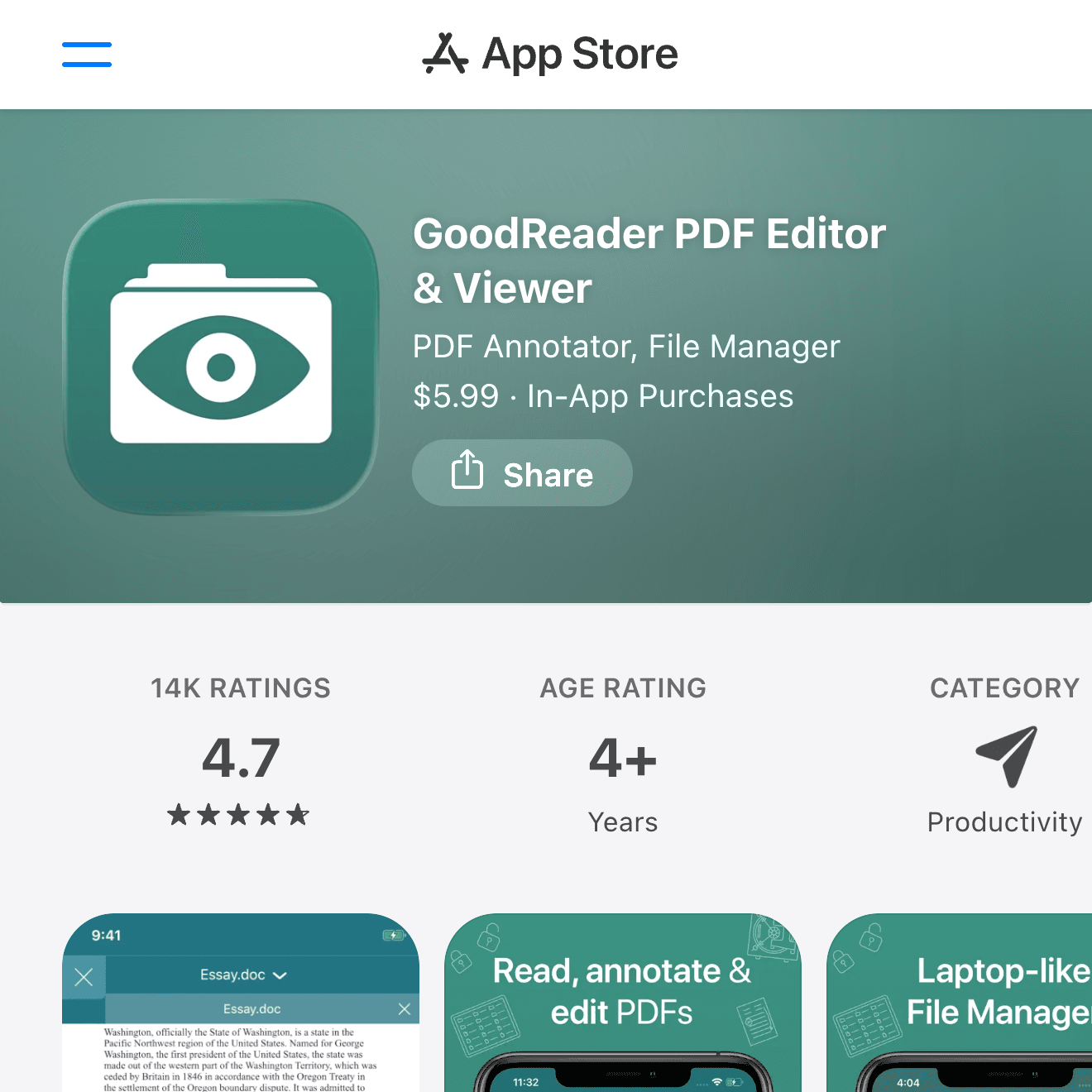
For anyone who works with PDFs daily — contracts, research papers, technical drawings — GoodReader is the dedicated tool.
- Fast rendering: Handles large PDFs (hundreds of MBs) without slowdown
- Full annotation suite: Highlights, sticky notes, freehand drawing, text boxes, and signatures
- File organization: Custom folder hierarchies and tag-based organization
- Cloud and server sync: iCloud, Dropbox, Google Drive, FTP, and WebDAV
One-time purchase. Suited for lawyers, researchers, architects, and anyone managing a large library of PDFs.
Dropbox: For Sharing and Sync
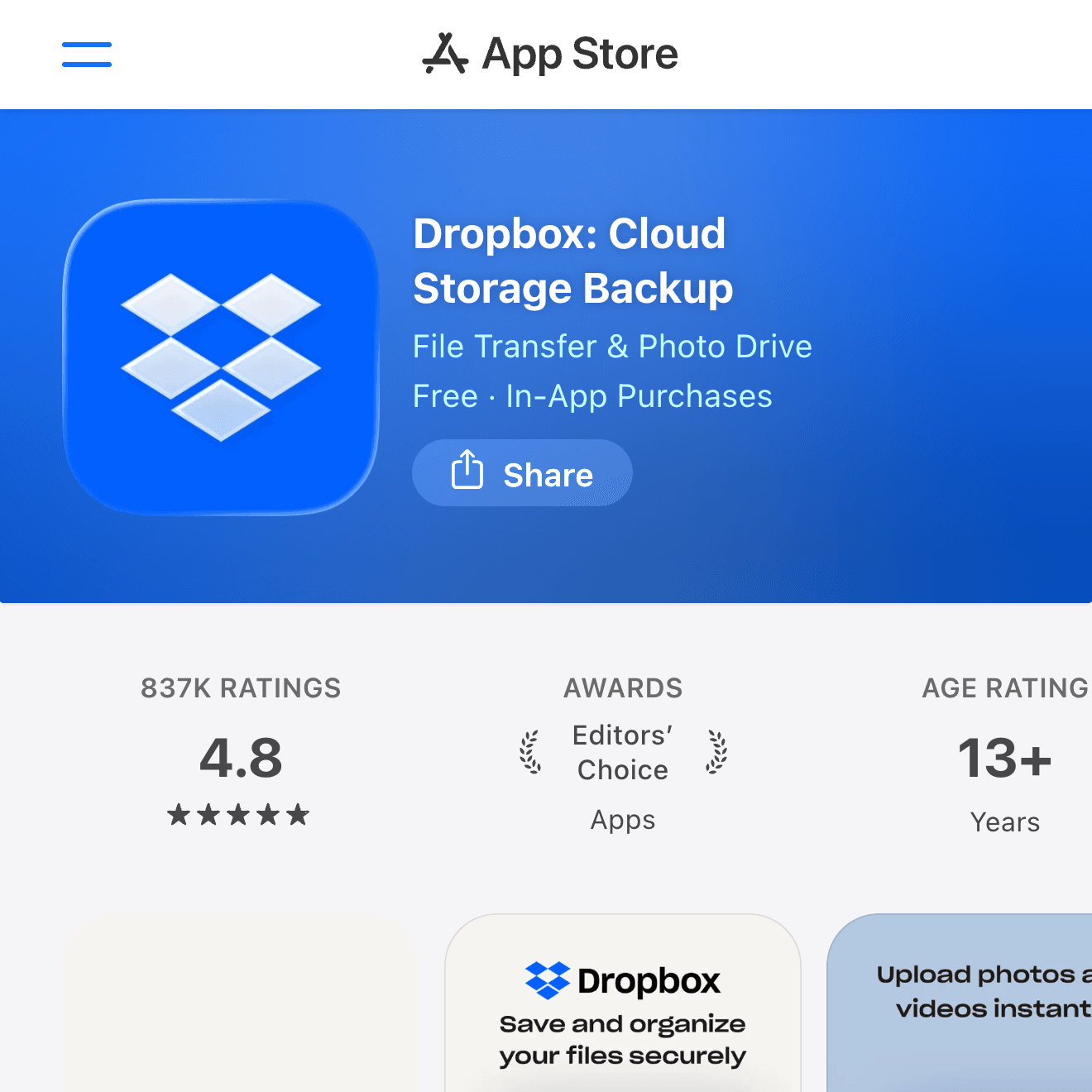
Dropbox isn't a file manager in the traditional sense, but for sharing files with other people, the official Dropbox app is the fastest option.
- Link sharing: Generate a shareable link in one tap, with optional expiry dates and passwords
- Offline sync: Pin specific folders to keep them available without internet
- 2 GB free: Often enough for a personal exchange folder
My setup is Dropbox as the "handoff point" for files going to or from collaborators, and Documents as the personal organization layer. The same approach works with Google Drive or OneDrive — a shared cloud + a general-purpose file manager is more flexible than trying to do everything in one place.
Recommended Combinations by Use Case
| Need | Apps |
|---|---|
| Organize cloud documents | Files (built-in) + Documents |
| Access home NAS from iPhone | FE File Explorer Pro or FileBrowser Professional |
| Open RAR files only | iZip |
| Daily PDF annotation | GoodReader |
| Share files with a team | Dropbox (or Google Drive / OneDrive) |
| FTP / SFTP for work servers | FileBrowser Professional |
You don't need all seven. Start with Documents, then add a network-focused app (FE File Explorer Pro or FileBrowser) and a PDF specialist (GoodReader) only if your work requires them.
Summary
The built-in Files app handles light file management without any extra installs. When you need more — network protocols, RAR extraction, PDF annotation, or team sharing — add one or two dedicated apps rather than hunting for a single all-in-one solution. Documents is the natural starting point for most users: free, covers cloud and FTP connections, handles common archive formats, and reads PDFs. From there, FE File Explorer Pro or FileBrowser Professional fill the NAS/server gap, GoodReader handles serious PDF work, and Dropbox covers collaborative sharing.