Spectrum TV App support on Fire TV has changed, so old advice about sideloading is easy to run into and often outdated. This guide focuses on the official Fire TV path: checking compatibility, installing from the Amazon Appstore, signing in, and avoiding risky unofficial APK instructions.
Table of Contents
- Official Page
- Is Spectrum TV App Available on Firestick?
- Supported Fire TV Devices
- How to Install Spectrum TV App on Firestick
- Signing In and Watching at Home
- When You Cannot Find the App
- Why You Should Avoid Sideloading
- Summary
Official Page
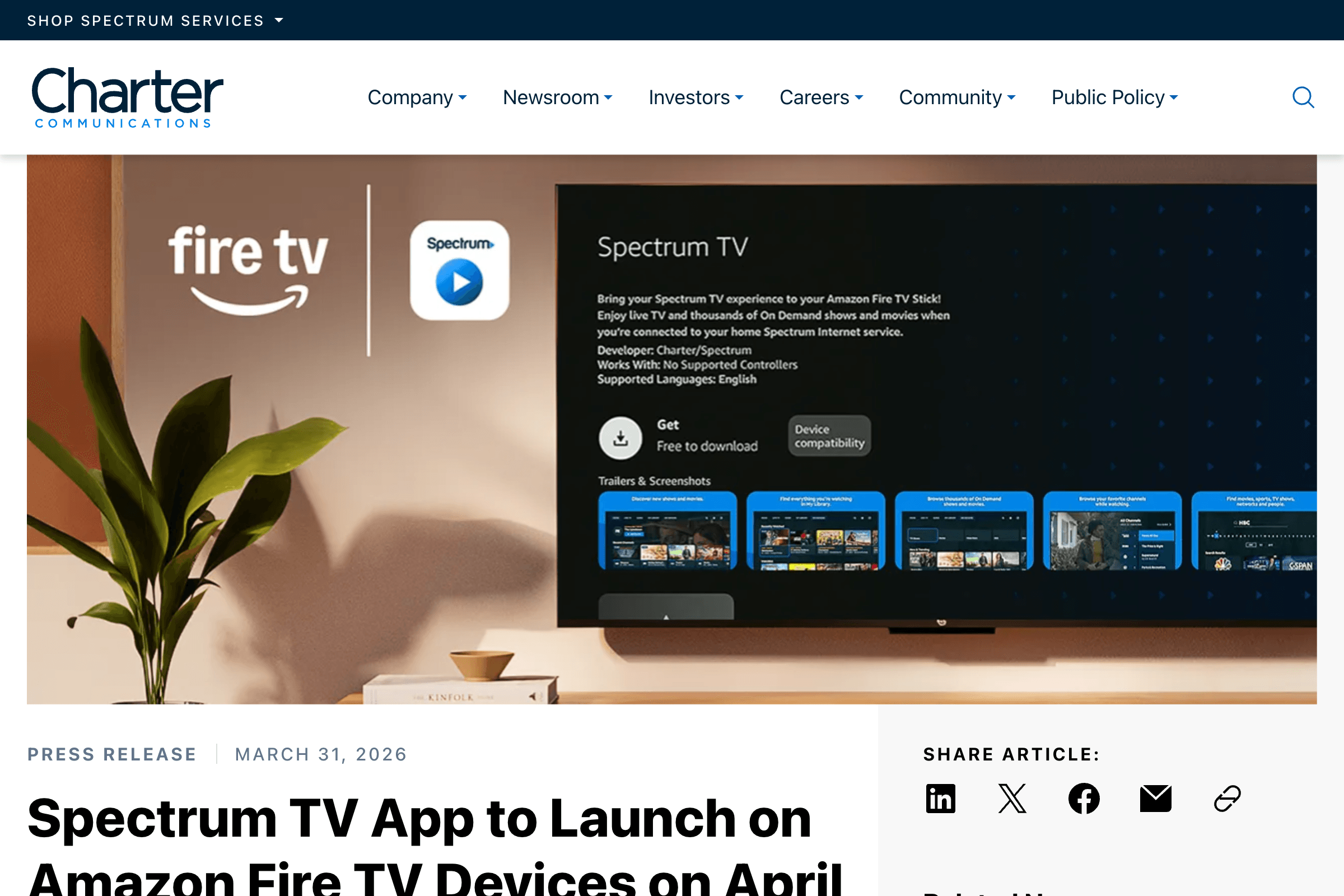
https://corporate.charter.com/newsroom/spectrum-tv-app-to-launch-on-amazon-fire-tv-devices
Charter's official announcement says the Spectrum TV App is available for supported Amazon Fire TV devices. That matters because many older articles still describe Fire TV as unsupported or recommend sideloading.
Is Spectrum TV App Available on Firestick?
Yes, but only on supported Fire TV hardware and software. The important point is that you should install it through the official Amazon Appstore on the Fire TV device, not through a third-party APK site.
If the app does not appear, the cause is usually one of these:
- The Fire TV model is not supported
- Fire OS is too old
- The Amazon account region is not set to the United States
- The app rollout has not reached your device
- The device needs a software update
Supported Fire TV Devices
Start by updating the Fire TV device:
- Open Settings.
- Go to My Fire TV.
- Select About.
- Choose Check for Updates.
- Install any available update and restart.
After updating, search again for "Spectrum TV." If the app still does not appear, check whether your Fire TV model and Fire OS version are supported by the official announcement.
How to Install Spectrum TV App on Firestick
Use the normal Fire TV install flow:
- Press Home on the Fire TV remote.
- Open Find.
- Search for "Spectrum TV."
- Select the official Spectrum TV App.
- Choose Get or Download.
- Open the app after installation.
If the app listing appears, use that listing. Do not switch to a browser download just because a search result suggests it.
Signing In and Watching at Home
Once installed, open the app and sign in with your Spectrum username and password. For full access, use the home internet connection tied to your Spectrum TV service when possible.
Channel availability can differ by plan, network, and location. If a channel is missing on Fire TV but works on a cable box, compare the channel package first before reinstalling the app repeatedly.
When You Cannot Find the App
If the app is missing from search:
- Restart the Fire TV device.
- Update Fire OS.
- Confirm your Amazon account country or region.
- Search "Spectrum" instead of "Spectrum TV App."
- Try from the Amazon Appstore page on the device itself.
- Check whether the model is listed as supported.
If you own an older Fire TV Stick, replacing the device may be easier than trying to force app support.
Why You Should Avoid Sideloading
Old guides often suggest sideloading Spectrum TV App APK files. That is a bad default choice now that an official Fire TV path exists.
Sideloading can create several problems:
- The file may be outdated or modified.
- Login credentials pass through an untrusted app build.
- The app may fail device checks.
- Automatic updates will not work normally.
- Spectrum support may not help with unofficial installs.
For a paid TV account, stick to the app store route. It is slower to troubleshoot, but much safer.
Summary
Install Spectrum TV App on Firestick only through the official Amazon Appstore path. Update Fire OS first, search for the app, sign in with your Spectrum account, and use your home network for the best channel access. If the app does not appear, check device support and region before using any workaround.