Roku is one of the easiest ways to watch DIRECTV without relying on a smart TV's built-in app store. This guide explains how to add the DIRECTV channel on Roku, sign in, check compatibility, and fix the common problems that stop live TV from loading.
Table of Contents
- Official Page
- What You Need
- How to Add DIRECTV on Roku
- Signing In
- What You Can Watch
- Home Wi-Fi and Device Limits
- Troubleshooting
- Summary
Official Page
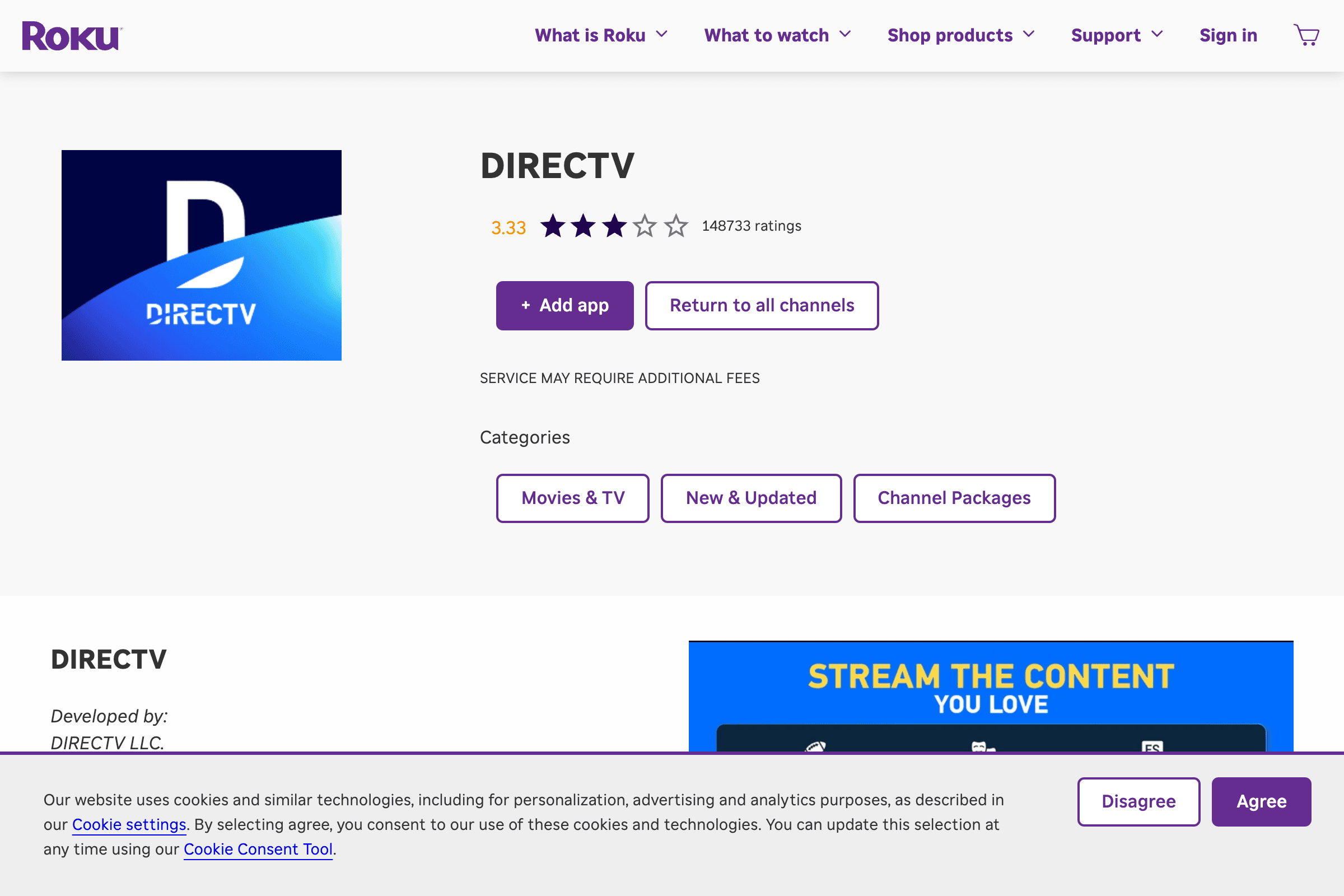
The Roku Channel Store listing is the official app listing for adding DIRECTV to Roku. Use this route instead of third-party download pages or unofficial instructions.
What You Need
Prepare these before adding the channel:
- A Roku TV or Roku streaming player
- A Roku account
- A stable internet connection
- A DIRECTV account
- Your DIRECTV user ID and password
- Updated Roku software
To update Roku, open Settings, choose System, then System update. Install any available update before troubleshooting app problems.
How to Add DIRECTV on Roku
On the Roku device:
- Press Home on the Roku remote.
- Go to Streaming Store or Streaming Channels.
- Search for "DIRECTV."
- Select the official DIRECTV channel.
- Choose Add app or Add channel.
- Open DIRECTV from the home screen.
If you are adding from the web channel store, make sure you are signed in to the same Roku account used on the device.
Signing In
After launching DIRECTV:
- Select Sign In.
- Enter your DIRECTV user ID.
- Enter your password.
- Follow any activation or verification prompt.
- Wait for the home screen and guide to load.
If authentication fails, sign in on directv.com from a browser first. That confirms whether the account itself is working before you troubleshoot Roku.
What You Can Watch
The DIRECTV app can include live TV, on-demand titles, sports, news, and recorded content depending on your plan. Availability is controlled by your subscription, local market, and account type.
If a show appears on one device but not Roku, compare:
- Whether the Roku is on your home Wi-Fi
- Whether the channel is included in your plan
- Whether the content has device restrictions
- Whether the Roku app needs an update
Home Wi-Fi and Device Limits
Living-room streaming devices can be treated differently from phones and tablets. If the app says you are away from home or blocks a stream, check the network first.
Try this order:
- Confirm Roku is connected to the correct Wi-Fi.
- Restart the router.
- Restart the Roku.
- Open DIRECTV again.
- Test the account on a phone or computer.
This separates account problems from Roku-specific problems.
Troubleshooting
| Symptom | What to Try |
|---|---|
| App will not open | Restart Roku and update software |
| Sign-in loop | Reset the DIRECTV password |
| Playback error | Check home Wi-Fi and plan access |
| Channel missing | Confirm package and local availability |
| App missing from search | Update Roku and check account region |
If other Roku apps also buffer, troubleshoot the network before reinstalling DIRECTV.
Summary
Add DIRECTV from the official Roku Channel Store, sign in with your DIRECTV account, and keep the Roku software updated. If playback fails, check home Wi-Fi, account limits, and channel package access before replacing the Roku device.