
The Spectrum TV App can replace a cable box for many Spectrum TV customers, but Samsung TV support depends on region, model year, app availability, and the type of Spectrum service you have. This guide explains what to check before installing the app, how to sign in, and what to try when the app does not appear on a Samsung TV.
Table of Contents
- Official Page
- What You Need Before Installing
- How to Install the Spectrum TV App on Samsung TV
- Signing In and Home Wi-Fi Rules
- When the App Does Not Appear
- Common Problems and Fixes
- Should You Use Samsung TV or a Streaming Device?
- Summary
Official Page
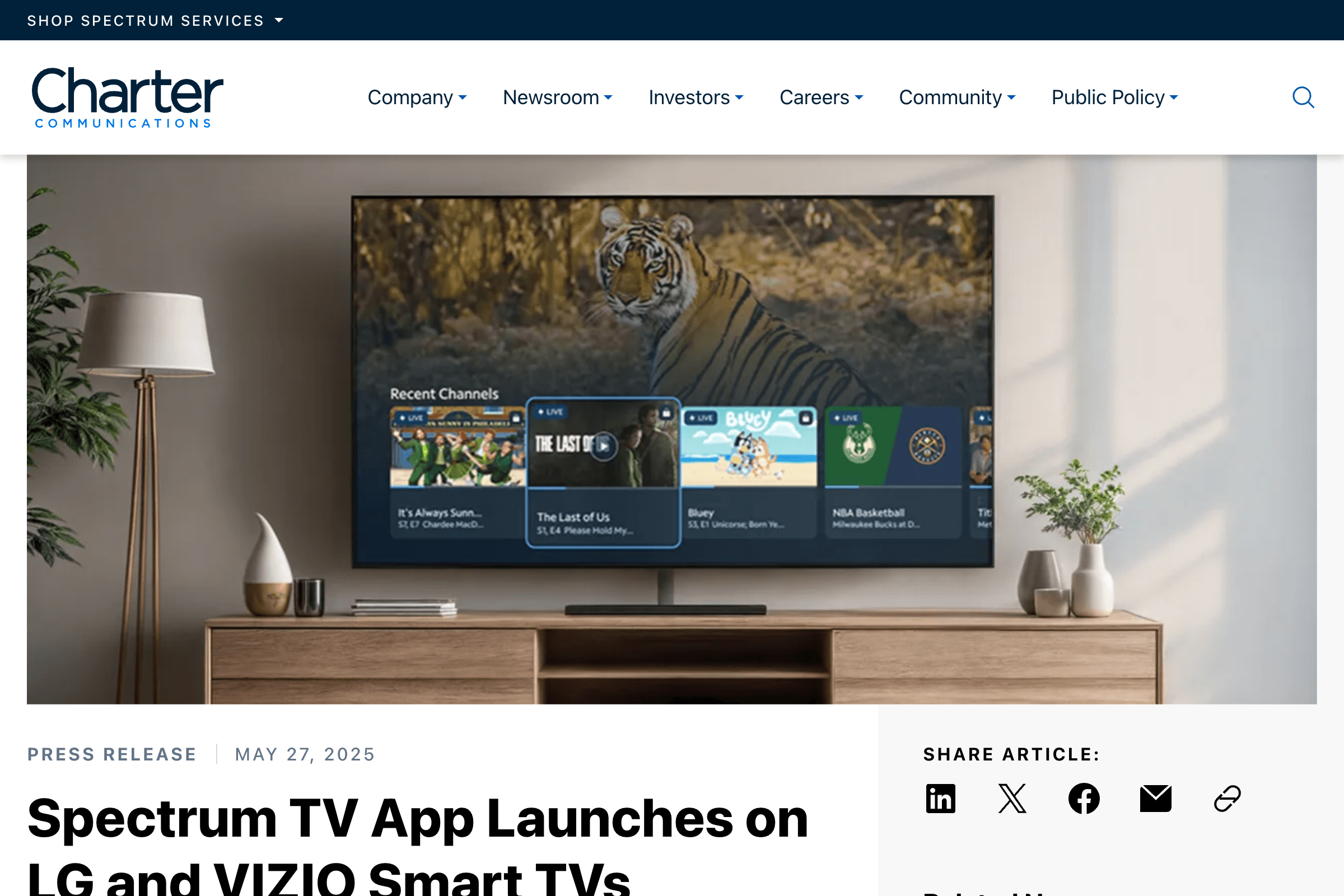
https://corporate.charter.com/newsroom/spectrum-tv-app-launches-on-lg-vizio-smart-tvs
Charter's official newsroom confirms that the Spectrum TV App is available across multiple TV platforms, including Samsung Smart TV. Use the official page as the starting point when checking whether your TV platform is supported.
What You Need Before Installing
Before opening the Samsung app store, check these points:
- A Spectrum TV subscription that includes app access
- A Samsung Smart TV connected to the internet
- A Samsung account signed in on the TV
- A U.S. region setting on the TV
- Your Spectrum username and password
If the TV was purchased in another country or the region is set outside the United States, the app may not appear even if the hardware is new enough.
How to Install the Spectrum TV App on Samsung TV
On most supported Samsung TVs, the installation flow is straightforward:
- Press the Home button on the Samsung remote.
- Open Apps.
- Select the search icon.
- Search for "Spectrum TV."
- Open the Spectrum TV App listing.
- Choose Install.
- Launch the app from the home screen or app list.
If the app installs but opens slowly, give the TV a minute after first launch. Smart TV apps often complete background setup the first time they run.
Signing In and Home Wi-Fi Rules
Spectrum TV App behavior can change depending on whether you are at home or away from home. For full channel access, connect the Samsung TV to your home Spectrum internet connection if your plan expects in-home viewing.
After opening the app:
- Select Sign In.
- Enter your Spectrum username and password.
- Confirm any device or account prompts.
- Wait for the guide to load.
If some channels are missing, the most likely explanation is not the TV itself. It is usually your location, home Wi-Fi status, channel package, or network agreement.
When the App Does Not Appear
If searching for "Spectrum TV" shows no result, work through this checklist:
- Confirm the TV region is set to the United States.
- Update the Samsung TV software.
- Restart the TV from Settings or unplug it for one minute.
- Sign out and back into your Samsung account.
- Search for "Spectrum" instead of the full app name.
- Check whether the TV model is still supported.
Do not install random APK files or unofficial TV apps. Samsung TVs do not use Android APK installation in the normal way, and unofficial files can create security and account risks.
Common Problems and Fixes
If the app appears but does not work correctly, start with the simple fixes:
| Symptom | What to Try |
|---|---|
| App freezes on launch | Restart the TV and update the app |
| Login loops | Reset the Spectrum password and sign in again |
| Channels are missing | Confirm you are on the home network and check your package |
| Video buffers | Test Wi-Fi speed or use Ethernet if available |
| App disappears | Check TV region, firmware, and Samsung account status |
If every other streaming app works but Spectrum does not, remove and reinstall the Spectrum TV App before resetting the whole TV.
Should You Use Samsung TV or a Streaming Device?
The built-in Samsung app is convenient because it needs no extra hardware. It is best when:
- The TV is new enough
- The app appears in the Samsung app store
- You mainly watch Spectrum on one TV
- The TV is close to your router
A separate device may be better if your Samsung TV is old, slow, out of storage, or missing the app. Roku, Apple TV, Xumo, and other supported devices can be easier to update and replace than a whole TV.
Summary
For a supported Samsung TV in the U.S. region, install the Spectrum TV App from the Samsung app store, sign in with your Spectrum account, and use your home network for the fullest channel access. If the app does not appear, check region, firmware, account status, and model support before assuming the TV is broken.