
Collecting RSVPs by text message, email, or group chat works for a small dinner. It gets messy quickly when you need names, headcounts, meal choices, emergency contacts, consent, or follow-up notes. A form-based RSVP tool gives you one link to share and a structured response table to review later.
This English version is adjusted for tools that make sense in English-speaking markets. Instead of Japan-focused form services, the main picks are Google Forms, Microsoft Forms, Jotform, Typeform, and SurveyMonkey. If you are still trying to decide when an event should happen, start with a scheduling tool first. If the date is already fixed, an RSVP or attendance confirmation form is usually simpler.
For a deeper walkthrough of one option, see the Google Forms Complete Guide. If you need to choose a meeting time before collecting attendance details, see the scheduling app guide.
Table of Contents
- How to choose an RSVP app
- RSVP and attendance confirmation app comparison
- Best RSVP and attendance confirmation apps
- Best choice by use case
- Tips for cleaner RSVP collection
- FAQ
- Summary
How to choose an RSVP app
The first choice is whether you need scheduling or attendance confirmation. A scheduling app helps a group choose a date and time. An RSVP form confirms who is attending after the date is already decided.
For attendance confirmation, look for these basics:
- A shareable link that works on phones and computers
- Multiple choice fields for attending, not attending, or maybe
- Short-answer fields for names, email addresses, and notes
- Spreadsheet or CSV export
- Email notifications or confirmation messages
- Clear privacy and sharing settings
For a casual meetup, a free form tool is usually enough. For a conference, class, nonprofit event, or workplace training, you may want branding, conditional logic, file uploads, payment collection, or team collaboration.
RSVP and attendance confirmation app comparison
| Tool | Best for | Works on | Free option | Notes |
|---|---|---|---|---|
| Google Forms | Simple RSVPs, clubs, school events, small teams | Web on iPhone, Android, Windows, Mac, Chromebook | Yes | Easy to connect with Google Sheets |
| Microsoft Forms | Workplaces and schools using Microsoft 365 | Web on major devices and browsers | Yes | Strong fit for Microsoft accounts and Excel workflows |
| Jotform | Polished registration forms and richer form logic | Web, plus mobile apps for management | Yes | Good template library and payment/integration options |
| Typeform | Conversational, design-focused RSVP forms | Web on major devices and browsers | Yes | Strong presentation, but free limits can matter |
| SurveyMonkey | Surveys, feedback, and larger questionnaire workflows | Web on major devices and browsers | Yes | Better for survey analysis than basic headcount |
Best RSVP and attendance confirmation apps
Google Forms
https://workspace.google.com/products/forms/
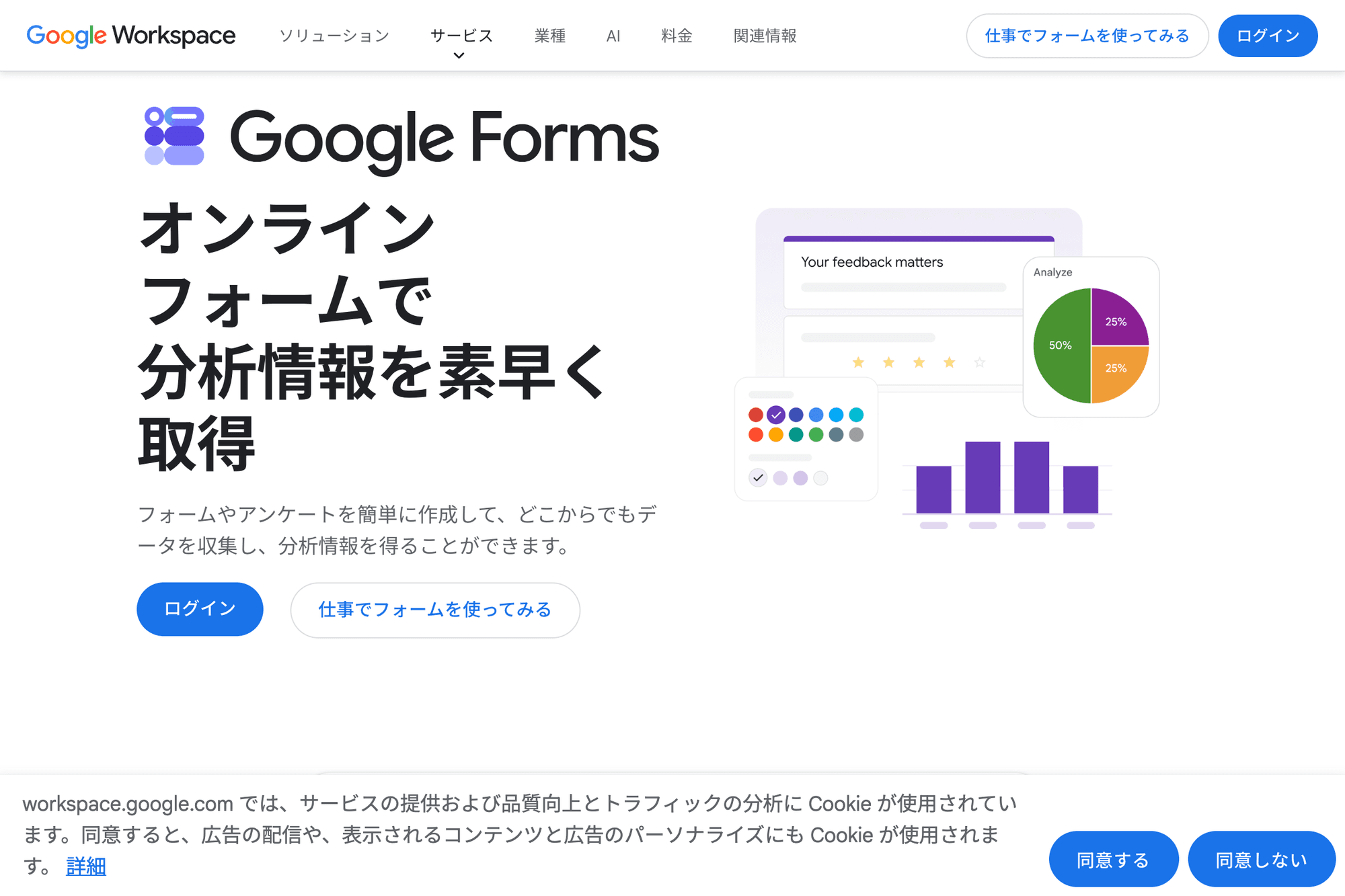
Google Forms is the easiest default recommendation for basic RSVP collection. You can create fields for name, attendance, number of guests, email address, meal preference, accessibility needs, or comments, then send one link to everyone.
The main advantage is the Google Sheets connection. Responses can be viewed inside Forms or sent to a spreadsheet, which makes it easy to sort attendees, filter "not attending" responses, and follow up with people who have not replied yet.
Microsoft Forms
https://www.microsoft.com/en-us/microsoft-365/online-surveys-polls-quizzes
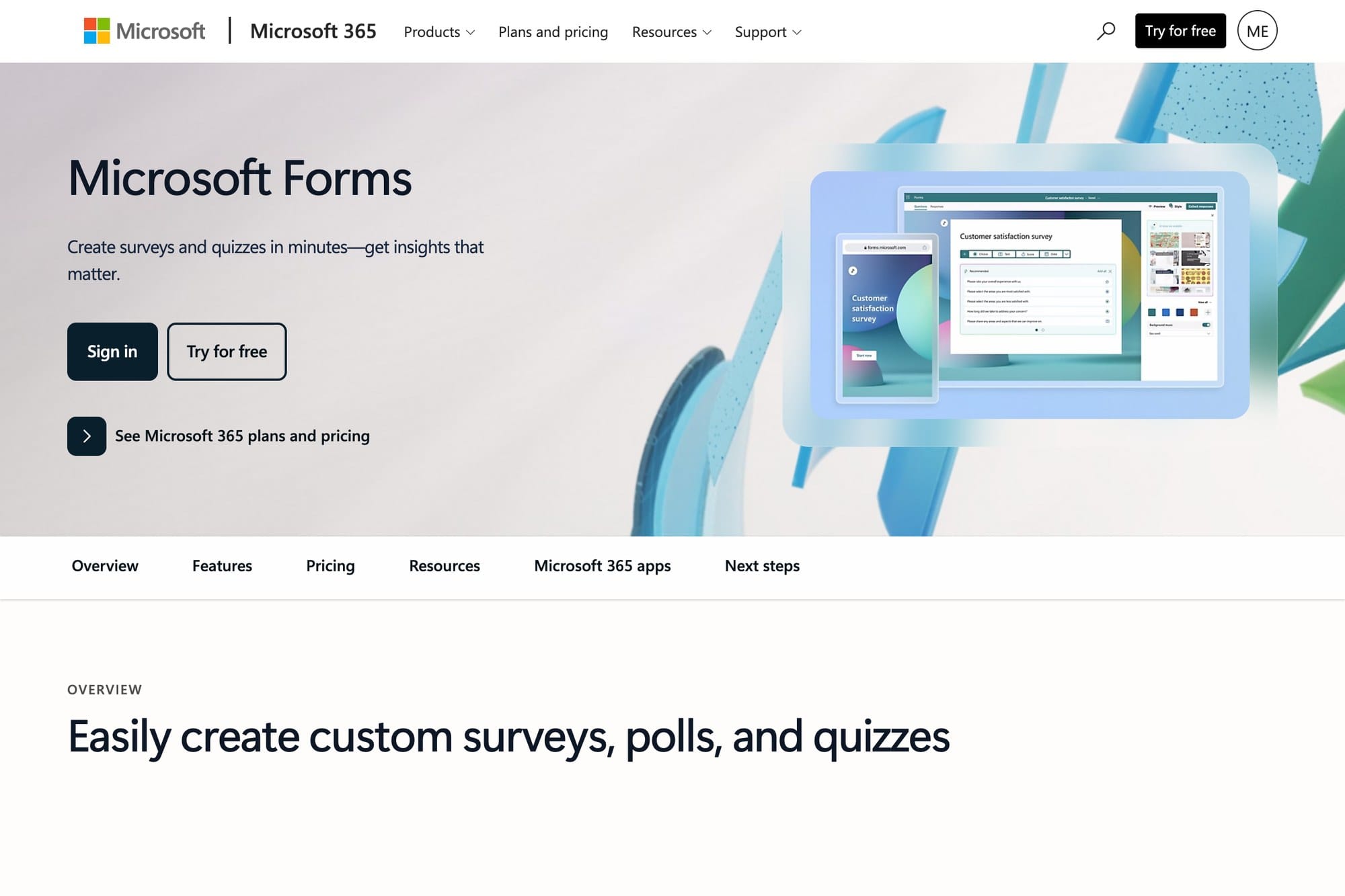
Microsoft Forms is the best fit when your school, nonprofit, or workplace already uses Microsoft 365. It can collect RSVP answers, quizzes, polls, and feedback, and responses can be reviewed with Microsoft account workflows.
Choose it when your audience is already inside Microsoft Teams, Outlook, OneDrive, or Excel. It is less flashy than some dedicated form builders, but it is practical for internal attendance confirmation.
Jotform
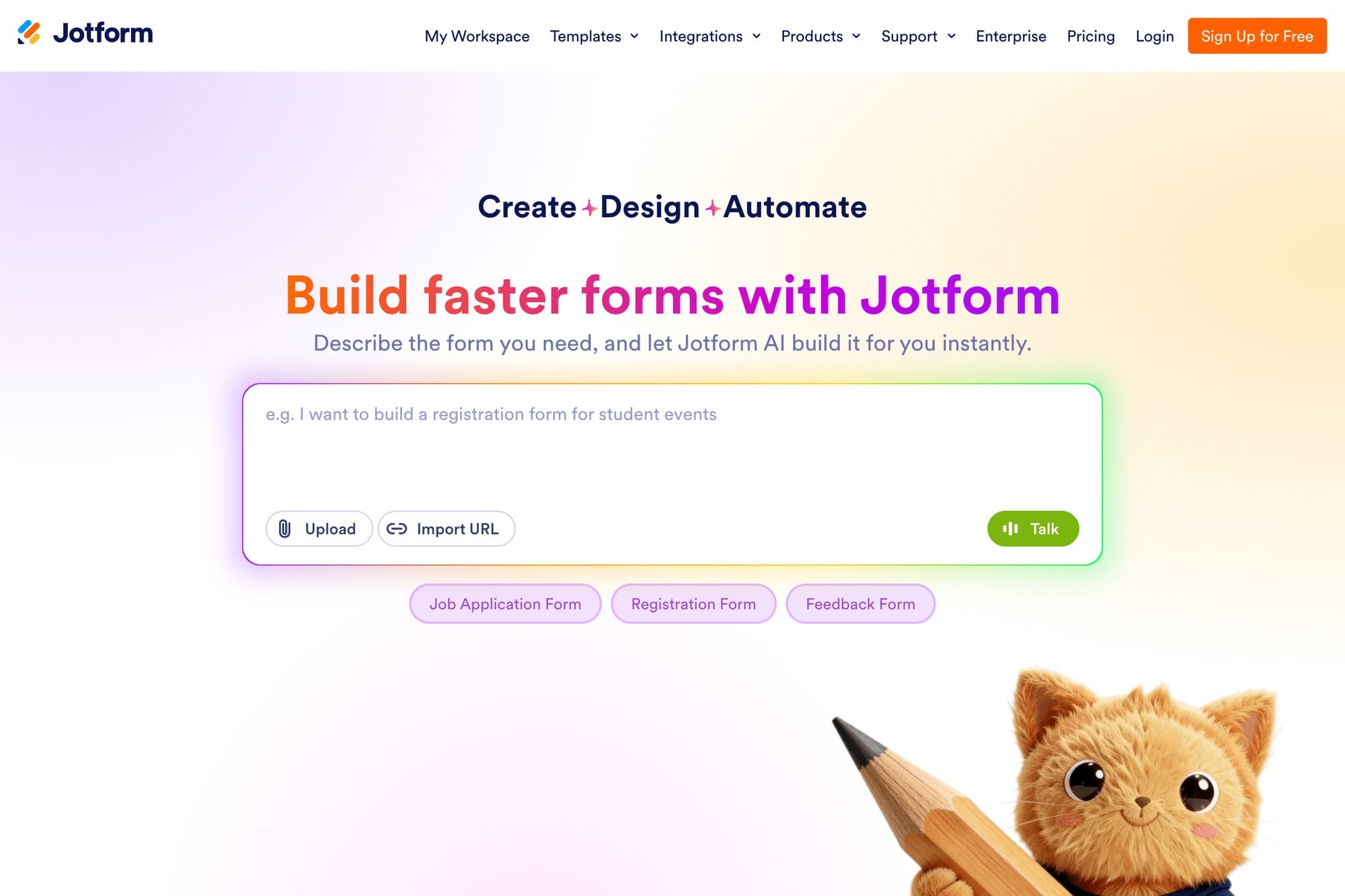
Jotform is a strong choice when your RSVP form needs to feel more polished than a basic questionnaire. It has a large template library, conditional fields, integrations, and options for event registration workflows.
Use it for workshops, community events, paid registrations, volunteer signups, and forms that need more than "yes/no/maybe." Check the current plan limits before relying on it for a large event.
Typeform

Typeform is best when the experience of answering matters. Instead of showing a dense form all at once, Typeform presents questions one step at a time, which can feel friendlier for public-facing event registration.
It is a good option for branded meetups, community surveys, open house events, and marketing-related signups. For a simple headcount, Google Forms is usually faster. For a polished public RSVP, Typeform is worth considering.
SurveyMonkey
SurveyMonkey is better known for surveys than simple RSVPs, but it can still work well when attendance confirmation is part of a broader feedback or questionnaire workflow.
Choose SurveyMonkey if you need post-event feedback, audience research, training evaluations, or more structured survey analysis. If all you need is a list of attendees, it may be more tool than necessary.
Best choice by use case
| Use case | Best pick |
|---|---|
| Small meetup or club event | Google Forms |
| School or workplace using Microsoft 365 | Microsoft Forms |
| Public registration form with richer fields | Jotform |
| Branded RSVP or marketing event | Typeform |
| RSVP plus feedback survey | SurveyMonkey |
For most small events, start with Google Forms. It is fast, familiar, and easy to export. Move to Jotform or Typeform when the form itself needs to look polished or handle more complex logic.
Tips for cleaner RSVP collection
- Put the response deadline near the top of the form
- Use multiple choice for attending, not attending, and maybe
- Ask for one name field per attendee if guests are allowed
- Keep optional notes separate from required fields
- Add meal, accessibility, or consent questions only when needed
- Send a confirmation message after submission
- Export responses before making final lists or name tags
The most common mistake is asking everything in one free-text box. Structured fields make the response table much easier to sort and filter later.
FAQ
Can I use Google Forms for RSVPs?
Yes. Google Forms is one of the easiest ways to collect RSVPs. Create a form with name, attendance status, guest count, and notes, then share the link.
Is an RSVP app different from a scheduling app?
Yes. A scheduling app helps a group choose a date and time. An RSVP app or form confirms who is attending after the date is already set.
Which tool is best for a business event?
For internal business events, Microsoft Forms is convenient if your company uses Microsoft 365. For public-facing events, Jotform or Typeform may look more polished.
Can these tools collect payments?
Some form builders, such as Jotform and Typeform, offer payment-related integrations on certain plans. Check the current plan details before using a form for paid registration.
Do attendees need to install an app?
Usually no. The tools in this guide are web-based, so attendees can respond from a phone or computer browser.
Summary
For simple RSVP and attendance confirmation, Google Forms is the safest first choice. If your organization already uses Microsoft 365, Microsoft Forms fits naturally. For public registrations, richer templates, or a more polished experience, consider Jotform or Typeform. If attendance is part of a larger survey or feedback workflow, SurveyMonkey is also worth checking.
The key is to separate scheduling from attendance confirmation. Choose the date with a scheduling tool if needed, then use a form to collect names, headcounts, and details in a format you can actually review.