
Scheduling a meeting should not take ten messages. A good scheduling app lets you share available times, collect preferences, avoid double-booking, and send calendar invites without going back and forth.
This English version is not a direct translation of the Japanese article. For English-speaking users, the best options are different, so this guide focuses on Calendly, Doodle, Google Calendar, When2meet, and Cal.com. It also adjusts the App Store links, screenshots, and recommendations for users in the United States and other English-speaking markets.
Table of Contents
- How to Choose a Scheduling App
- Scheduling App Comparison Table
- Recommended Scheduling Apps
- Which App Should You Choose?
- Tips for Faster Scheduling
- FAQ
- Summary
How to Choose a Scheduling App
Group polls vs booking links
Scheduling tools usually fall into two categories. A group poll is best when several people need to vote on possible times. A booking link is best when you want someone to choose from your available slots.
- Group poll: useful for dinners, volunteer meetings, clubs, and informal events
- Booking link: useful for sales calls, interviews, office hours, consulting, and customer support
Check platform support and mobile access
The organizer may prefer a desktop browser, but invitees often answer from a phone. Before choosing a tool, check whether invitees can respond without installing an app, whether the organizer has an iPhone app, and whether the service works well with Google Calendar, Outlook, or Apple Calendar.
Scheduling App Comparison Table
| Service | Best for | Type | Platforms | App Store |
|---|---|---|---|---|
| Calendly | Professional booking links | Booking page | Web, iPhone, Android | Yes |
| Doodle | Group polls and simple coordination | Polls + booking | Web | Mobile app paused |
| Google Calendar | People already using Google | Calendar + appointment schedules | Web, iPhone, Android | Yes |
| When2meet | Fast group availability grids | Group poll | Web | No |
| Cal.com | Open scheduling workflows | Booking page | Web, iPhone, Android, desktop companion | Yes |
Recommended Scheduling Apps
Calendly
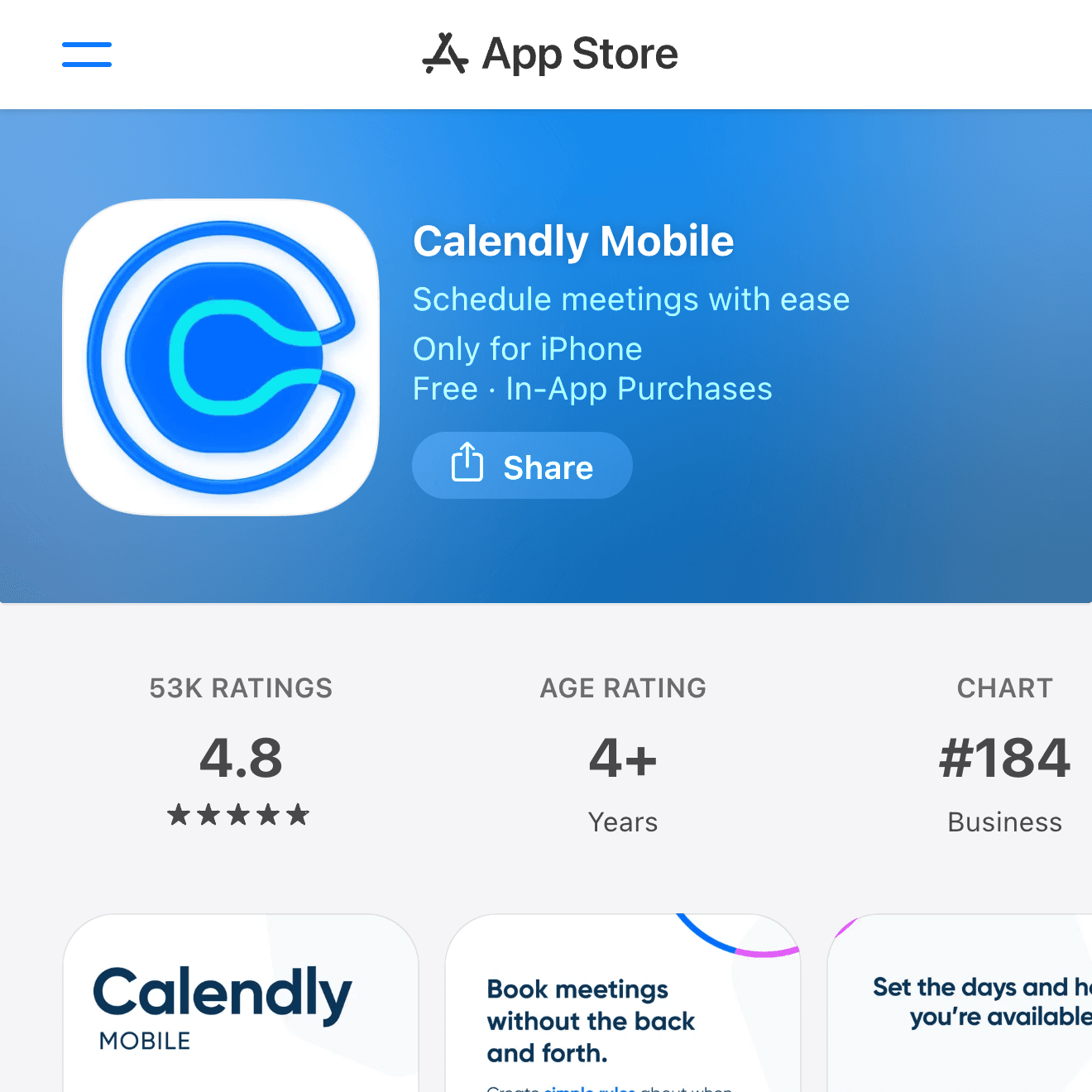

Calendly is the most straightforward choice for professional booking links. You connect your calendar, set rules for meeting types, and share a link so invitees can book a time that fits your availability.
It is especially useful for sales calls, recruiting, consulting, office hours, customer onboarding, and any situation where you want the other person to choose from your available slots.
| Platforms | Web, iPhone, Android |
| Best for | Professional booking links |
| Good fit | Sales, recruiting, consulting, customer meetings |
Doodle
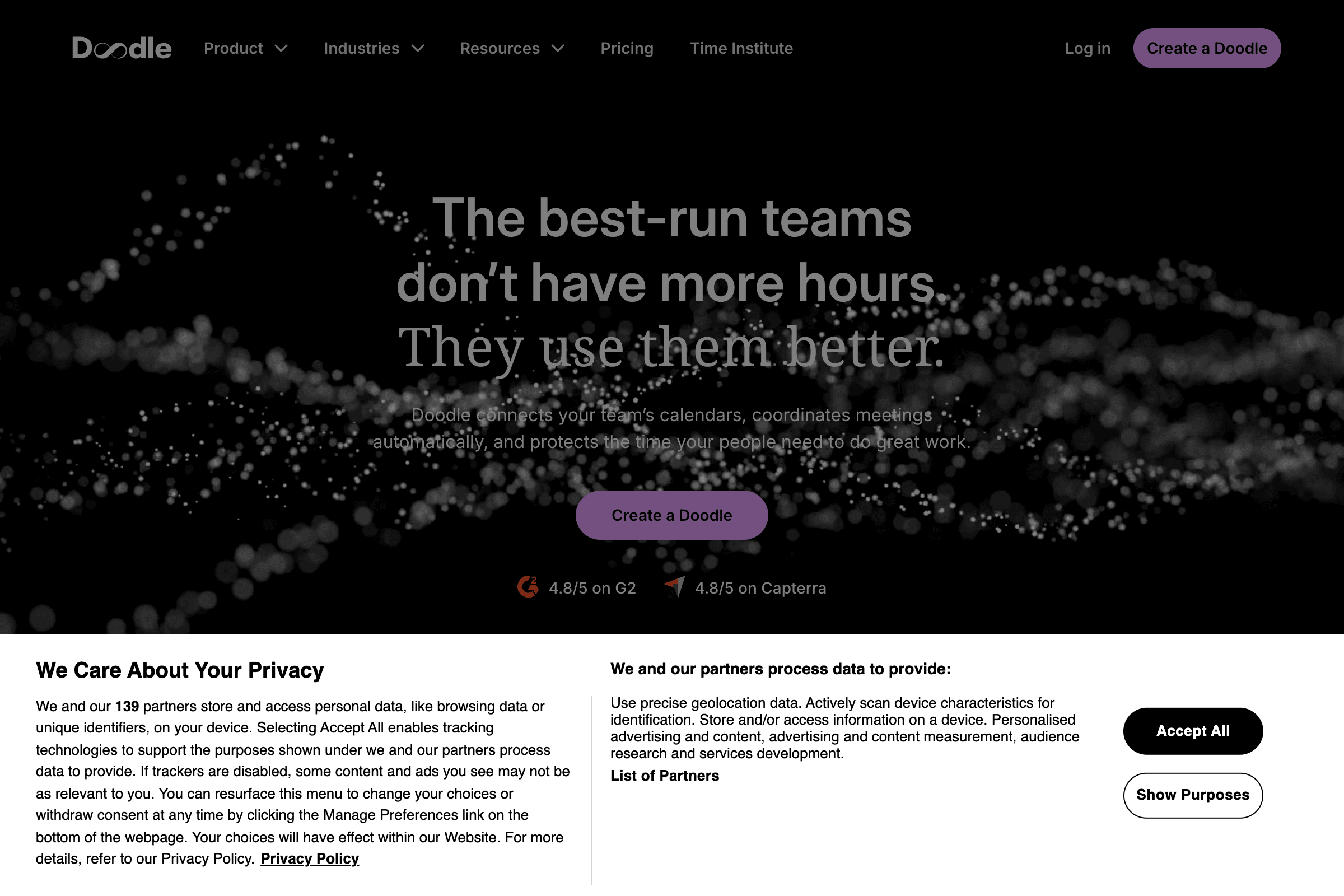
Doodle is a familiar option for group scheduling. It works well when several people need to vote on possible dates, such as team events, committee meetings, club gatherings, interviews, or volunteer coordination.
Doodle's own announcement says its mobile app has been paused on the App Store and Google Play, so this guide treats Doodle primarily as a web-based scheduling service. That is still fine for many invitees because they can respond from a browser.
| Platforms | Web |
| Best for | Group polls and date voting |
| Good fit | Events, committees, volunteer groups, larger teams |
Google Calendar Appointment Schedules
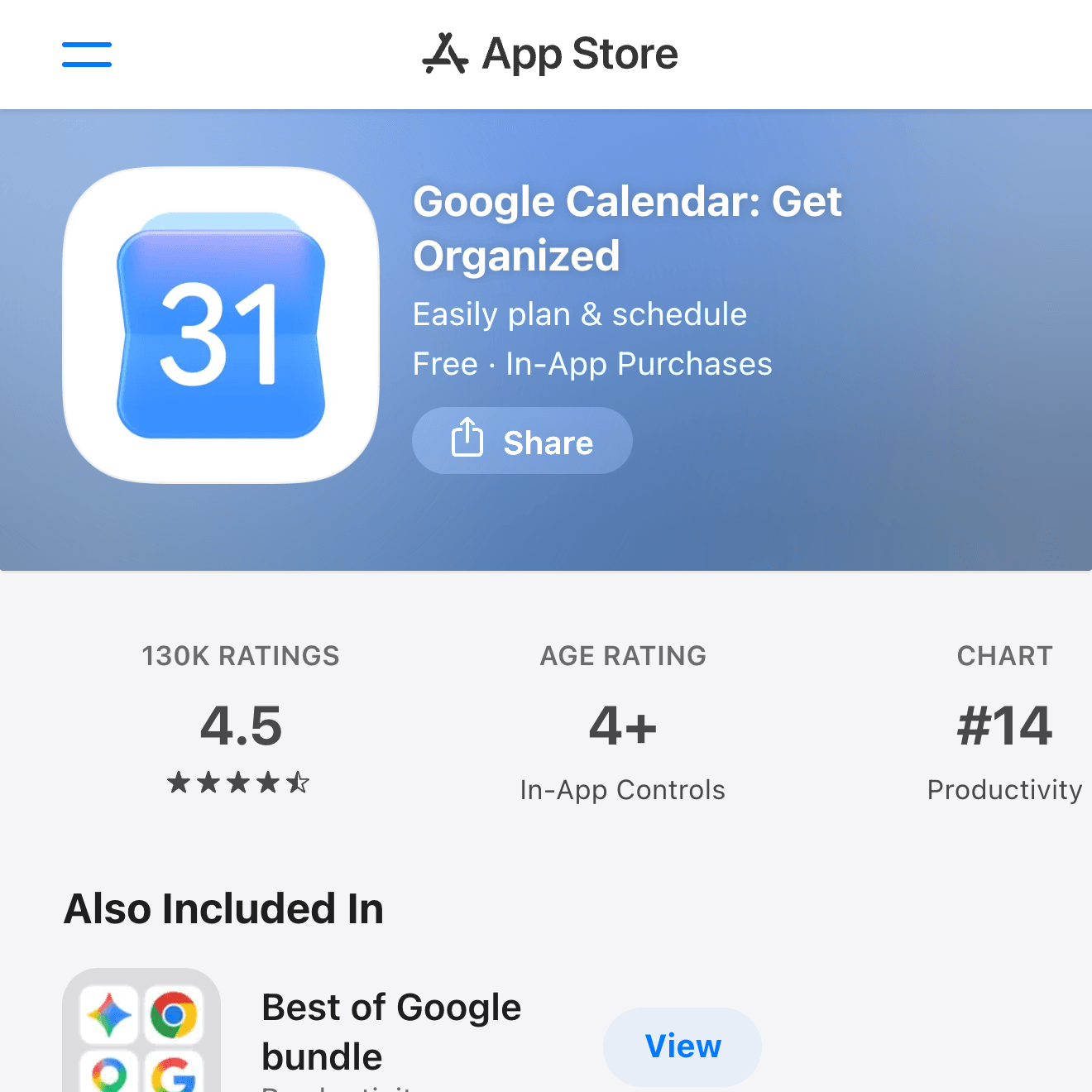
Google Calendar is not only a calendar app. For people already using Google Workspace or Gmail, its appointment schedules can be enough for simple booking pages without adding another dedicated scheduling service.
It is a good fit when your team already lives in Google Calendar, your meetings are simple, and you want fewer tools to manage. For more advanced routing, team scheduling, or payment workflows, Calendly or Cal.com may be a better fit.
| Platforms | Web, iPhone, Android |
| Best for | Google-first scheduling |
| Good fit | Personal appointments, office hours, simple booking pages |
When2meet
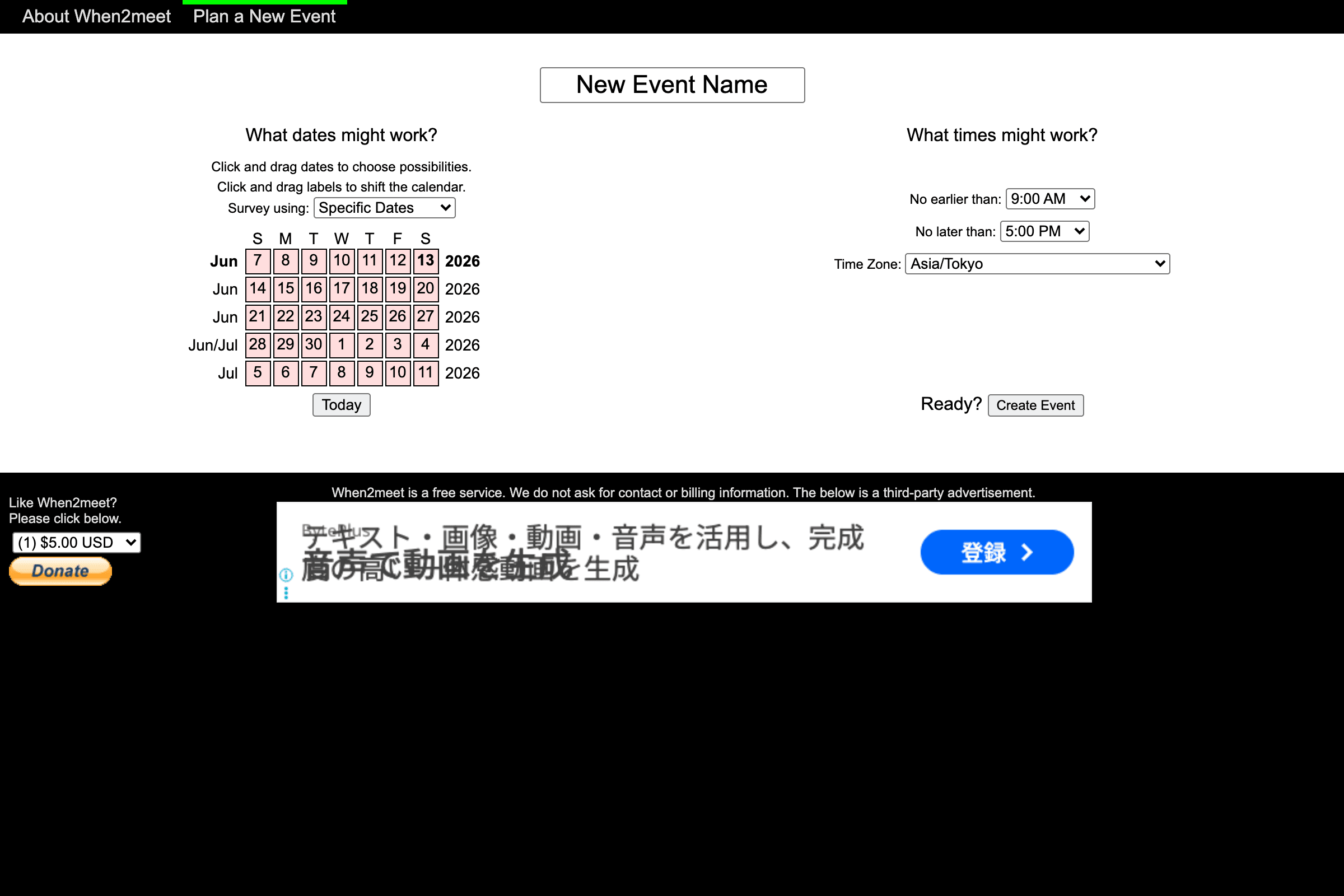
When2meet is simple, old-school, and still useful. Instead of asking people to pick from a short list of times, it lets everyone mark their availability on a grid. That makes it easy to find overlaps across a group.
The interface is not polished, and there is no App Store app to recommend. The benefit is speed: for informal group availability checks, When2meet can be faster than setting up a full booking workflow.
| Platforms | Web |
| Best for | Group availability grids |
| Good fit | Classes, study groups, community groups, informal meetings |
Cal.com
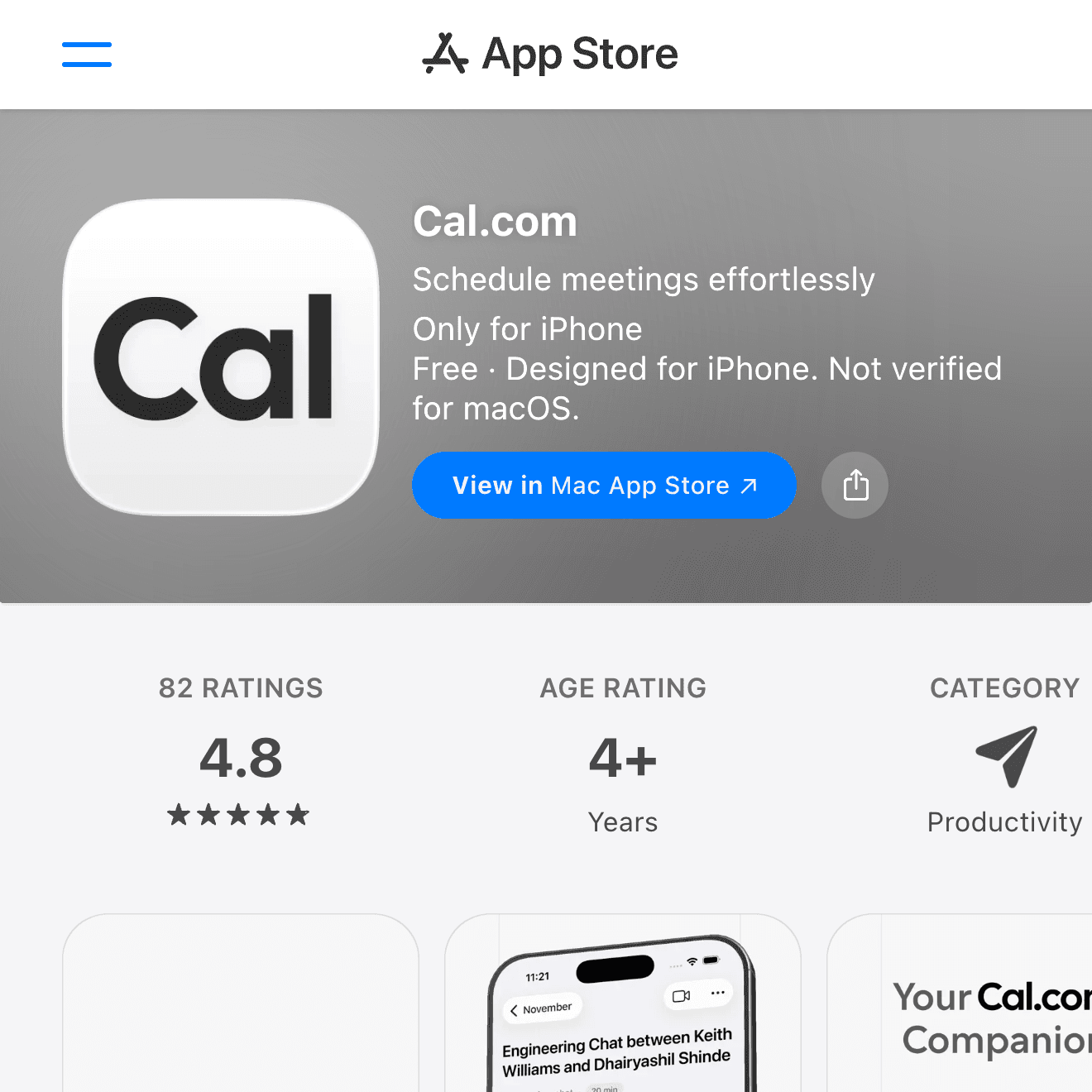
Cal.com is a flexible scheduling platform for people who want more control over workflows, integrations, routing, and team booking. It is a strong Calendly alternative, especially for teams that want a more open scheduling stack.
For a solo user, it may be more tool than you need. For a startup, agency, or technical team, its flexibility can be a major advantage.
| Platforms | Web, iPhone, Android, desktop companion |
| Best for | Flexible booking workflows |
| Good fit | Startups, teams, routing workflows, advanced scheduling |
Which App Should You Choose?
- Professional one-on-one booking: Calendly
- Group date voting: Doodle
- Simple Google-based scheduling: Google Calendar
- Fast informal availability grid: When2meet
- Flexible team scheduling workflows: Cal.com
If you are coordinating a form-based event after the date is already fixed, a scheduling app may be more than you need. In that case, a form tool can be simpler. See the Google Forms guide for building RSVP and survey forms.
Tips for Faster Scheduling
- Offer fewer time slots than you think you need.
- Set a response deadline for group polls.
- State the meeting length, time zone, and format clearly.
- Connect your calendar before sharing booking links.
- Send a calendar invite immediately after the time is confirmed.
Most scheduling problems come from unclear constraints. If invitees know the time zone, meeting length, location, and deadline, they can respond faster.
FAQ
Can I use these apps for free?
Yes, most of these services have a free option or free entry point, but limits vary. Free plans may restrict the number of event types, booking pages, integrations, reminders, or team features. Check each official pricing page before using the tool for business workflows.
Do these apps sync with Google Calendar or Outlook?
Calendly, Doodle, Google Calendar, and Cal.com are built around calendar availability in different ways. If avoiding double-booking matters, connect your calendar before sharing a booking link. For informal group polls, calendar sync may be less important.
What is the difference between a scheduling app and an RSVP form?
A scheduling app helps decide when an event should happen. An RSVP form collects attendance details after the date is already decided. For example, use Doodle or When2meet to choose the date, then use Google Forms to collect meal choices, headcount, or notes.
Summary
Calendly is the easiest recommendation for professional booking links. Doodle is useful for group date voting, Google Calendar is enough for many Google-first users, When2meet is fast for informal availability grids, and Cal.com is strong for flexible team scheduling workflows.
Choose based on the scheduling pattern first: group poll, booking link, calendar-native appointment page, or simple availability grid. The best app is the one your invitees can answer quickly without confusion.